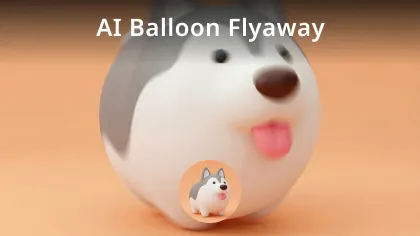
AI Flying Video Generator: Make your fly videos
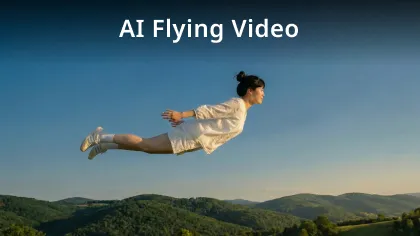
Upload your photo and make the flying video with AI Flying Video Generator. A tool for creative video production and social content, the AI Flying Video Generator transforms static images into dynamic flying scenes.
AI Flying Video Generator Example Videos
AI Flying Video Generator supports converting images of people, objects, or scenes into flying animation effects.
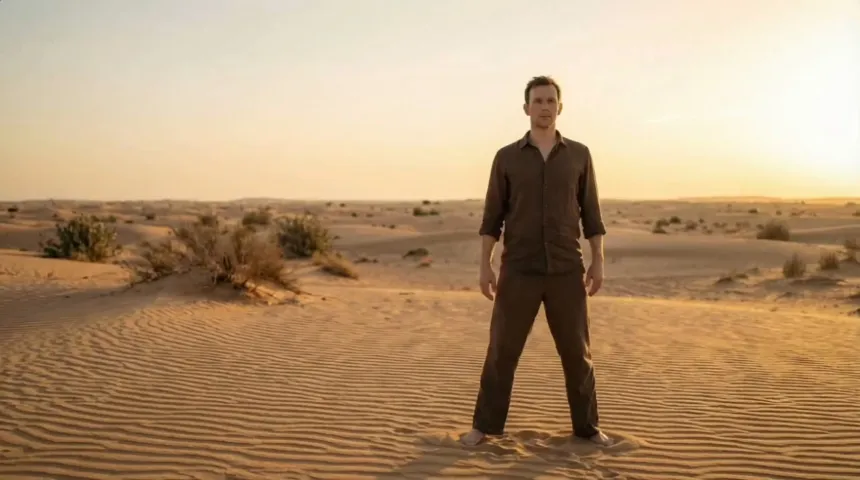
Core Features of AI Flying Video Generator
Designed for dynamic airborne motion generation and visual animation, with emphasis on stable output and controllable styles.
Image to Flying Animation
Convert a single image into a dynamic flying video. Algorithms simulate liftoff, gliding, acceleration, and aerial trajectories, giving static photos a real sense of movement—ideal for people, pets, floating objects, or simulated aerial scenes.
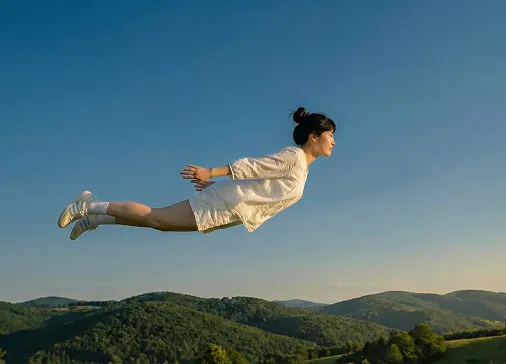
Text-based Flying Style Control
Set flight modes and visual effects through description—such as gentle floating, rapid traversal, high-altitude dives, or cinematic aerial shots. The system adjusts motion and composition to closely match your creative intent.
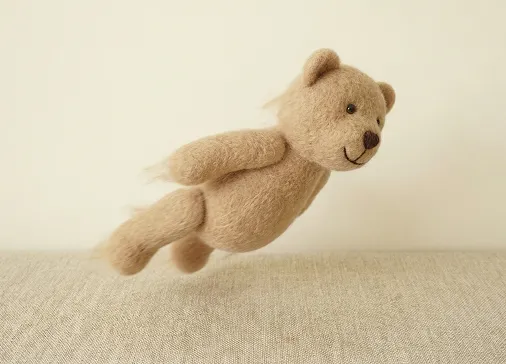
Multi-Scene Flying Adaptation
Generate flying actions in diverse backgrounds—cityscapes, skies, or landscapes. Lighting and spatial relationships are automatically matched to the environment, ensuring natural integration of the flying effect with the scene.
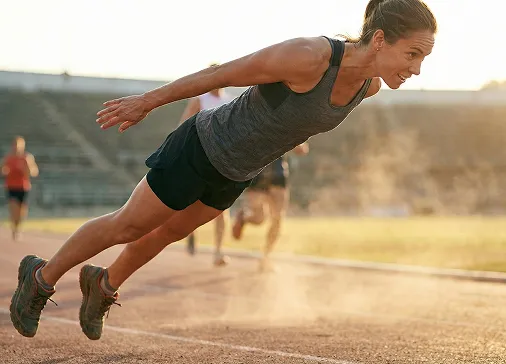
Advantages of AI Flying Video Generator
Optimized for operational efficiency and content adaptability.
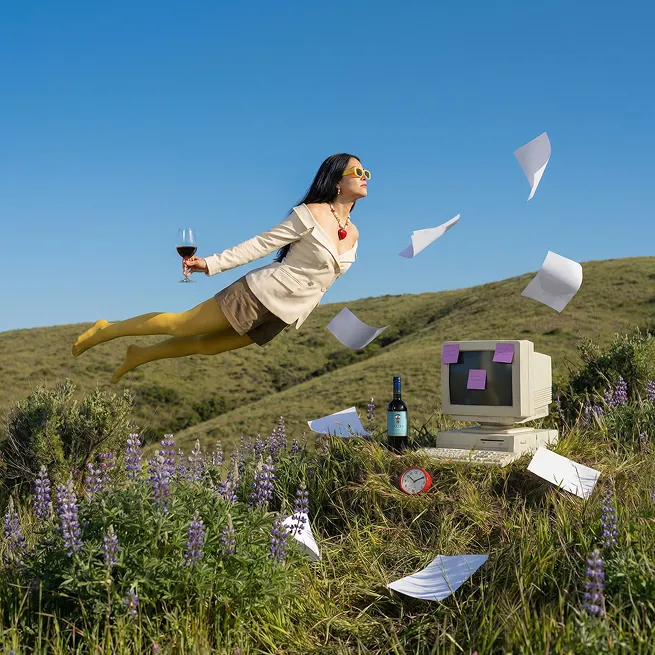
Intuitive Workflow
No advanced editing skills needed. Simply upload your source image and enter a description—ideal for new creators or high-frequency video production.
Diverse Flying Presentations
Supports a variety of flying styles and paces—suited for hero flights, aerial showcases, and creative dynamic demos to enhance the impact of your content.
Stable Visual Output
Maintains visual structure and subject clarity during generation, minimizing jitter and distortion for videos ready for direct sharing.
Use Cases for AI Flying Video Generator
Covers creative production and expressive visual storytelling needs.
Short Video Creative Content
Ideal for social platform flying animation—turns ordinary photos into engaging, dynamic clips to boost attraction and viewer interaction.
Personal Image Showcases
Makes personalized flying effect videos for avatars, profile animations, or creative self-introductions—helping your visuals stand out.
Product & Scene Display
Present products or environments from a flying perspective—great for showing off layouts, atmospheres, or dynamic scene introductions.
How to Use AI Flying Video Generator
AI Flying Video Generator usage steps.
Step 1
Upload the image you want to transform with the flying effect.
Step 2
Generate the video and preview the effect.
Step 3
Export the video file for publishing or saving.
Related Video Templates for AI Flying Video Generator
Experience the power of AI: transform your images into soaring, animated flying videos with our advanced AI Flying Video templates.
Generate high-quality videos with image.
Generate a dynamic AI video with description.
Modify video with AI.

Create superman video with AI.
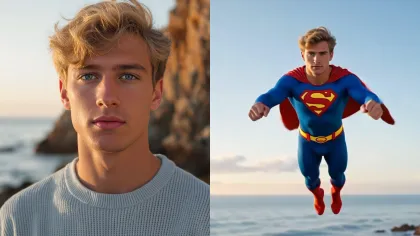
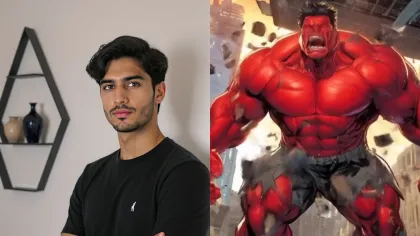
Create hulk transformation video with AI.
Generate video with audio by Google Veo 3.1
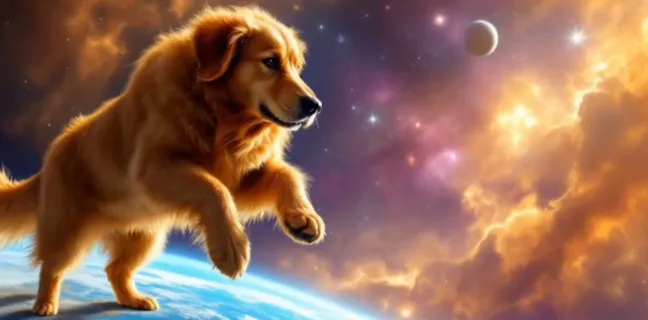
Video motion control with Kling AI.
Generate video with Vidu Q1
Create stunning Labubu doll transformation videos.
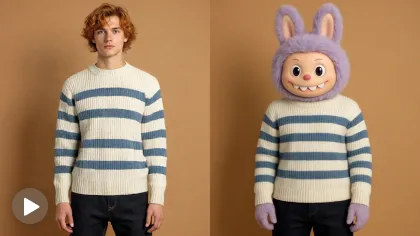
Create object flying video with AI.
Generate balloon flyaway video with AI.