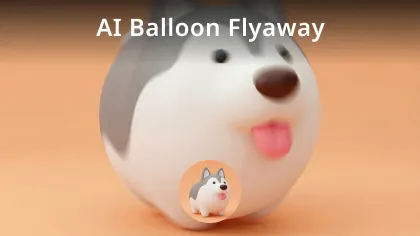
GPT Image 1.5 AI Image Generator
Create / Edit images with GPT Image 1.5 powered by ChatGPT. GPT Image 1.5 can generate visual content from text descriptions and also supports modifying or expanding existing images. The model is designed with a core emphasis on image capability, suitable for a variety of creative and expressive needs.
Core Features of GPT Image 1.5 AI Image Generator
GPT Image 1.5 specializes in text-to-image generation, image input understanding, and image-based editing and enhancement. It is intentionally limited to these imaging capabilities, avoiding expansion into structured outputs or function calling—ensuring the model is firmly focused on image processing.
Text-to-Image Generation
The model generates images based on input text descriptions, covering objects, scenes, people, environments, and more. Text prompts can be used to specify style, mood, composition, or details, aligning results closely with creative direction.
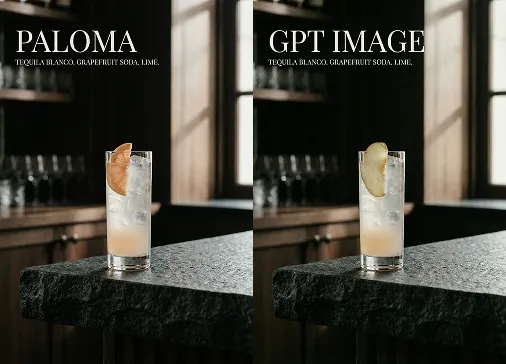
Image Input & Output
Direct image input is supported, with outputs that combine analysis and generation. The model understands subjects, layouts, and visual elements in the image, enabling extended or iterative creative expression.
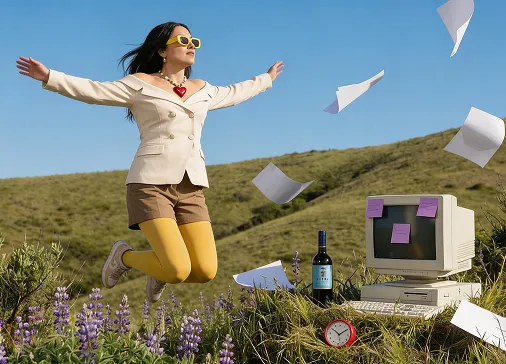
Image Editing & Generation
Supports editing with input images, including replacing elements, enhancing details, filling in content, and local modifications—allowing existing materials to evolve further, while saving time and effort by avoiding complete regeneration.
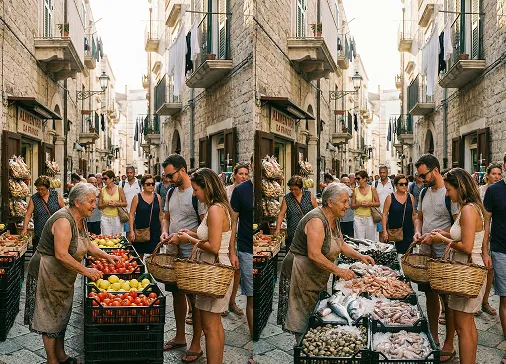
Advantages of GPT Image 1.5 AI Image Generator
GPT Image 1.5 provides a reliable tool for content creation thanks to clear feature boundaries and stable image generation. It’s ideal for creative and production environments where consistency is required.
Image Capability Focus
With a model design focused on image generation and editing, users experience a streamlined, uninterrupted workflow for image-related tasks—free from distraction by unrelated functions.
Flexible Text-to-Image Expression
Image creation through natural language makes creative workflows accessible and intuitive, allowing for detailed and nuanced expression with low learning overhead.
Snapshot Version Lock
Supports locking to a specific GPT Image 1.5 model version with snapshot capabilities—ensuring consistent results and stable production processes even as models evolve.
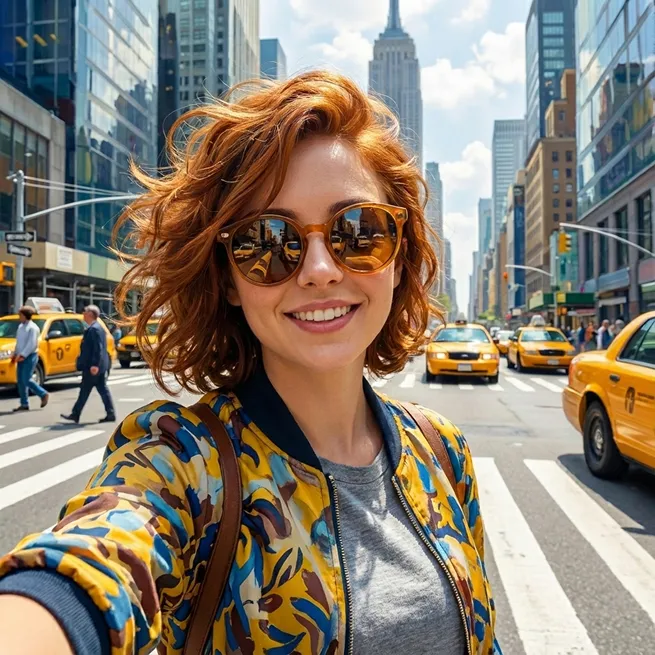
Application Scenarios for GPT Image 1.5 AI
GPT Image 1.5 is suitable for creative work, design support, visual presentation, and content production—helping users transform concepts into visual outcomes.
Visual Content Creation
Ideal for brand visuals, social media images, and promotional materials. Users can generate initial drafts with descriptions, then refine results as needed.
Product & Concept Showcasing
Turn text ideas into image sketches to accelerate early-stage discussion or planning, reducing misunderstandings common in text-only communication.
Education & Instructional Illustrations
Generate diagrams or explanatory images to support content delivery, making abstract concepts easier to understand.
How to Use GPT Image 1.5 AI Image Geneartor
Follow these steps to get the best results with GPT Image 1.5:
1. Enter a Clear Prompt or Upload an Image
2. Specify Key Elements
3. Refine as Needed
Explore More AI Creation Tools for AI Generation
Discover powerful AI-driven resources to elevate your digital artwork and content creation.
Generate high-quality videos with image.
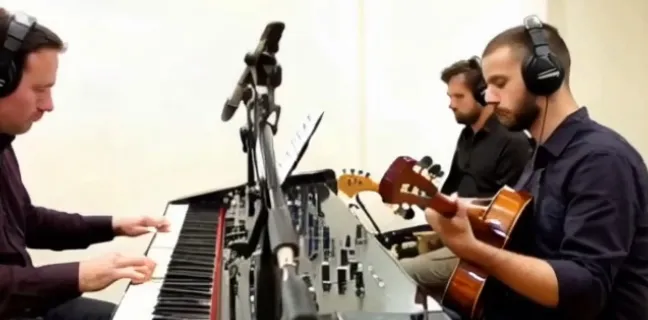
Generate a dynamic AI video with description.
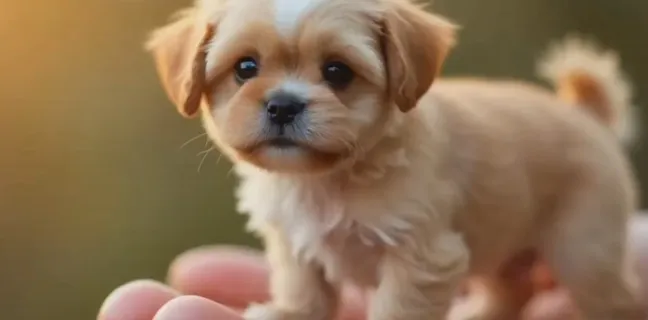
Modify video with AI.

Create superman video with AI.
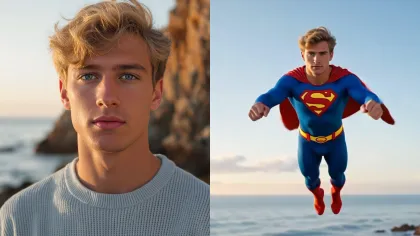
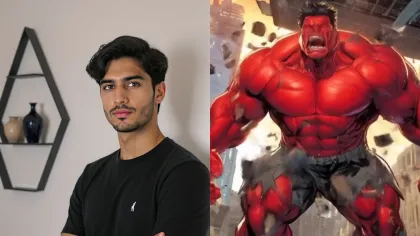
Create hulk transformation video with AI.
Generate video with audio by Google Veo 3.1
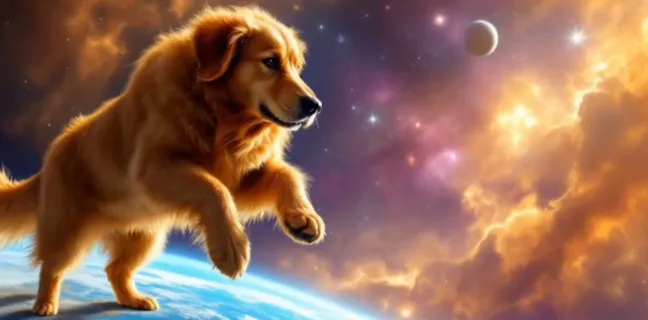
Video motion control with Kling AI.
Generate video with Vidu Q1
Create stunning Labubu doll transformation videos.
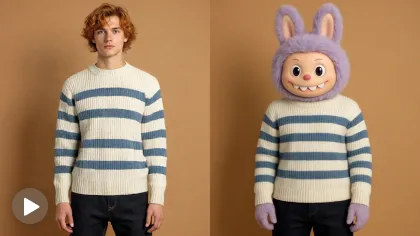
Create object flying video with AI.
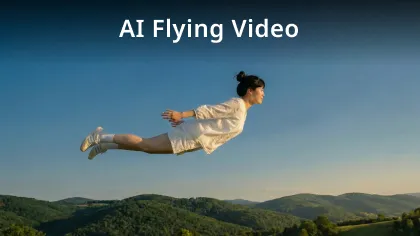
Generate balloon flyaway video with AI.