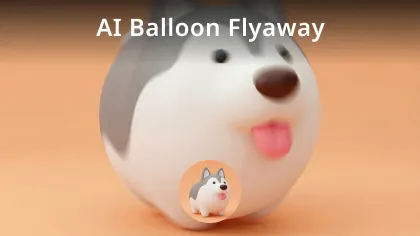
Video to Video AI Generator for Image Animation
Animate your image with Video to Video AI Generator. Upload your video / image, modify the video by the uploaded image and get the image animation video.
Examples of Video to Video AI Generator
See how our Video to Video AI Generator can transform your videos into different artistic styles.
🌟 Core Features of Video to Video AI Generator
Expand new visual possibilities for every video with ease.
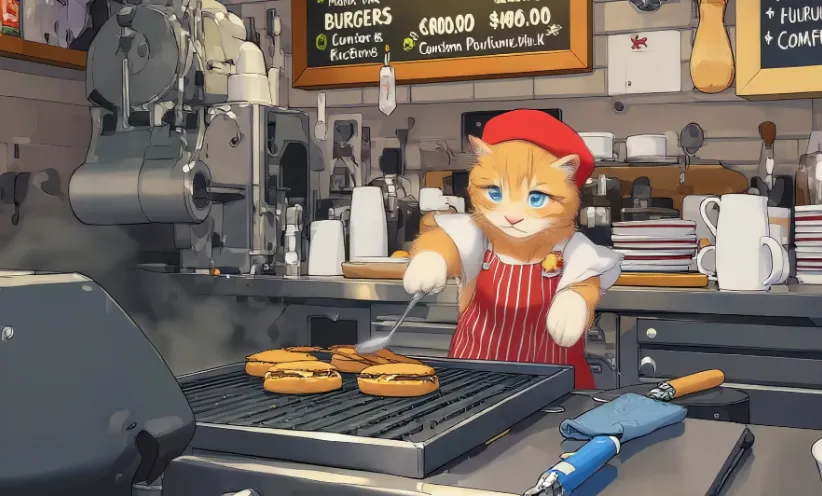
Motion & Rhythm Preservation
Maintain complete character movements, expressions and compositions from imported videos, ensuring strong visual continuity.
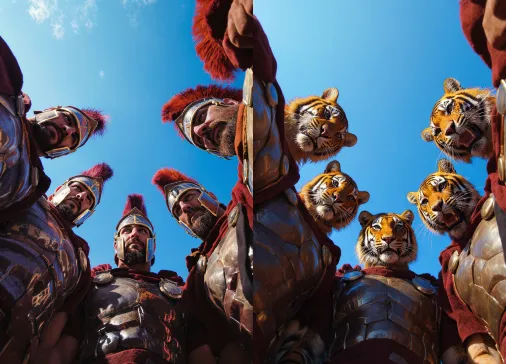
Scene & Style Transformation
Quickly transform scenes into space, cyberpunk cityscapes or switch between indoor/outdoor settings through prompts or visual references.
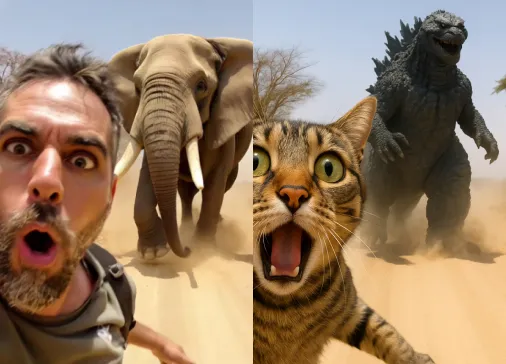
Element Modification
Change only clothes, props, backgrounds or add visual effects (like flames, UFOs) without complex keying or tracking.
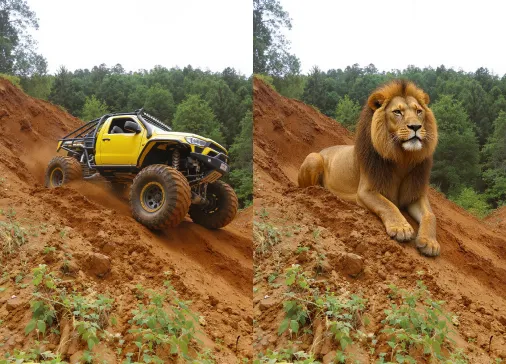
Three-Level Intensity Control
Choose from Adhere (subtle), Flex (balanced), or Reimagine (reconstruction) presets to control modification extent based on needs.
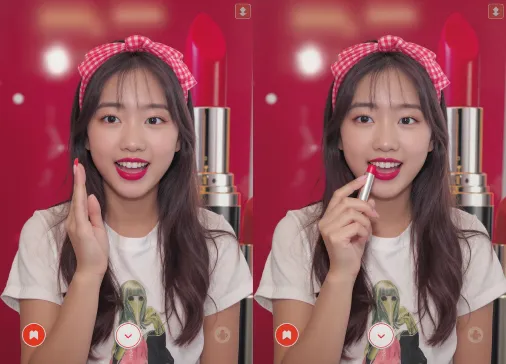
🚀 Benefits of Video to Video AI Generator
Make creative expression more flexible, efficient and visually aligned with your needs.
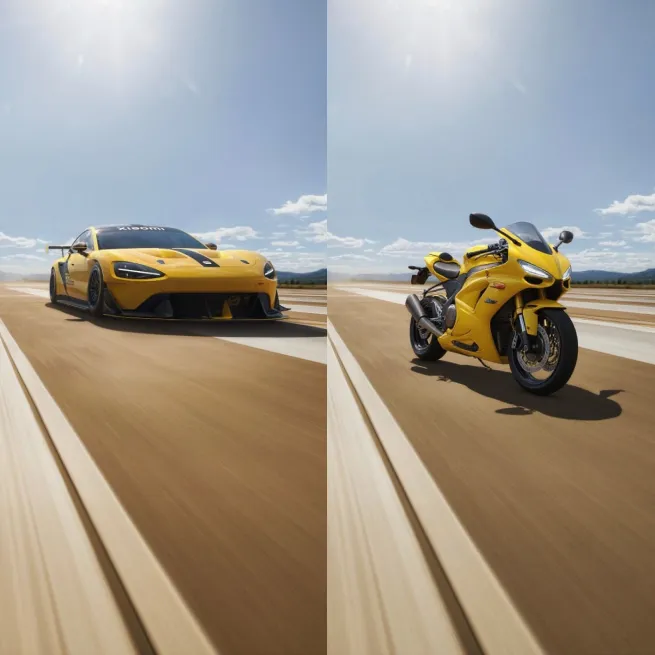
No Reshooting or Complex Equipment
Generate professional-grade effects without green screens, motion capture devices or high-end post-production processes.
Balance Expression & Innovation
Maintain natural original performance while easily exploring new styles.
Flexible Multi-Version Output
Generate multiple visual versions of the same material for comparison, proposals or creative iteration.
🎉 Applications of Video to Video AI Generator
Meet diverse content creation needs across different industries.
Social Media & Short Videos
Quickly transform everyday footage into stylized, visually impactful short clips.
Concept Testing & Preview
Quickly validate visual effects in different styles or backgrounds without building sets.
Advertising & Marketing
Efficiently adjust video visuals to fit multiple channels or style requirements with flexibility.
How to Use Video to Video AI Generator: Quick Guide
Easily create image animations or change your video's style by following these optimized steps.
Select What You Want to Do
Choose whether you want to animate an image or modify the style of a video.
Upload Your File
Depending on your purpose, upload either an image (for animation) or a video (for style transformation).
Configure Settings or Enter Prompt
Pick the suitable options, prompts, or styles as needed for your project.
Generate Result
Click generate—AI will process and deliver your animated image or stylized video!
More Video Templates like Video to Video AI Generator
Explore our collection of AI-powered video transformation tools for more creative possibilities.
Generate high-quality videos with image.
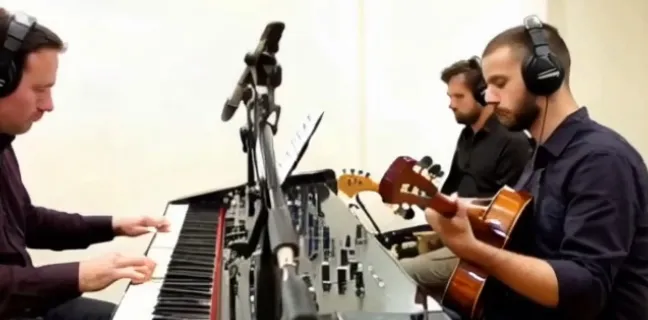
Generate a dynamic AI video with description.
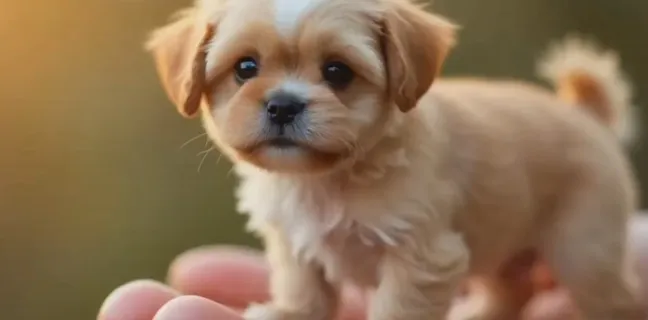
Modify video with AI.

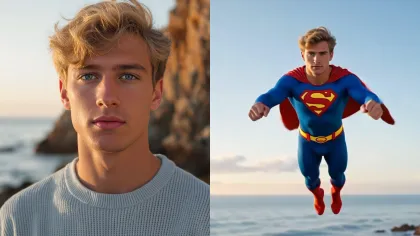
Create superman video with AI.
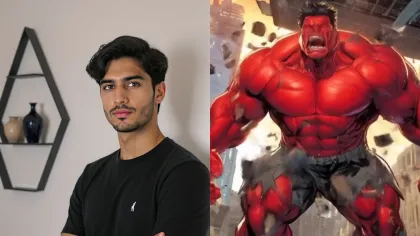
Create hulk transformation video with AI.
Generate video with audio by Google Veo 3.1
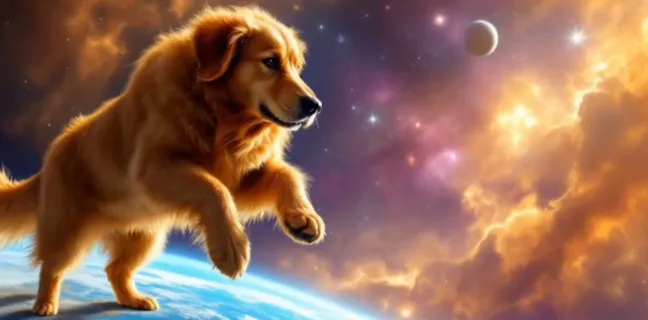
Video motion control with Kling AI.
Generate video with Vidu Q1
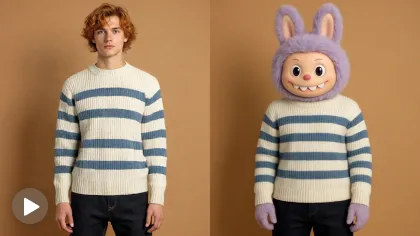
Create stunning Labubu doll transformation videos.
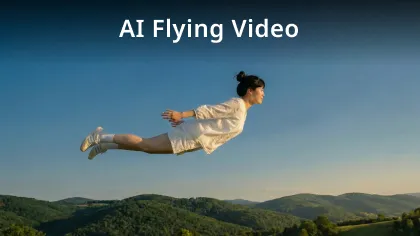
Create object flying video with AI.
Generate balloon flyaway video with AI.