Tweet not found
The embedded tweet could not be found…

Create detailed visuals with Free GPT Image 2 on AI Facefy. Turn a written brief into a product scene, poster or illustration, or upload reference photos and describe the changes you want. Choose an aspect ratio, preview your result and download it 100% free, with no signup required and unlimited generations for exploring your best visual direction.
Experience free GPT Image 2 and GPT Image 2.5 image creation on AI Facefy, or follow the Flaq API entry for model access. API usage is priced separately from the free browser tools.
OpenAI describes improved detail, edit precision, and preservation of subjects across changes in 2.5. Try the free 2.5 generator with a prompt or one reference to explore those changes for your own visual brief.
Read OpenAI’s Images 2.5 introduction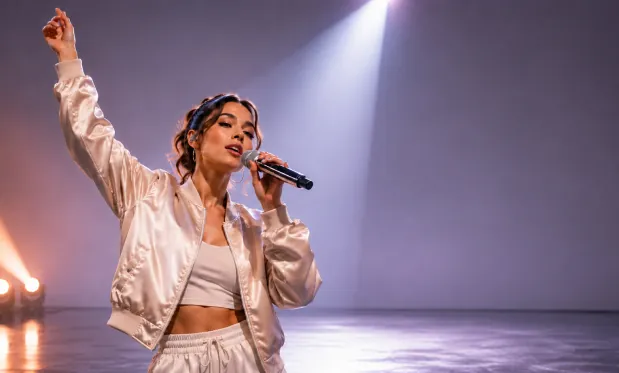
GPT Image 2 Product Showcase
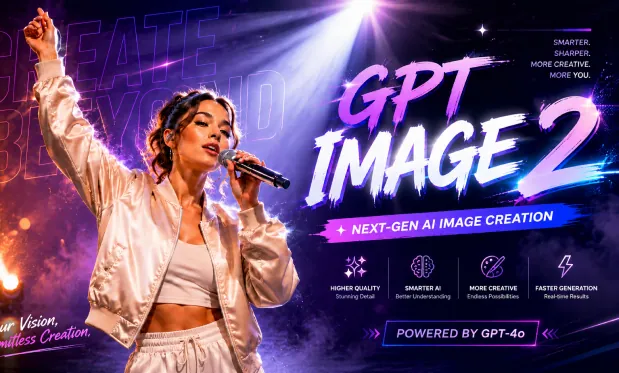
GPT Image 2 Product Showcase
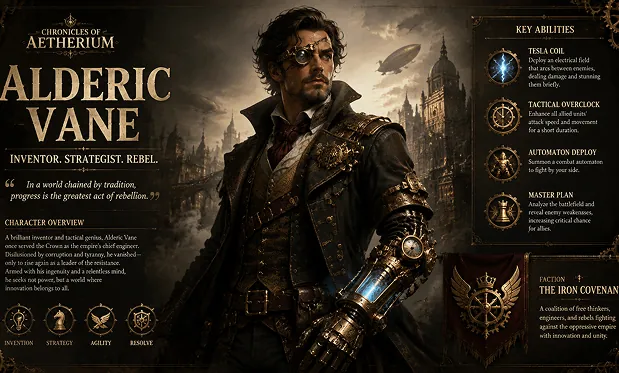
Cinematic AI Scene
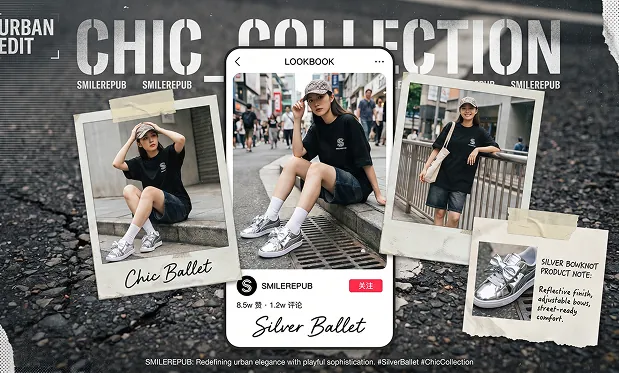
Cinematic AI Scene
Start creating images online without registration. Enter a prompt, choose your creative direction, and generate AI images in a browser-based workflow without account setup.
Describe the subject, setting, lighting, camera angle, style, color palette, mood, typography, and composition, then create detailed images that follow your prompt.
Upload reference images to guide image-to-image generation, redesign existing visuals, test new styles, refine product shots, restyle portraits, or preserve key visual direction.
Create square posts, portraits, banners, thumbnails, posters, widescreen scenes, and mobile-ready visuals with ratios such as 1:1, 4:5, 9:16, 16:9, and 21:9.
Enter a prompt and complete verification to generate for free. Compare creative directions without creating an account.
Specify where objects belong, how the scene is lit, or what to change in a reference. Use those instructions to guide the generated composition.
Explore unlimited free generations on AI Facefy. Change the background, lighting or visual style, then preview the variations to choose the direction that works for your project.
Preview completed images, compare the details, and download the versions you want to use as starting points for your project.
Describe the subject, background, and space needed for your layout. Choose a suitable aspect ratio and generate a visual concept for the post.
Upload product references or describe the product setting. Generate a campaign draft and check recognizable details before further design work.
Upload the photo and specify a new environment or visual style. Compare the generated edit with the reference to assess the details you wanted to preserve.
Describe the idea, audience, and composition you need. Generate a draft illustration, then review labels and visual details before using it in slides.
Join our Free GPT Image 2 AI Image Generator community on Twitter to stay updated on the latest features and creative trends.
Write your prompt, optionally upload references, and choose an aspect ratio. Complete verification, generate an image, and download the version you want to keep.
The embedded tweet could not be found…
Made mine in multi-panel style 🔥 Enhanced the prompt using Mage.Space Prompt Help and generated using GPT-Image 2 #aiart #aitool #magespace #lalisa


把自己变成真人小手办这件事 再加一点故障风英文排版 突然就有种杂志棚拍 + AI 玩具图鉴的感觉了 STATIC MUSE / PIXEL FEVER 信号坏了,但氛围对了 用 gpt-image2 试了一下 效果比想象中还像真的棚拍成片


Country posters made with GPT Image 2 on @Flovaai. Prompt ⤵️


Top famous luxury fashion brands infographics posters made with GPT Image 2 Prompt ⤵️

The embedded tweet could not be found…
