
Free GPT Image 2.5 AI Image Generator & Editor
Explore Free GPT Image 2.5, also known as ChatGPT Images 2.5, on AI Facefy. Create detailed product scenes, artwork and social graphics from text, or use one reference image to guide an edit. Choose from nine aspect ratios, preview and download your result 100% free, with no signup required and unlimited generations to refine your ideas.
GPT Image Tools and API Access
Experience free GPT Image 2 and GPT Image 2.5 image creation on AI Facefy, or follow the Flaq API entry for model access. API usage is priced separately from the free browser tools.
Explore the 2.5 Image Update
OpenAI describes improved detail, edit precision, and preservation of subjects across changes in 2.5. Try the free 2.5 generator with a prompt or one reference to explore those changes for your own visual brief.
Read OpenAI’s Images 2.5 introductionExplore Image Creation and Edits with Free ChatGPT Images 2.5
Explore ChatGPT Images 2.5 compositions and reference-guided edits, then try them for free on AI Facefy. Use the examples to plan the subject, lighting and visual style for a new image or a change to one reference photo.
Image Examples 1–2
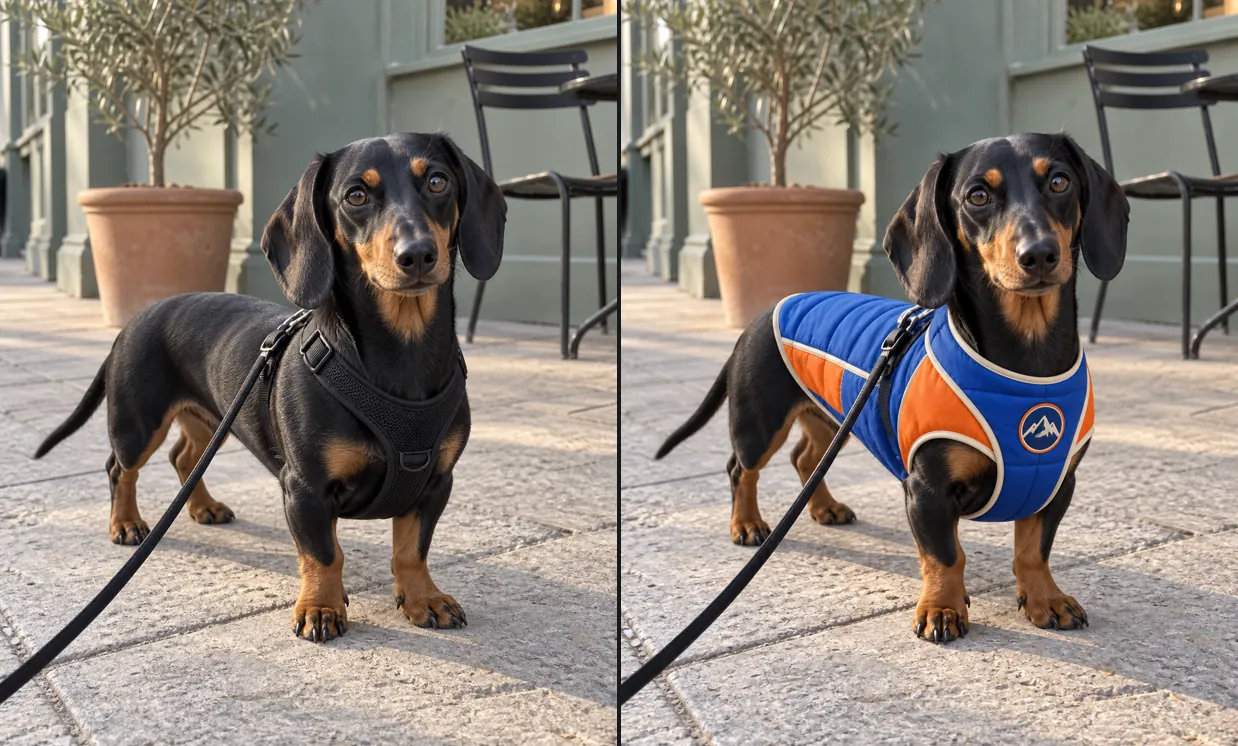
GPT Image 2.5 image example 1
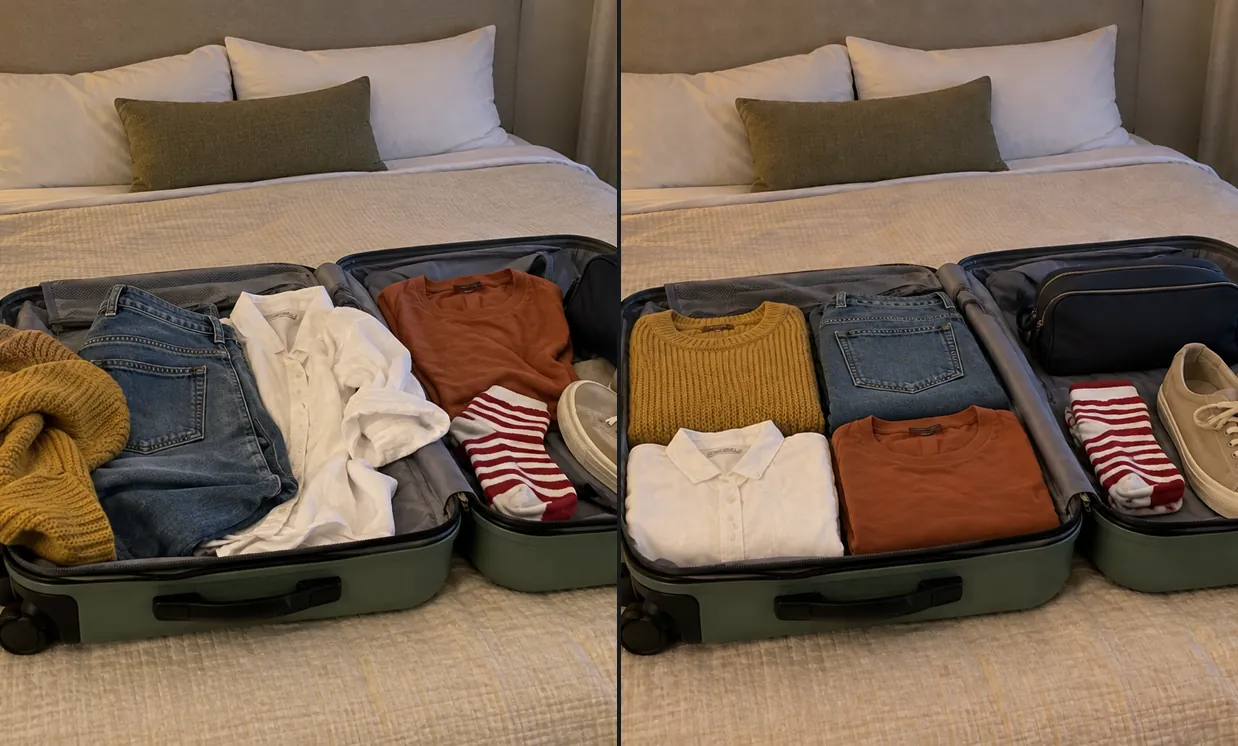
GPT Image 2.5 image example 2
Image Examples 3–4
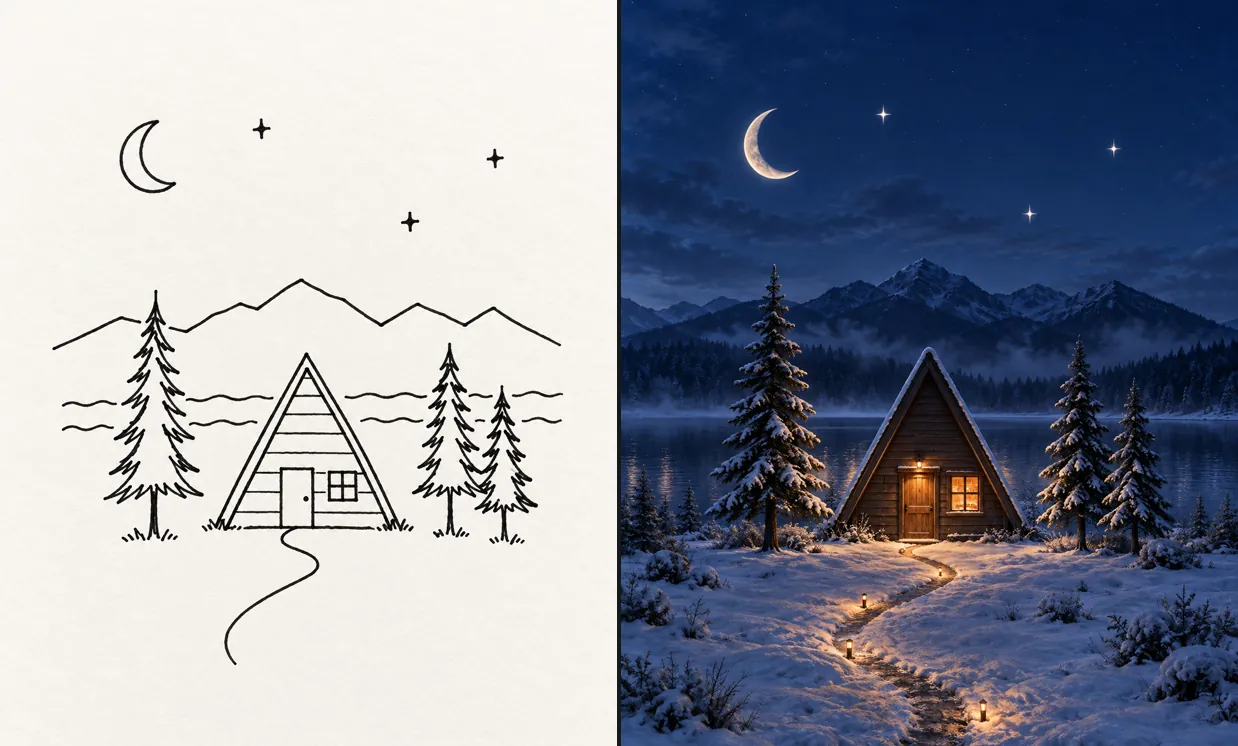
GPT Image 2.5 image example 3
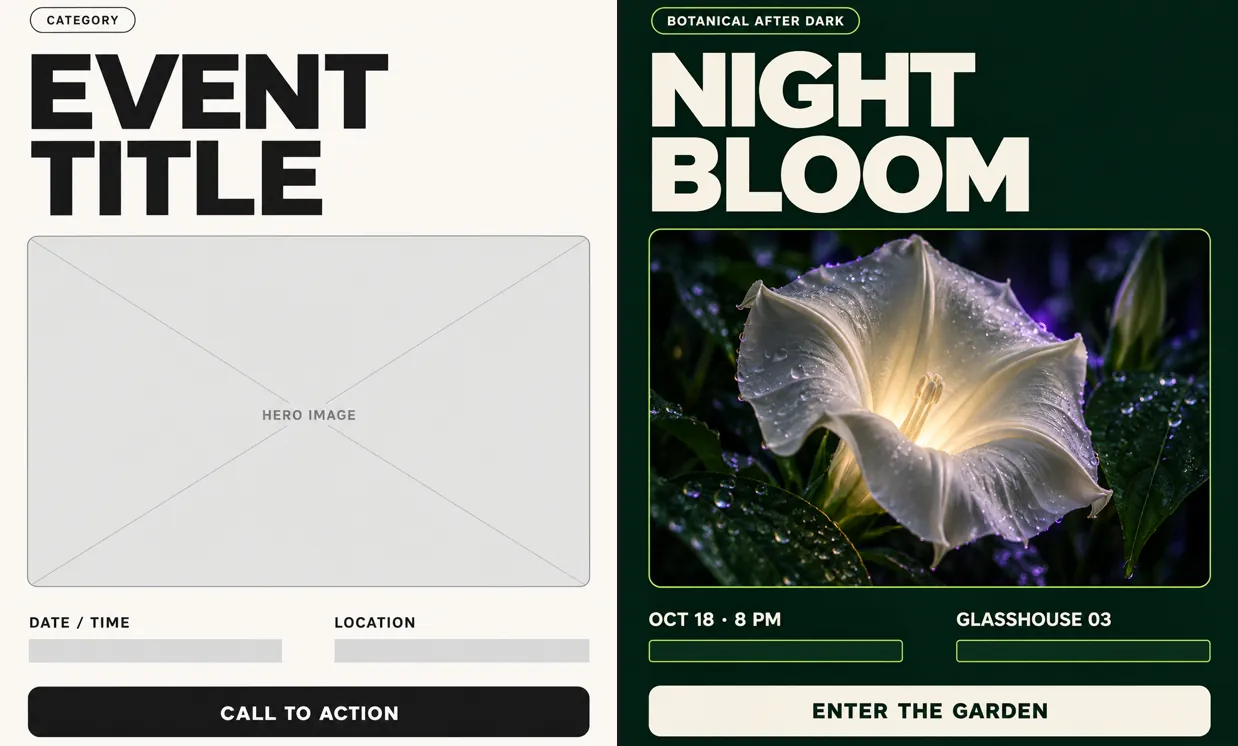
GPT Image 2.5 image example 4
Compose from Text or One Reference with Free ChatGPT Images 2.5
Experience GPT Image 2.5 image creation and editing for free on AI Facefy. Build a composition from text or guide a change with one reference image. Choose from nine aspect ratios and describe the lighting, textures and subject details you want to bring into the result.
Build an Image from a Brief
Describe a bottle on a matte surface with soft side lighting and room for a headline. Use the prompt to specify the subject, setting, and composition before generating.
Guide a Change with One Image
Upload one reference image for your social graphic and describe the background, colors or style to change. Specify the subject details you want to preserve to guide a more focused edit.
Compose in Nine Aspect Ratios
Choose from nine aspect ratios, starting with the default 1:1 square. Select a wide or portrait frame when it better fits your planned composition.
Preview and Save Your Picture
Inspect the image output, then open Download and use the continue-download option. Save the versions you want to develop further.
Try Image Ideas without Signup with Free ChatGPT Images 2.5
Try GPT Image 2.5 on AI Facefy, 100% free with no signup required and unlimited generations. Explore detailed compositions from text or one reference image, compare your prompt revisions and download the versions that fit your brief. Free requests may queue.
100% Free Image Generation
Generate an image 100% free from your brief. You can try the picture in the free form before considering a separate advanced tool.
Create Without an Account
No signup is required to generate an image. Write the prompt and complete verification rather than setting up an account first.
Start from Words or One Reference
Create from a written description when you have a new idea, or add one reference image when a visual detail should guide the result.
Review for More Detail
Preview the generated picture, which can contain more detailed and refined image information. Check fine subject details and composition, then adjust your next prompt to guide even richer results.
Plan Product Scenes and Social Visuals with Free ChatGPT Images 2.5
Explore product scenes, social graphics, storyboard illustrations and mood board images for free on AI Facefy. Start with a written brief or one reference image, then refine the composition and details to suit your creative project.
Describe a bottle on a matte surface with soft side lighting and room for a headline, or use one reference image to guide the result. Generate a composition to review for a product launch concept.
Product Visual Concepts
Describe layered paper shapes in a bold palette with a clear central subject, or use one reference image to guide the result. Generate a composition to review for a social post opening.
Social Graphics
Describe a traveler at a forest entrance, illustrated with a clear foreground and distant light, or use one reference image to guide the result. Generate a composition to review for a storyboard discussion.
Storyboard Illustrations
Describe a quiet lake with pale mist, restrained colors, and a low horizon, or use one reference image to guide the result. Generate a composition to review for a visual mood study.
Mood Board Images
Create and Edit with Free ChatGPT Images 2.5 on AI Facefy
Describe the subject, setting, lighting, and composition. Add up to one reference image, choose one of nine aspect ratios, complete verification, and generate. Preview the image and continue through the download dialog to save it.
Describe the subject and the visual change you want
Choose a ratio and add one reference image if needed
Complete verification, generate, and download your image
Choose Inputs and Save Results with Free ChatGPT Images 2.5
Free ChatGPT Images 2.5 Prompt Resources
Explore the awesome ChatGPT Images 2.5 prompt collections on GitHub. Adapt a prompt to your own subject, composition, and lighting before trying it in the image form.