If you’ve generated AI video long enough, you already know the pattern: every new model promises “better quality,” but what creators actually need is repeatability. The clip has to look good and you need to be able to make it again—same character, same vibe, same camera language—without burning hours on rerolls.
That’s exactly why the buzz around Kling 3.0 feels different. It’s being framed as a bigger leap in workflow quality, not just sharper frames. At the same time, Kling 2.6 is already a highly practical choice today—especially if you care about consistency and motion control.
In this article, we’ll cover the latest status around the Kling 3.0 AI video generator, how it compares with Kling 2.6, and why a platform like AIFacefy is a strong place to build your workflow right now.
And yes—when you’re ready to create today, the recommendation is straightforward: use Kling 2.6 AI video generator on AIFacefy.
1) Kling 3.0 status: “coming soon” vs “available”
You’ll see the phrase Kling 3.0 model coming soon everywhere. In practical terms, that usually means a staged rollout:
- first, announcement + limited early access
- then, incremental availability on official apps
- finally, wider integrations on third-party platforms
So the key takeaway is this: Kling AI 3.0 video generator may exist as a new generation, but availability depends on where you’re trying to use it. Some creators get access early; others won’t see it for a while.
This is also why it’s smart to plan your workflow like a professional: keep creating with something stable today, and be ready to upgrade instantly when 3.0 shows up.
2) What is Kling 3.0 (plain English)
Kling 3.0 AI video generation refers to the next major iteration of the Kling 3.0 video model.
If you strip away the hype, Kling 3.0 is expected to focus on two big creator needs:
- stronger control (camera, motion, prompt-following)
- better continuity (less identity drift, fewer “melting” artifacts)
Like prior generations, it will likely be used in two core modes:
- Kling 3.0 text to video: you describe a scene and it generates a clip.
- Kling 3.0 image to video: you animate a reference image into a moving shot.
If you’ve ever tried to build a multi-shot sequence and had the character’s face shift every time you rerolled, you already understand the real value proposition.
3) Kling 3.0 new features: what creators should actually look for
A lot of feature talk is marketing talk. The best way to evaluate Kling 3.0 new features is to translate them into outcomes you can test.
A) Identity stability (the make-or-break upgrade)
For creators, the most important upgrade is usually: does the model keep the same person the same person?
Identity drift shows up as:
- faces subtly changing
- hair/wardrobe morphing
- props shifting shape
- background elements warping in and out
So if Kling 3.0 is a real leap, you’ll feel it here first.
B) Motion realism (less float, more weight)
When motion looks “floaty,” it’s usually because the model doesn’t understand weight transfer, foot contact, or object persistence.
A real improvement means:
- steps land on the ground
- hands don’t warp mid-gesture
- cloth moves like cloth
C) Camera control (the cinematic factor)
Creators chasing Kling 3.0 cinematic video aren’t just asking for “film grain.” They want camera behavior that feels directed:
- predictable push-ins and pans
- fewer random zooms
- smoother acceleration
D) 1080p expectations: what that keyword usually means
The phrase Kling 3.0 1080p AI video can mean different things across platforms:
- truly native 1080p output
- lower-res generation that’s clean enough to upscale
- export settings that deliver a 1080p file
The creator goal is the same: a clip that stays sharp and stable once you publish.
4) Kling 2.6: the practical baseline you can use today
While Kling 3.0 is the “future,” Kling 2.6 is the “get work done” model for a lot of creators.
Here’s why:
- it’s documented, mature, and easier to troubleshoot
- it produces consistently strong results with the right prompting
- and most importantly, it can pair well with motion-guided workflows
That last point matters because motion guidance is often the difference between “cool demo” and “repeatable content pipeline.”
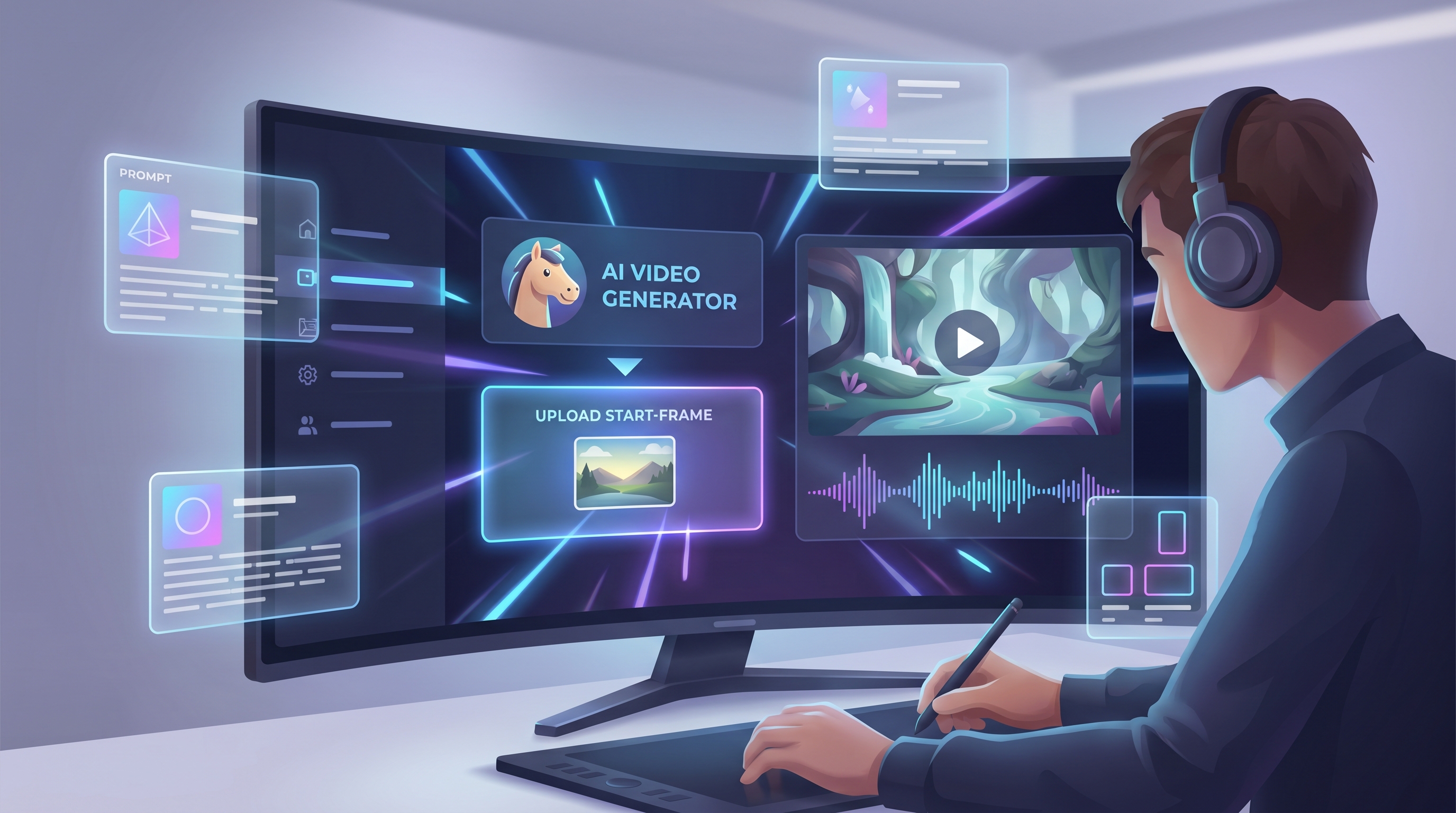
On AIFacefy, Kling is offered through a motion-focused workflow. If you want a reliable starting point, go here:
And because your SEO requirements include linked keyword variants, here are the exact phrases (all pointing to the same page):
- Kling 2.6 text to video
- Kling 2.6 image to video
- Kling 2.6 AI video generation
- Kling 2.6 video model
- Kling AI 2.6 video generator
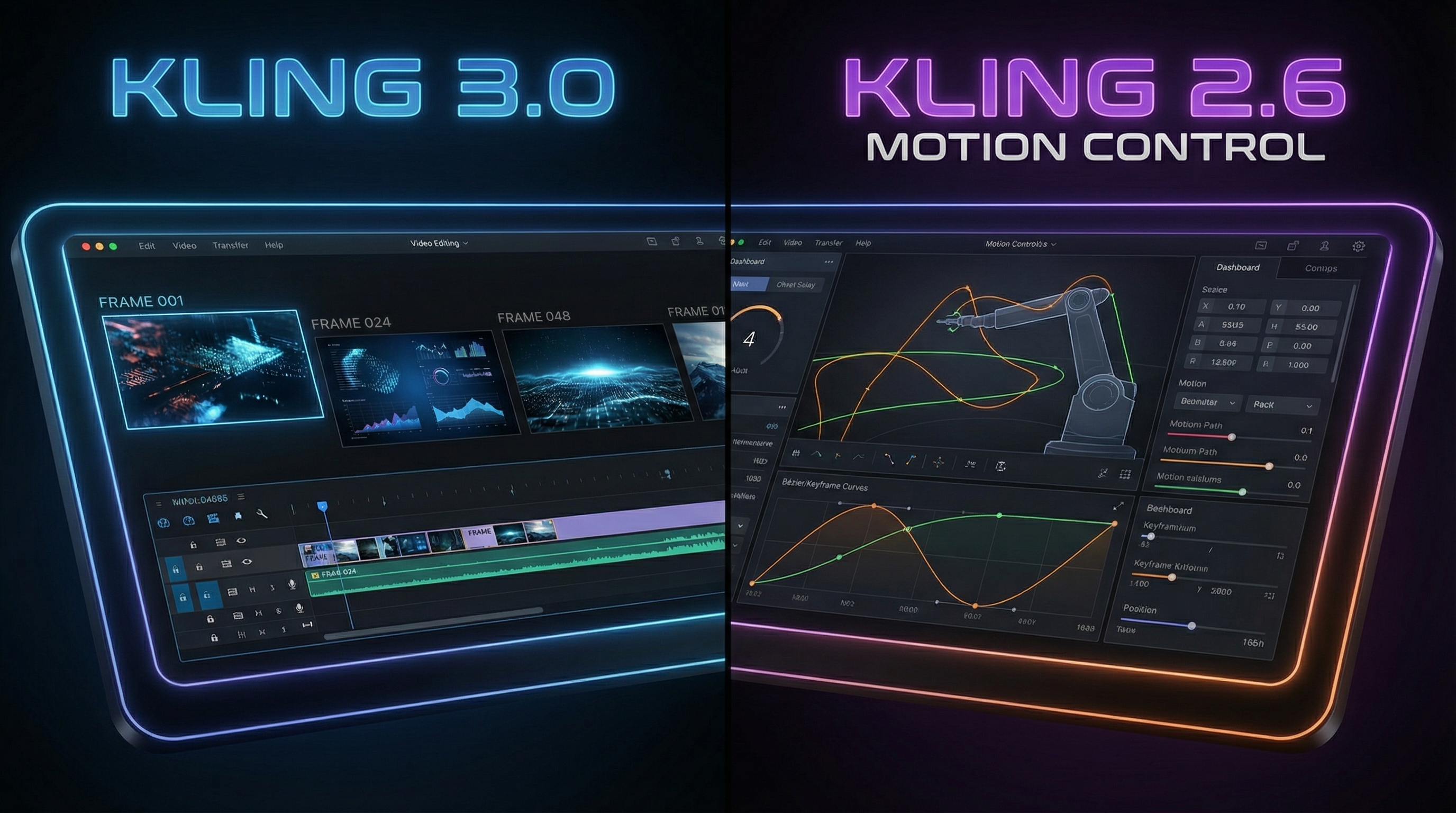
5) Kling 3.0 vs Kling 2.6: the comparison that actually helps creators
Instead of comparing “quality” in a vague way, let’s compare what matters in real production.
Output realism and stability
- Kling 2.6: reliable, strong default quality, easier to get consistent results with a good prompt template.
- Kling 3.0 (expected): better identity stability, smoother motion, fewer artifacts.
Control and workflow maturity
- 2.6 has a stable “known” behavior: you learn its quirks once and reuse your prompts.
- 3.0 will likely be more powerful, but early versions can be unpredictable.
Text-to-video
- Kling 3.0 text to video is expected to improve prompt-following and cinematic camera behavior.
- Kling 2.6 text to video remains a dependable choice for fast ideation and production.
Image-to-video
- Kling 3.0 image to video is expected to get better at preserving identity and reducing “morphing.”
- Kling 2.6 image to video is already a strong approach today when you start with a clean reference image.
Should you switch immediately when 3.0 appears?
If you create regularly, don’t flip your whole pipeline overnight. Instead, run a controlled test pack:
- a character close-up
- a full-body walk shot
- a product hero shot
- a fast motion shot
- an environment reveal
Compare stability, motion, and prompt-following. If 3.0 wins clearly, migrate.
6) Recommended setup on AIFacefy: start with Kling 2.6, upgrade cleanly to 3.0
Here’s the strategy that keeps you productive and future-ready.
Step 1: Build a repeatable prompt “spine”
Use a structure like this:
- Subject
- Action
- Setting
- Camera (one move)
- Lighting
- Style
- Constraints
This “spine” is model-agnostic. When Kling 3.0 becomes available, you keep the spine and only adjust small details.
Step 2: Use motion control when you need consistency
Motion guidance reduces chaos.
If your content involves dance, action, or recurring characters, a motion-guided workflow usually saves rerolls and keeps output consistent.
This is exactly why AIFacefy’s Kling workflow is a smart starting point:
Step 3: Save your “shot pack”
Build a reusable library of shot prompts:
- cinematic close-up push-in
- medium walking profile
- wide establishing reveal
- product hero turntable
Once you have this pack, you can generate faster and keep quality consistent.
7) Prompt templates you can use today (and reuse for Kling 3.0 later)
Template A: Cinematic character shot
A young adventurer in a weathered cloak under warm lantern light in a rainy alley. Subtle breath visible in cold air. Medium close-up. Camera slow push-in. Soft rim light, cinematic lighting, realistic motion. Stable face and outfit, no morphing, no extra limbs.
Template B: Environment reveal
Foggy mountain temple at dawn. Wide establishing shot. Camera gently cranes upward to reveal the roofline and drifting mist. Calm atmosphere, cinematic composition, realistic movement. No warped architecture, no melting details.
Template C: Product hero shot
A minimalist product hero shot on a clean studio background. Slow controlled camera pan. Softbox lighting, crisp reflections, commercial cinematic look. Keep edges sharp, no warped logos, no text artifacts.
8) Troubleshooting: fast fixes for common failures
“My character’s face changes”
- reduce motion intensity
- move closer (close-up / medium shot)
- add constraints: “stable face, stable identity”
- switch to image-to-video for identity control
“Camera is chaotic”
- specify one camera move only
- remove extra camera language
- reduce action complexity
“Motion looks floaty”
- add grounded cues: foot contact, weight shift
- slow the action
- keep camera movement gentle
“Objects melt or warp”
- simplify props and background
- shorten the clip
- reduce motion and scene complexity
9) FAQ
Is Kling 3.0 available right now?
Kling 3.0 is being rolled out in phases. Depending on platform access, you may see it sooner or later.
What should I use today?
If you want reliable output right now, start with Kling 2.6 AI video generator on AIFacefy.
Text-to-video vs image-to-video—what’s better?
- Text-to-video: faster ideation, more creative exploration.
- Image-to-video: better identity and composition control.
Most creators use image-to-video for characters, mascots, product shots, and anything that needs consistency.
10) Recommended AIFacefy tools to pair with Kling (with anchored links)
If you’re building a full content workflow, Kling is only one piece. Here are a few AIFacefy pages that pair well with it:
- AIFacefy Text to Video — for quick concept tests and prompt-first ideation.
- AIFacefy Image to Video — for more control over identity and composition.
- AI Dance Video Generator — great for motion-heavy content and a “stress test” for your prompts.
- AI Handshake Video Generator — quick interaction clips that perform well on social.
Conclusion: the smartest way to approach Kling 3.0 without pausing your output
The Kling 3.0 AI video generator is the next model generation to watch, especially if it truly delivers stronger stability, more cinematic camera control, and cleaner 1080p-ready output.
But you don’t need to wait.
If you want to ship content today, the practical move is to build your workflow on Kling 2.6 AI video generator in AIFacefy—save your prompt spine, build a reusable shot pack, and get comfortable with a repeatable process.
Then when Kling 3.0 video model becomes available where you create, you’ll be ready to upgrade in minutes instead of starting over.