OpenAI’s new image release has quickly become one of the most talked-about AI launches of the year. With ChatGPT Images 2.0 now official, creators, marketers, and developers are all asking the same thing: is this finally the model that makes photorealistic human image generation feel polished enough for real-world use?
The answer is mostly yes. GPT Image 2 looks like a meaningful step forward in image quality, instruction following, dense text rendering, and editing workflows. It is not just about making prettier pictures. It is about making AI image creation more usable for posters, campaigns, portrait concepts, social content, and design tasks that need both realism and control.
What GPT Image 2 actually is
At its core, OpenAI’s image model 2.0 is the company’s latest image generation and editing model. It is designed to handle text prompts, image inputs, and more flexible output formats than earlier versions. That matters because modern image generation is no longer only about typing a prompt and hoping for the best. Users now want editing, refinement, consistency, and layout-friendly output.
That is where OpenAI GPT Image 2 feels more mature. It is built not just for one-off art experiments, but for workflows where people need to create assets, revise them, and keep moving.
What is new in GPT Image 2
The biggest upgrade is not one single feature. It is the combination of several improvements that make the model feel more practical.
First, GPT Image 2 from OpenAI appears stronger at following detailed instructions. If you ask for a cinematic portrait with a specific lens feel, lighting setup, wardrobe mood, and scene composition, the output is more likely to respect those directions instead of collapsing into generic AI gloss.
Second, the model is better at rendering dense text and more structured graphic layouts. This is especially useful for posters, menus, mock ads, editorial compositions, and brand-style visuals. Many image models can produce a beautiful picture, but fall apart when you ask for typography, labels, or readable layout elements. GPT Image 2 seems much more serious about this problem.
Third, the model supports a more capable editing flow. That means users can work from existing images, refine parts of a scene, preserve important details more reliably, and turn rough ideas into more finished visuals without starting from zero each time.
Finally, the new release puts more emphasis on reasoning-assisted generation in ChatGPT. In plain language, that means image creation can be tied more closely to tool use, live research, and better prompt interpretation, which could be especially useful for marketing, education, and content design.
Where to access GPT Image 2
There are now a few realistic ways to use it, depending on what kind of user you are.
If you are a general user, the official rollout is centered around ChatGPT. That is the most straightforward path if you simply want to test prompts, generate visuals, or explore what the model can do.
If you are a developer, the ChatGPT image API angle is important. OpenAI has positioned GPT Image 2 for both direct image generation and conversational editing workflows, which makes it more useful for apps, creative tools, and product integrations.
If you prefer a simpler web experience, ChatGPT’s image 2.0 workflow is also the kind of model trend you can follow through creator-focused platforms. For many users, that is easier than dealing with API setup, pricing logic, or custom implementation.
How good is it at photorealistic human image creation?
This is the part most people really care about.
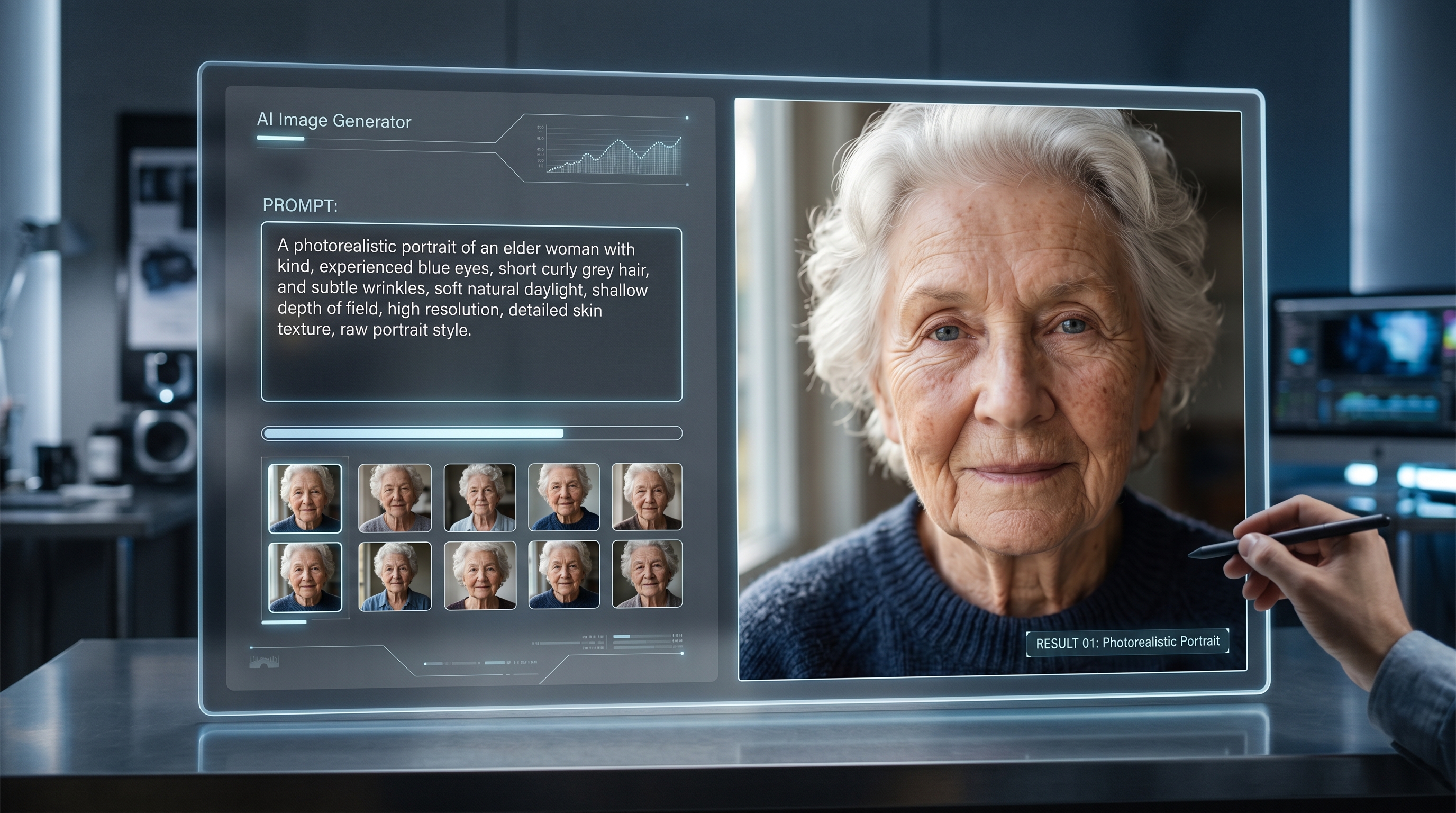
Based on the official launch examples and the way OpenAI is presenting the model, the ChatGPT image model is clearly being pushed as a serious tool for realism. The samples lean heavily into candid portraiture, documentary-style scenes, fashion-inspired compositions, cinematic street photography, and polished campaign imagery.
What stands out most is not just sharper skin or prettier faces. It is the model’s ability to create human images that feel directed. The lighting makes more sense. The framing feels more camera-aware. Clothing and environments often look like they belong in the same visual world. Instead of a face floating in an AI-generated blur, the better outputs feel styled.
That makes GPT Image 2 especially appealing for creators working on:
- portrait concepts
- fashion moodboards
- ad creatives
- editorial mockups
- realistic lifestyle scenes
- social media visuals that need a premium look
In other words, this model seems strongest when you want realism with art direction, not just realism alone.
Where it still has limits
Even with the upgrade, GPT Image 2 is not magic.
Text rendering is better, but it still may not be perfect in every complex layout. Character consistency across multiple generations can still be hit or miss. Highly precise design work may still need manual cleanup. And as realism gets better, the concern around fake human imagery naturally gets more serious too.
OpenAI has clearly acknowledged that risk. The company has framed this version as more realistic than earlier releases, while also adding safety layers, provenance tooling, and stronger safeguards around harmful or deceptive outputs.
So yes, it is better at photorealistic people. But that also means responsible use matters more than ever.
Who should try GPT Image 2
If your workflow depends on stylized portraits, campaign visuals, or editable AI imagery, OpenAI’s GPT Image 2 is worth paying attention to.
It makes sense for creators who want faster ideation, for marketers who need polished visuals, for designers who need better text-and-image harmony, and for developers exploring modern visual features. It also looks promising for users who care specifically about human portrait realism rather than fantasy art or abstract illustration.
For many people, though, the smartest move is not to treat one model as the only answer. The better approach is to use GPT Image 2 for its strengths, then compare it with other image tools depending on whether you need cleaner faces, faster edits, different model behavior, or a more specialized workflow.
Final thoughts
The release of GPT Image 2 feels important because it pushes AI image generation closer to something genuinely usable, not just impressive in demos. It is better at following instructions, more capable with editing, stronger with text-heavy compositions, and clearly more competitive for photorealistic human imagery.
That does not mean every output will be perfect, or that every creator should drop their current workflow overnight. But it does mean OpenAI is taking image generation more seriously as a practical creative tool.
If your main interest is realistic people, brand-ready visuals, or an easier route into modern image workflows, this is a release worth watching closely.
Recommended AIFacefy Tools and Models
If you want alternatives or complementary workflows beyond GPT Image 2, these AIFacefy options are worth adding at the end of the article:
- AI Image Generator for general text-to-image and image-to-image creation across multiple styles
- AI Face Generator for face-focused creation, portrait experiments, and facial detail refinement
- Nano Banana 2 AI for fast image generation and editing workflows
- Nano Banana Pro AI for users who want a more advanced image editing and consistency-focused experience
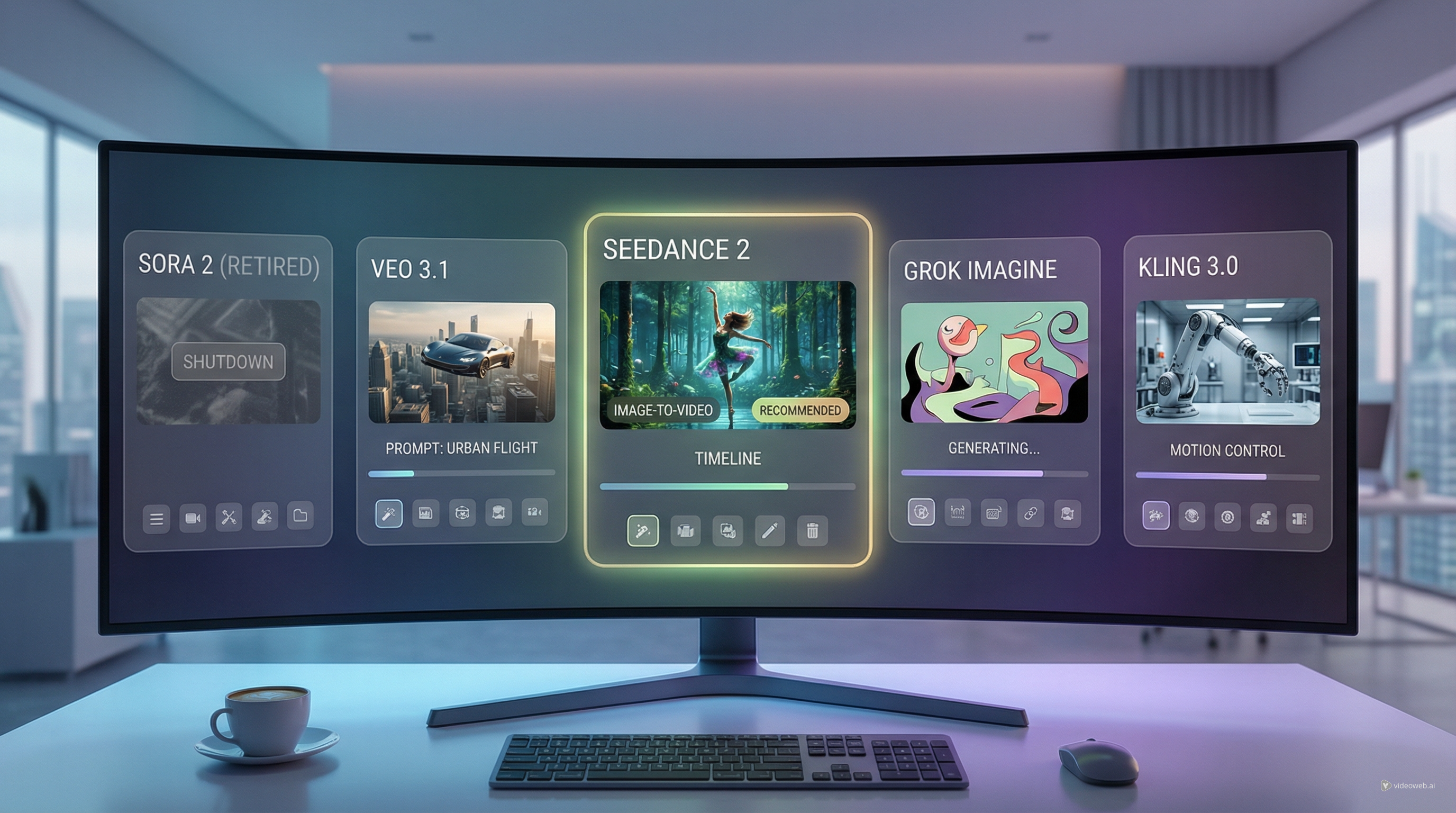
- AI Image to Video Generator if you want to animate still images after generating them
Related Article
- AIFacefy AI Image Generator 2026: Best Models Ranked + When to Use Each
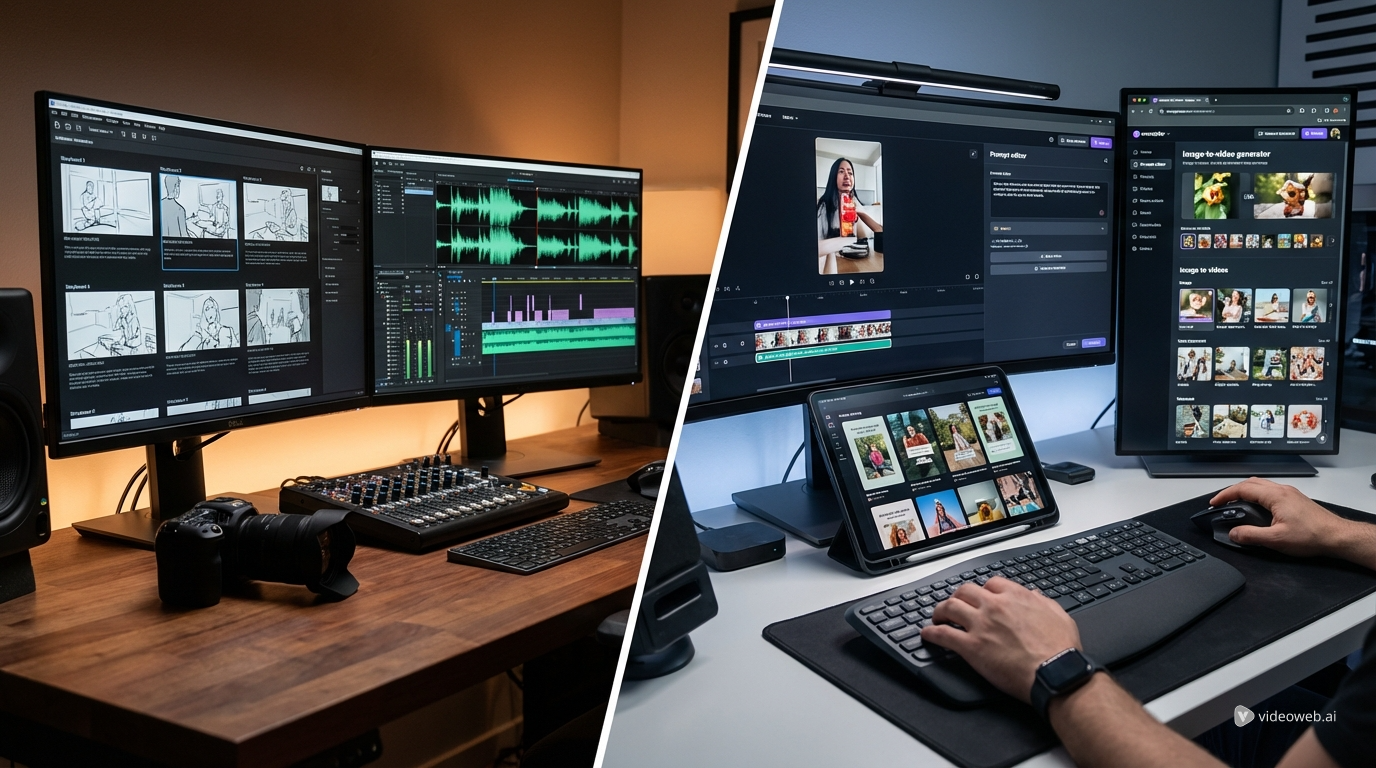
- AIFacefy Image to Video Generator (2026): One Hub for the Best Image-to-Video AI Models
- How to Use AI to Animate Photos and Bring Memories to Life
People Also Read
- GPT Image 2 Explained: What’s New, and How It Compares With Nano Banana Pro
- HeyDream AI Image Generator Guide: Best Models for Text-to-Image and Image-to-Image
- Seedream 5.0 AI Image Generator
- GPT4o Image Generation Guide: Create Stunning Art with the New GPT-4o Image Generator
- Best AI Image Models 2026: Nano Banana AI vs Seedream AI
- Exploring HiDream I1 AI Image Generation: Models, Usage, and Recommended Use Cases
- 4K in a Blink: Nano Banana 2 Brings Ultra-High-Resolution AI Images to Your Workflow