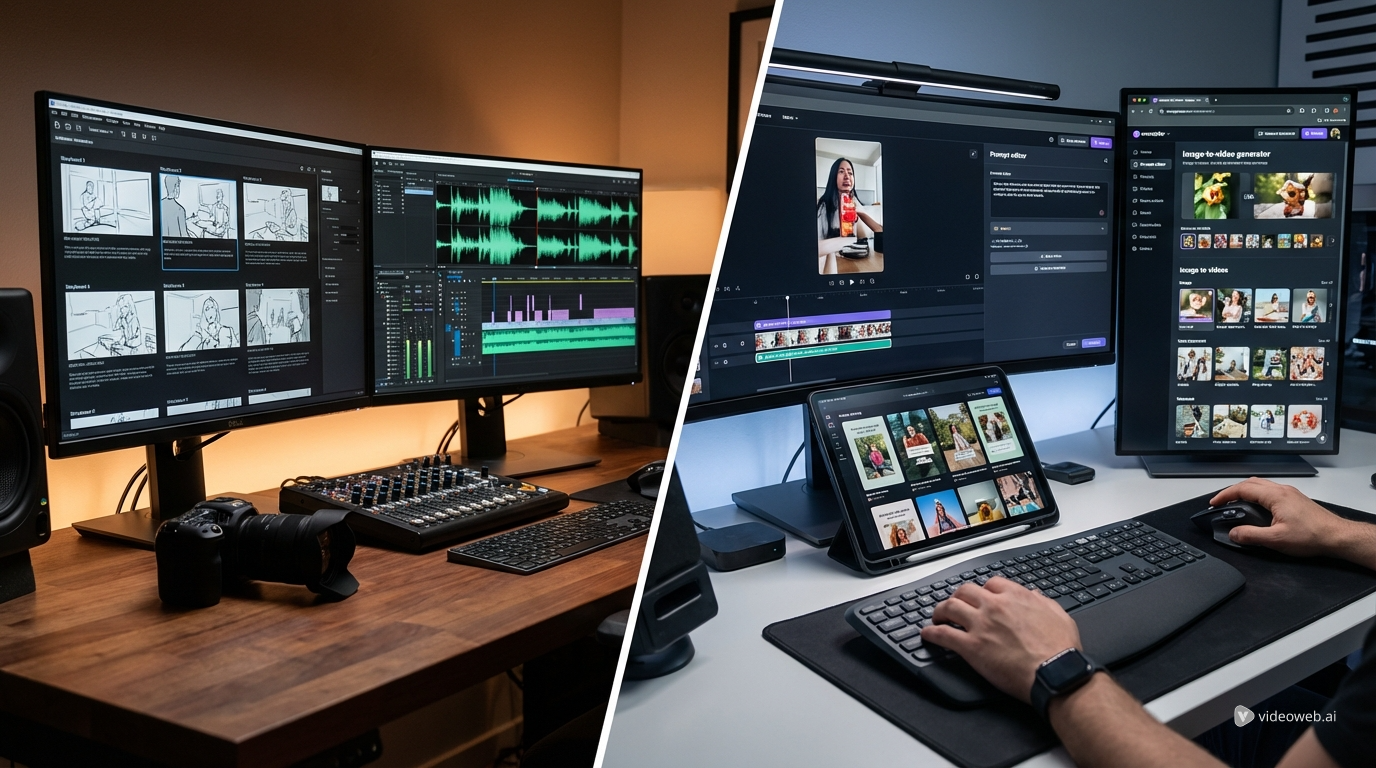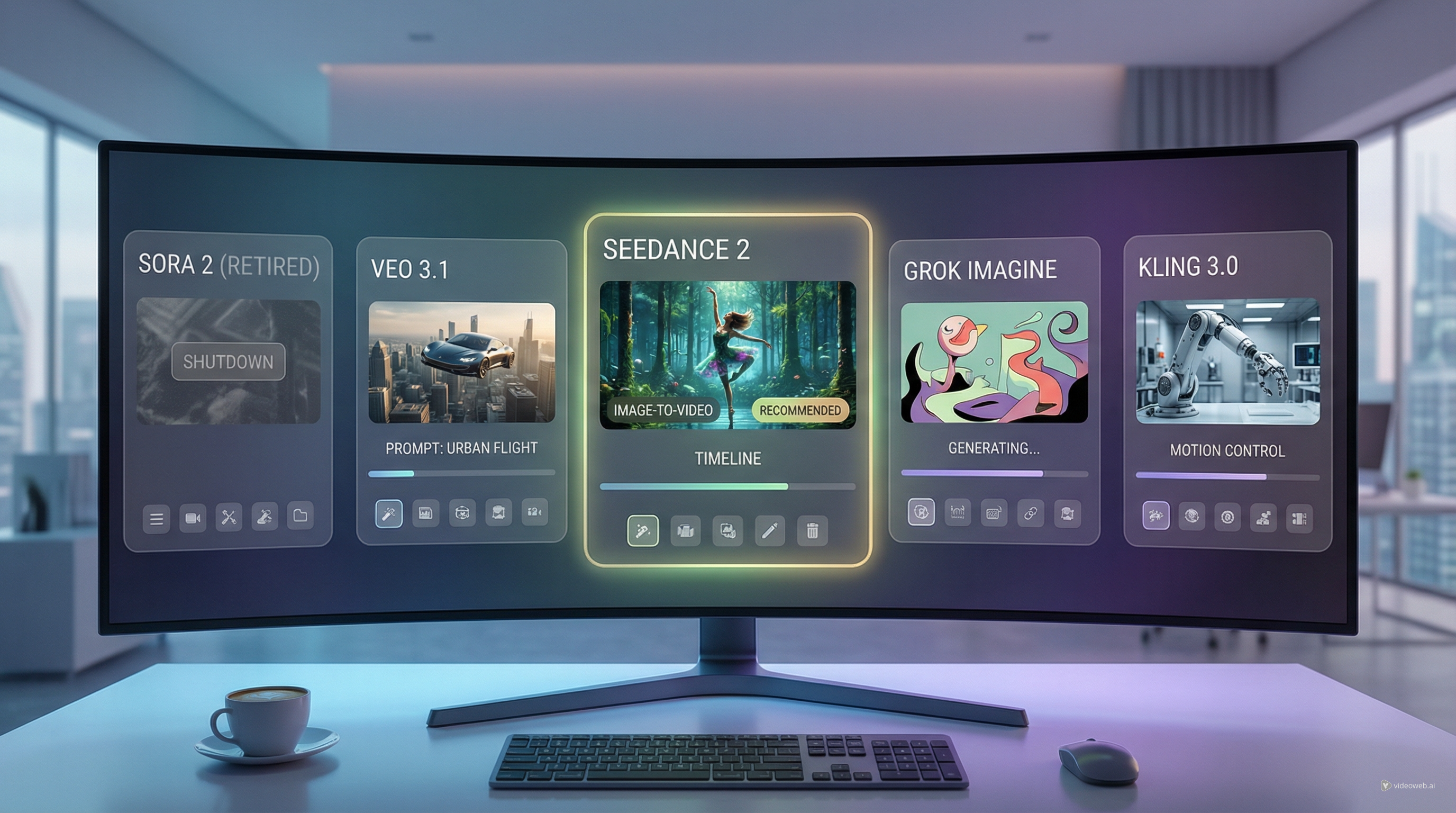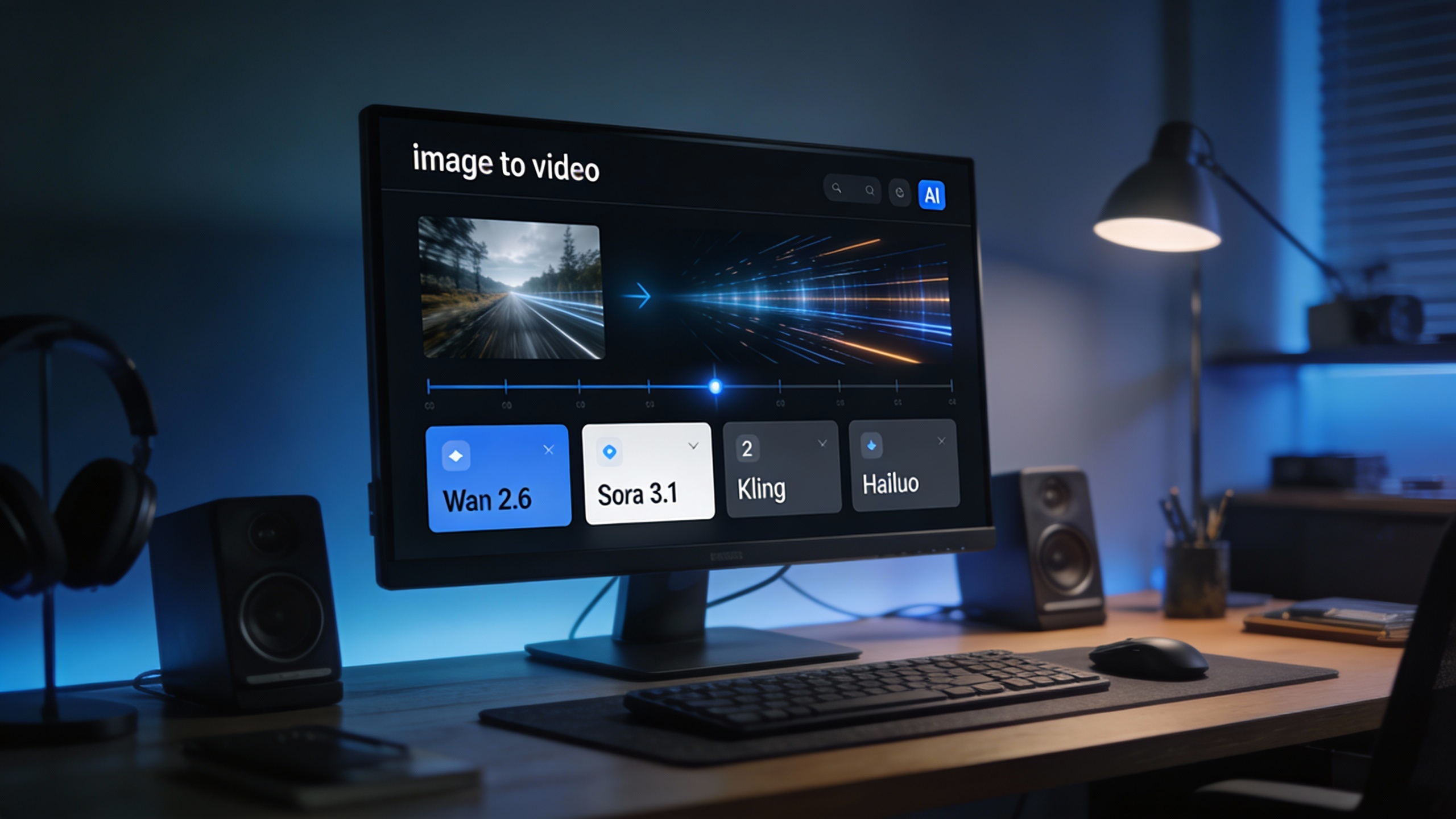
Turning a single image into a short, engaging video no longer requires animation software, editing timelines, or professional motion skills. In 2026, image‑to‑video AI has become one of the most practical creative tools for everyday creators, marketers, and small teams.
That’s exactly where AIFacefy’s AI Image to Video Generator comes in. Instead of locking users into one model or one visual style, AIFacefy works as a central hub that brings together multiple leading image‑to‑video models—all inside a clean, beginner‑friendly interface.
If you’re looking for the best image to video AI to animate photos, test creative ideas, or produce short clips quickly, this guide explains how AIFacefy works, which models it offers, when to use each one, and why it stands out as a true AI video generation hub in 2026.
Why Image‑to‑Video AI Matters in 2026
Static images still have value, but motion now dominates attention.
Social platforms like TikTok, Instagram Reels, and YouTube Shorts prioritize video content, even when the motion is subtle. A gentle camera push, natural subject movement, or environmental animation can dramatically improve engagement compared to a still image.
With a modern image to video AI, creators can:
- Animate portraits and product photos
- Add camera movement without editing software
- Turn AI‑generated images into video clips
- Create short promotional visuals in minutes
- Experiment rapidly without high production costs
The challenge is no longer whether AI can do this—it’s choosing the best ai image to video generator for your needs. AIFacefy focuses on making that choice simple.
What Is AIFacefy’s AI Image to Video Generator?
AIFacefy’s AI image to video tool is built around speed and clarity. The workflow is intentionally straightforward:
- Upload an image (your start frame)
- Select a video model
- Choose resolution, duration, and aspect ratio
- Write a short motion prompt
- Generate your video
There are no timelines, layers, or technical parameters to manage. This makes the tool especially appealing to beginners and creators who want results quickly instead of spending time learning complex software.
Despite its simplicity, AIFacefy still gives users meaningful creative control through model selection and prompt direction, which is where most of the quality differences come from.
Video Models Available on AIFacefy (Ranked by Recommendation)
AIFacefy features a curated selection of image‑to‑video models rather than an overwhelming list. Each model serves a different purpose, and they are ranked below by overall usefulness for most creators.
Tier A: Best Overall Image‑to‑Video Models
Wan 2.6
Wan 2.6 is the strongest all‑around model available on AIFacefy. It delivers realistic motion while remaining flexible enough for creative camera movement and environmental animation.
Best for:
- Cinematic image animation
- Fashion and portrait motion
- Realistic product visuals
Why it ranks #1: It offers the best balance between realism and creative freedom, making it suitable for both testing and final outputs.
Wan 2.5 Fast
Wan 2.5 Fast is optimized for speed. It generates short clips quickly while maintaining solid realism, making it ideal for rapid experimentation and social content.
Best for:
- Social media clips
- Testing prompts
- Looping animations
Why it’s popular: It delivers reliable results with minimal wait time and predictable credit usage.
VEO 3.1 Fast / VEO 3.1
VEO 3.1 models focus on prompt accuracy and support audio workflows. They are well suited for commercial or marketing use cases where precise direction matters.
Best for:
- Ads and promotional videos
- Audio‑synced motion
- Clean, controlled camera movement
Tier B: Cinematic & Style‑Focused Models
Sora 2 (10s)
Sora 2 emphasizes natural storytelling. Motion feels coherent from beginning to end, making it ideal for narrative‑driven clips.
Best for:
- Short story scenes
- Emotional or character‑focused visuals
- Smooth subject movement
Kling V2.5 Turbo Pro (5s / 10s)
Kling leans into cinematic emotion. Lighting, motion, and framing often resemble short film shots rather than purely technical animations.
Best for:
- Stylized visuals
- Dramatic reveals
- Mood‑driven scenes
Tier C: Physics & Motion Complexity
Hailuo 2.3
Hailuo 2.3 excels at dynamic physics and complex motion. It performs well in action‑heavy scenes where multiple elements move at once.
Best for:
- Action visuals
- Fast camera movement
- Energetic scenes
Hailuo 02
Hailuo 02 focuses on more controlled, stable motion at short durations.
Best for:
- Simple motion loops
- Controlled subject animation
Feature Comparison Chart
| Model | Duration | Resolution | Audio | Strength | Best Use Case |
|---|---|---|---|---|---|
| Wan 2.6 | 5–10s | Up to 1080p | Optional | Realism + flexibility | Cinematic animation |
| Wan 2.5 Fast | 5s | 720p | Optional | Speed | Social clips, testing |
| VEO 3.1 Fast | 8s | 720p | Yes | Prompt accuracy | Commercial videos |
| VEO 3.1 | 8s | 720p | Yes | Audio sync | Polished ads |
| Sora 2 | 10s | — | No | Story flow | Narrative scenes |
| Kling V2.5 Turbo | 5–10s | — | No | Cinematic emotion | Stylized visuals |
| Hailuo 2.3 | 6–10s | — | No | Physics motion | Action scenes |
| Hailuo 02 | 6s | — | No | Stability | Controlled motion |
Credit Cost Comparison (Included Models)
AIFacefy uses a transparent credit system that helps creators control spending while experimenting.
| Model | Credits | Value Insight |
|---|---|---|
| Wan 2.5 Fast (5s, 720p) | ~300 | Best speed‑to‑cost ratio |
| Wan 2.6 (5s) | ~500 | Higher realism tier |
| VEO 3.1 Fast | 300 | Audio + accuracy |
| VEO 3.1 | 1500 | Premium commercial output |
| Sora 2 (10s) | 300 | Strong storytelling value |
| Kling V2.5 Turbo (5s) | 350 | Cinematic on a budget |
| Hailuo 2.3 | 250–450 | Motion complexity |
When to Use Which Model (Quick Guide)
- Choose Wan 2.6 for realistic, cinematic image animation
- Choose Wan 2.5 Fast for speed, testing, and social media
- Choose VEO 3.1 when audio and prompt precision matter
- Choose Sora 2 for narrative continuity
- Choose Kling for emotional or stylized visuals
- Choose Hailuo for action and physics‑heavy scenes
This quick decision guide helps you pick the right tool without overthinking.
How to Use AIFacefy Image to Video Generator (Step‑by‑Step)
Step 1: Select a video model If you’re unsure, start with Wan 2.5 Fast.
Step 2: Upload your image Use a clear image with a well‑defined subject. Portraits and centered products animate best.
Step 3: Set options
- Resolution: 720p for testing
- Duration: 5 seconds
- Aspect ratio: 16:9 for most platforms
Step 4: Write a motion prompt Describe what moves and how the camera behaves.
Example: “Slow camera push‑in, natural head movement, soft lighting, realistic motion.”
Step 5: Generate and iterate Small changes in wording often lead to better results. Run multiple versions if needed.
Prompt Writing Tips for Better Results
- Focus on one main motion
- Explicitly describe camera movement
- Avoid stacking too many actions in short clips
- Keep prompts visual and concise
Clear prompts help the model prioritize realism over chaos.
Why AIFacefy Is a Super Hub for AI Video Generation in 2026
AIFacefy’s biggest strength is balance.
It combines:
- Multiple top‑tier image‑to‑video models
- A simple, beginner‑friendly interface
- Transparent credit pricing
- Fast experimentation without platform hopping
Instead of chasing every new model separately, creators can test, compare, and scale their image to video generator ai workflows in one place.
Who Should Use AIFacefy?
AIFacefy is well suited for:
- Social media creators
- Marketers and advertisers
- AI beginners
- Small teams and solo creators
- Anyone who wants fast results from images
If speed, clarity, and flexibility matter to you, AIFacefy fits naturally into your workflow.
Final Verdict
If you want a practical, creator‑focused image to video ai platform that doesn’t overwhelm you, AIFacefy’s AI Image to Video Generator is a strong choice in 2026.
It gives you access to multiple high‑quality models, keeps the workflow simple, and lets you turn images into motion quickly and consistently.
👉 Try it here: https://aifacefy.com/image-to-video/