Artificial intelligence has transformed the way we edit, enhance, and create images. From simple background removal to advanced generative AI models, we’ve seen huge leaps in visual creativity. One of the latest innovations making waves is Google Nano Banana AI, a unique AI image editor designed to make editing more intuitive, fun, and precise.
This guide explores what Google Nano Banana AI really is, how it works, and how it stacks up against other AI image editors in 2025. We’ll also highlight its practical uses, from fashion try-ons to product design, while introducing alternatives available on platforms like AIFacefy.
What Is Google Nano Banana AI?
At first glance, the name Google Nano Banana AI might sound quirky. But behind the playful branding lies a serious innovation in AI image editing. It’s an AI-powered tool that uses advanced deep-learning models to understand the context of an image and then apply modifications with incredible precision.
Unlike traditional editors where you manually select tools and adjust sliders, this AI editor allows you to simply describe what you want. Whether it’s “change the color of this shirt,” “swap the background to a beach,” or “make the lighting cinematic,” the AI interprets natural language commands and applies them to the image instantly.
👉 Explore more here: Google Nano Banana AI
Why It Stands Out Among AI Image Editors
The market is filled with AI image editors, but Google Nano Banana AI stands out because of:
- Contextual Awareness – It doesn’t just edit pixels; it understands objects, layers, and depth in an image.
- Speed and Simplicity – Users can generate edits in seconds with minimal technical knowledge.
- Cross-Platform Compatibility – Works on both desktop and mobile for creators on the go.
- Playful Yet Powerful Branding – While the name is lighthearted, the tech is cutting-edge.
Key Features of Google Nano Banana AI
Here are the standout features of Google Nano Banana AI that make it a must-try AI image editor:
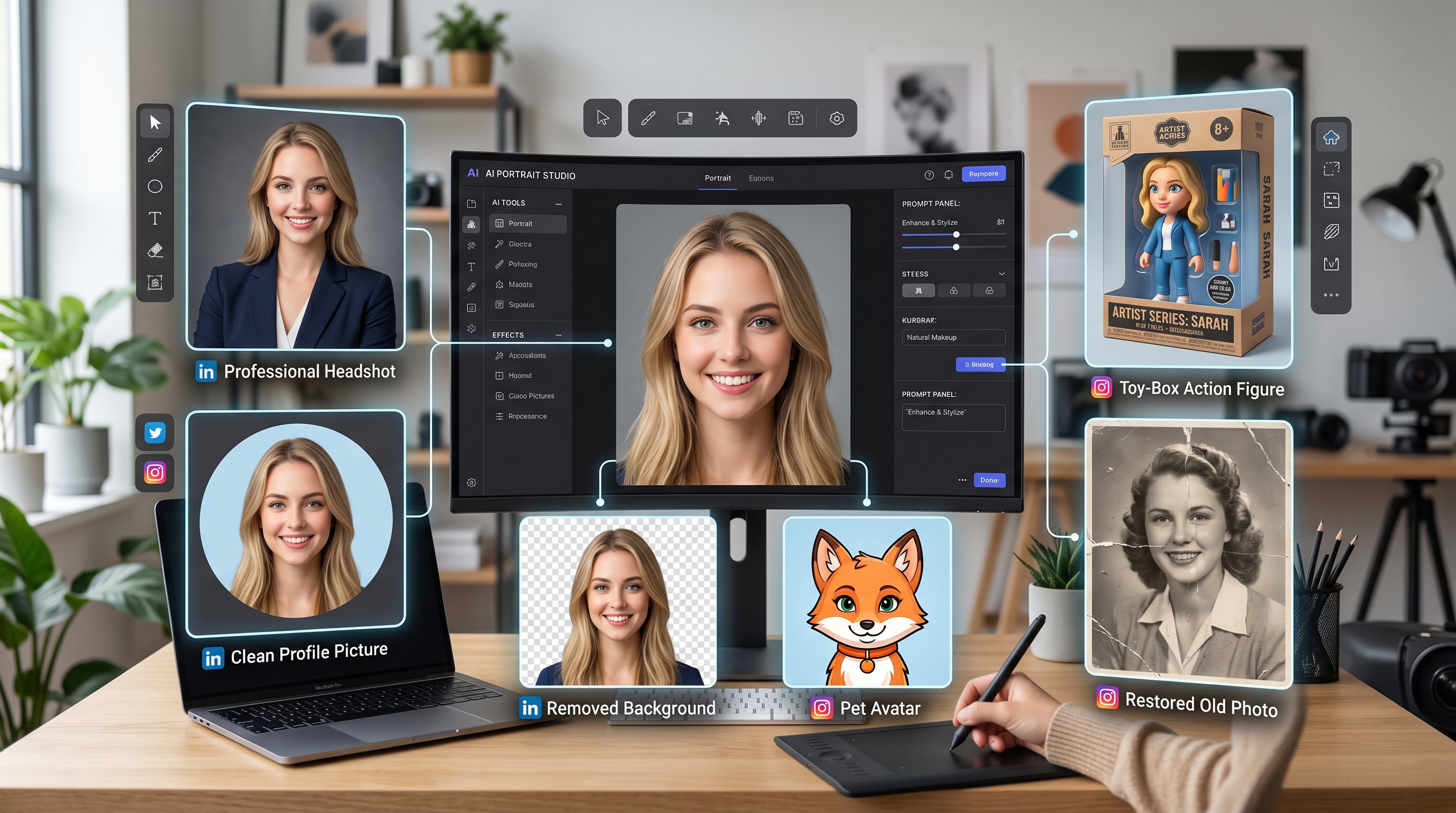
- Virtual Outfit Changes: Swap clothes, patterns, and accessories for fashion previews.
- Background Replacement: Seamlessly replace indoor or outdoor scenes.
- Lighting Control: Adjust shadows, highlights, and tones with AI precision.
- Face Retouching: Smooth imperfections while keeping a natural look.
- Generative Expansion: Extend image borders or generate missing parts for wider compositions.
- Natural Language Commands: Type what you want, and the AI handles the rest.
Use Cases: Where Nano Banana AI Shines
1. Fashion & Virtual Try-Ons
Imagine testing a new jacket, swapping its color, or even trying an outfit from a brand catalog before purchase. Google Nano Banana AI makes this possible without complex editing tools.
2. Product Photography
Business owners can change product colors, add shadows, or place items in realistic settings to improve marketing visuals.
3. Content Creation
Social media creators can modify images with a click—turning ordinary photos into eye-catching posts.
4. Art & Design
Artists can experiment with styles, textures, and surreal effects without needing advanced Photoshop skills.
5. Marketing Campaigns
Agencies can tailor images for regional campaigns by swapping settings, outfits, or cultural details.
👉 Discover these possibilities with Google Nano Banana AI
Comparing Google Nano Banana AI With Other 2025 AI Editors
The AI editing space in 2025 is highly competitive. Here’s how Google Nano Banana AI stacks up against some of the top tools:
| Tool | Strengths | Limitations |
|---|---|---|
| Google Nano Banana AI | Natural language edits, fashion/product tools, UI | Newer tool, niche branding |
| Adobe Firefly 2 | Creative Cloud integration | Subscription fees, learning curve |
| Runway ML Gen-3 | High-quality video/image generative editing | Short trial, watermark in free plan |
| Canva AI Tools | Beginner-friendly, built-in templates | Limited editing control |
| Fotor AI Edit | Fast filters and facial edits | Less accurate object understanding |
How Google Nano Banana AI Works Behind the Scenes
Underneath the user-friendly interface, Nano Banana AI uses:
- Generative Adversarial Networks (GANs)
- Diffusion Models
- Transformer-Based Vision Models
This hybrid approach ensures realism, responsiveness, and smart contextual editing.
Step-by-Step: Using Google Nano Banana AI
Here’s a simplified workflow:
- Upload Your Image
- Enter Command – E.g., “Turn this t-shirt blue and add a sunny park background”
- AI Processing
- Review & Adjust
- Export Final Image
👉 Try it with Google Nano Banana AI
Nano Banana AI for Business
Google Nano Banana AI isn’t just for creators—it’s a smart asset for businesses. With its ability to generate variations quickly, it eliminates the need for reshoots and enables:
- Faster product listing creation
- Localized marketing materials
- Realistic mockups for A/B testing
- Seasonal campaigns without new photoshoots
Accessibility and Pricing
- Free Trials
- Low-cost Subscriptions
- Custom Business Plans
These options make Google Nano Banana AI one of the most accessible AI image editors on the market.
Alternatives to Google Nano Banana AI
If you’re looking to expand your toolkit, AIFacefy offers other AI-powered solutions, such as:
- AI Face Swapper
- Virtual Try-On Tools
- AI Avatar Creators
- Voice-to-Image Tools
Still, for simplicity and versatility, Google Nano Banana AI is a standout.
Why the Name "Nano Banana"?
The unique branding of Nano Banana AI is part of its appeal. "Nano" implies precision and scale, while "Banana" adds a human, playful charm. This approachability is ideal for onboarding casual users who might otherwise feel intimidated by AI tools.
The Future of AI Image Editing
Expect big things from tools like Google Nano Banana AI:
- 3D and AR Editing
- Voice-Controlled Edits
- Ultra-Realistic Generative Outputs
- Ethical Watermarking and AI ID Systems
Conclusion
Whether you're editing fashion visuals, creating memes, or launching a product line, Google Nano Banana AI is the AI image editor that meets you where you are.
It’s fast, smart, and fun—and backed by Google’s AI innovation. The name might raise an eyebrow, but the results will raise your creative potential.
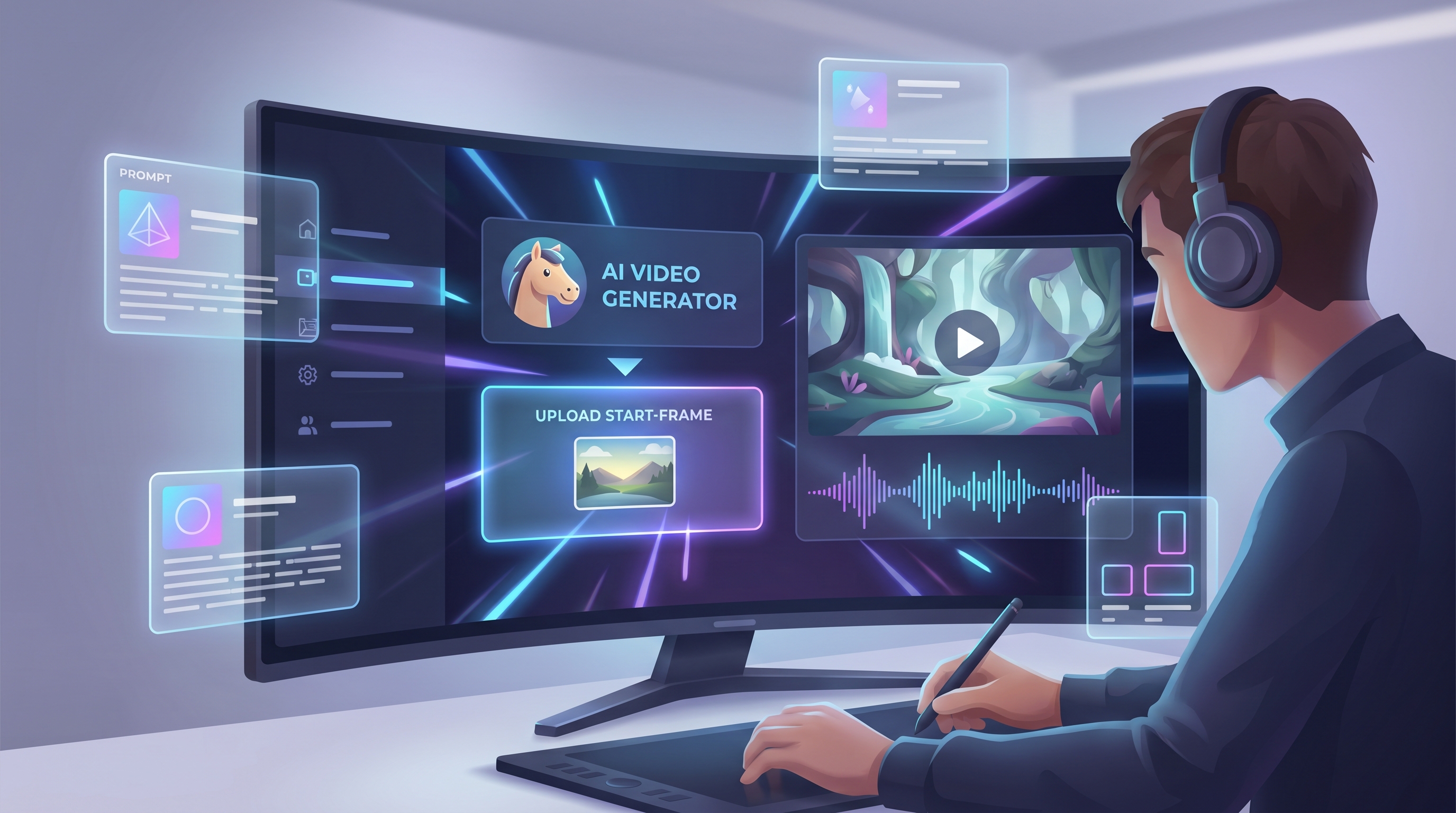
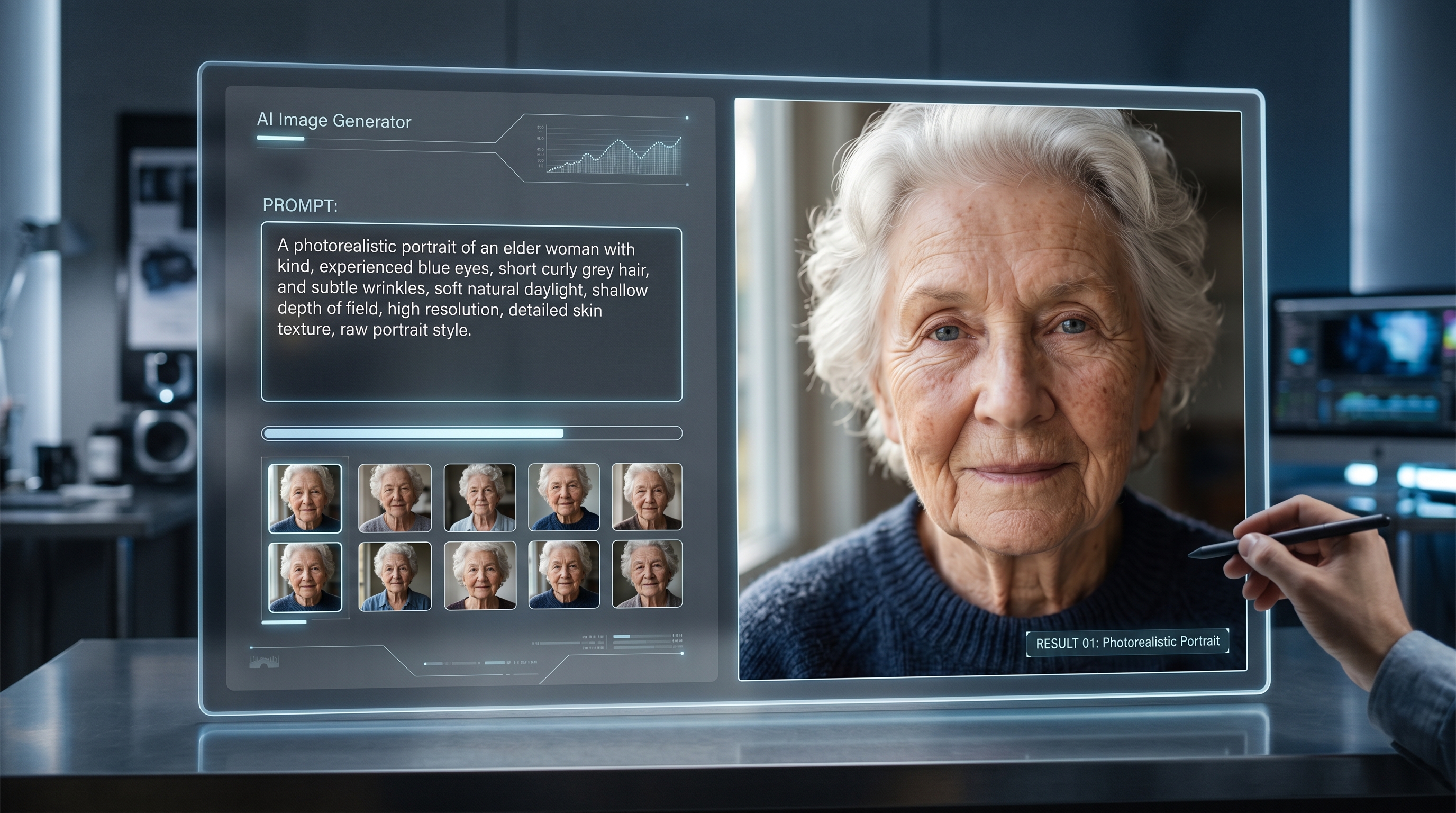
Want to try these ideas hands-on? Explore AIFacefy’s quick tools: create from scratch with the Flux AI Image Generator, edit by prompt with Flux Kontext AI, clean edges using the Free Background Remover, craft photoreal faces via the AI Face Generator, and bring stills to life with Photo to Video or Image to Video. For effect-driven clips, try the AI Venom Video Generator, AI Kissing Video Generator, and AI Hugging Video Generator; for playful visuals, the AI Action Figure Generator is a fun finish.