1. Introduction — The Rise of AI Video Generation
Artificial Intelligence has entered the cinematic realm. From text-to-image tools to full-length video generators, the creative landscape is evolving faster than ever. What once required complex editing suites and professional motion designers can now be achieved with a few prompts.
Among the newest breakthroughs is Wan 2.5 Video AI — an advanced text-to-video generation system designed for creators, filmmakers, and brands who crave both speed and realism. This upgraded model redefines what’s possible in video production, allowing users to turn ideas, audio, and even static images into motion within seconds.
Wan 2.5 isn’t just another upgrade — it’s a complete leap forward in how creators visualize and produce stories.
2. What Is Wan 2.5 Video AI?
Wan 2.5 Video AI is a next-generation model that uses neural rendering and multi-modal learning to convert text, image, and sound inputs into dynamic video clips. Developed as part of the Wan AI series under the AIFacefy platform, it builds on the legacy of Wan 2.0 with significant performance and realism improvements.
At its core, Wan 2.5 empowers creators to produce cinematic video content without traditional editing skills. Whether you want to animate concept art, visualize a film scene, or generate short promotional videos, this model handles it all from a simple interface.
The system accepts a variety of inputs:
- Text prompts describing motion, lighting, or emotion.
- Images to define visual style or composition.
- Audio files for background music or synced voiceovers.
Once the user inputs these, Wan 2.5 applies advanced video synthesis techniques to render motion consistent with the prompt — ensuring natural camera panning, smooth transitions, and realistic depth.
With Wan 2.5, the power of cinematic storytelling is no longer limited to professional studios. Anyone can create high-quality video assets in minutes.
3. Key Features and Technical Improvements
Wan 2.5 Video AI introduces a set of major upgrades that distinguish it from previous models. Here’s what makes it stand out:
⚡ Speed and Performance
The introduction of Wan 2.5 Fast Mode is a game-changer. This optimized variant cuts rendering time by nearly 60% while maintaining impressive frame quality. Users can preview or produce a 5-second clip almost instantly, making rapid iteration possible.
🎬 Resolution Options
Wan 2.5 supports up to 1080p resolution (HD), ensuring crisp detail for all use cases—from social reels to cinematic shots. Its dynamic scaling engine also enhances 720p clips without visible noise or compression artifacts.
🔊 Audio Integration
Users can upload music, narration, or sound effects that automatically sync with generated visuals. This allows seamless storytelling — no separate audio editor required.
📐 Smart Aspect Ratio & Duration Control
Creators can choose from 16:9, 1:1, or 9:16 ratios to match platforms like YouTube, Instagram, or TikTok. Duration settings (5s, 10s, or longer in pro mode) give control over pacing and clip length.
🌈 Optimized Prompt Engine
A new “Optimize Prompt” toggle helps interpret natural language more effectively. It understands cinematic directions like “sunset over mountains with slow camera zoom” or “neon-lit city at night with rain reflections” — producing remarkably coherent results.
These enhancements make Wan 2.5 not just faster, but smarter — capable of reading creative intent as well as visual detail.
4. Workflow: From Idea to Motion
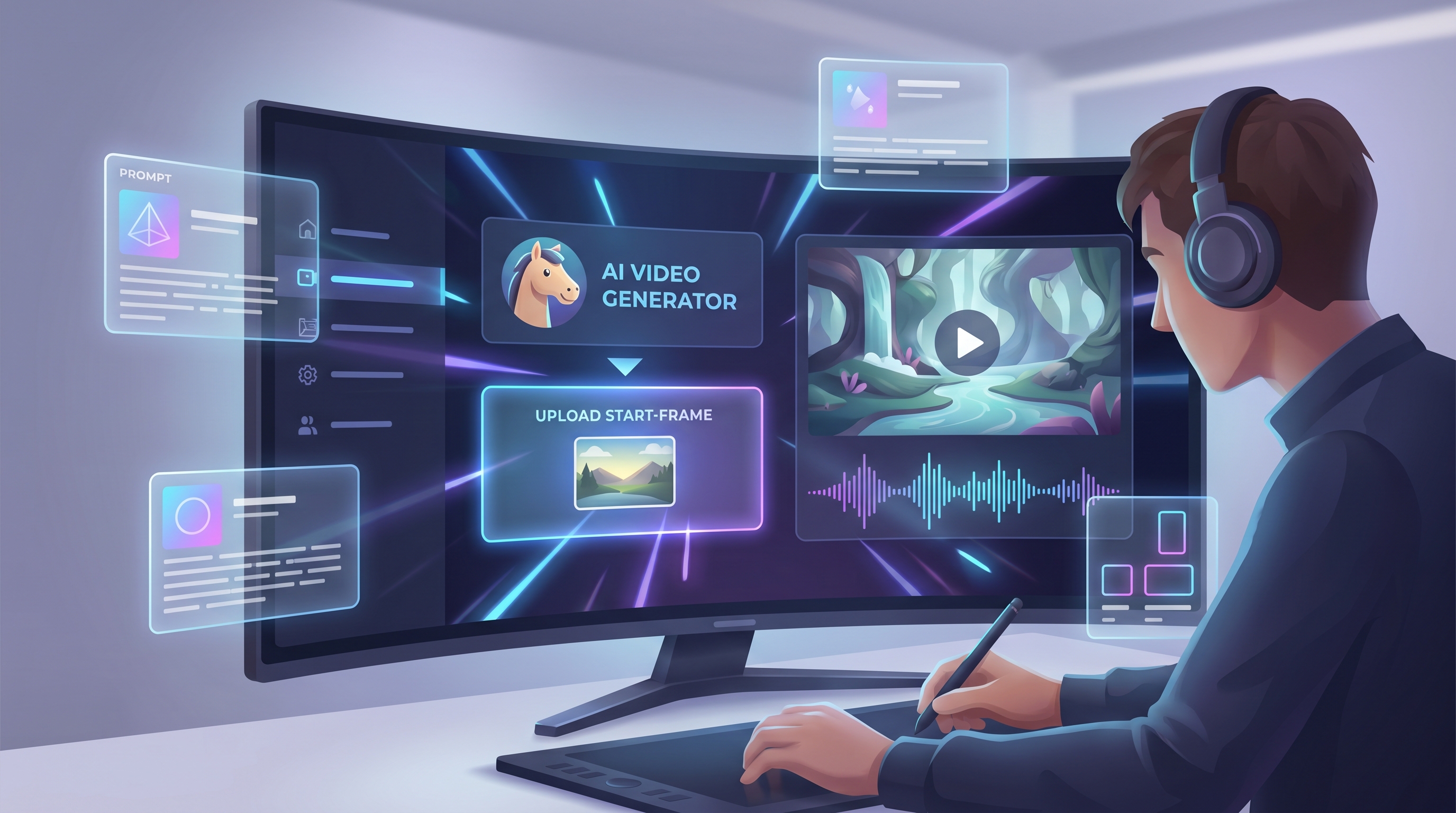
One of Wan 2.5’s most attractive qualities is its simplicity. The entire creative process can be done through a single interface, with clear step-by-step options:
-
Upload an Image or Audio
Add a visual reference or soundtrack to anchor your project’s mood. -
Enter a Text Prompt
Describe the motion, style, and lighting. Example:
“A golden retriever running across a beach during sunrise, cinematic lighting, 1080p.” -
Select the Model
Choose between Wan 2.5 Fast (quick previews) or Wan 2.5 Pro (higher fidelity). -
Adjust Resolution, Duration, and Ratio
For cinematic looks, go with 1080p 16:9; for social media, 9:16 vertical works best. -
Click Generate
The AI analyzes all inputs, builds motion data, applies compositional rules, and outputs a video ready to download or share.
Each stage takes seconds. The system handles everything from movement interpolation to color grading, giving users polished clips without needing video-editing expertise.
5. Creative Applications
Wan 2.5 Video AI isn’t just a novelty—it’s a full-fledged creative tool used across industries. Here are its most popular applications:
🎥 For Creators and Filmmakers
Produce short cinematic shots, mood reels, and concept visualizations. Indie filmmakers use it to pre-visualize scenes before real shooting, saving time and costs.
🛍️ For Brands and Marketers
Create animated product teasers, logo reveals, or storytelling ads in minutes. AI-generated motion assets reduce dependency on full design teams.
🎨 For Artists
Turn static illustrations into moving artworks. Artists can bring life to concept art, character designs, or landscapes, showcasing emotions and dynamics.
🎓 For Educators
Generate short explainer clips, scientific animations, or historical reenactments — perfect for e-learning materials or presentations.
🎧 For Musicians
Combine music uploads with visual storytelling to produce lyric videos, cover animations, or sound-reactive visuals effortlessly.
The model democratizes visual creation, transforming any idea into a shareable motion experience.
6. Comparison: Wan 2.5 vs Wan 2.0
To appreciate how far the technology has come, let’s compare Wan 2.5 with its predecessor.
| Feature | Wan 2.0 | Wan 2.5 |
|---|---|---|
| Speed | Standard rendering | 2× faster with Fast Mode |
| Resolution | 720p only | 1080p with dynamic scaling |
| Audio Support | Not supported | Integrated voice/music input |
| Motion Accuracy | Limited camera motion | Advanced dynamic tracking |
| User Interface | Complex layout | Simplified modern panel |
| Prompt Interpretation | Literal-only | Contextual and cinematic understanding |
| Output Options | MP4 only | MP4, MOV, and export to editing software |
In short, Wan 2.5 doesn’t just refine the workflow—it redefines it. With built-in cinematic language recognition and optimized computation, it bridges the gap between AI art and professional filmmaking.
7. User Interface Breakdown
The Wan 2.5 interface is sleek, intuitive, and optimized for creativity. Its dark UI design prioritizes focus and clarity. Let’s break down the key elements (as seen in the uploaded panel):
- Image Upload Box: Add reference images or art for visual guidance.
- Audio Upload Box: Insert music or narration to sync with your generated motion.
- Prompt Field: Write up to 2000 characters describing what you want to see.
- Optimize Prompt Switch: Automatically enhances your input for better AI interpretation.
- Model Dropdown: Choose between Wan 2.5 Fast and Wan 2.5 Pro.
- Resolution Menu: Options range from 720p to 1080p.
- Duration and Ratio Selectors: Define clip length (5s, 10s, etc.) and orientation (16:9, 9:16).
- Public/Private Toggle: Decide whether to share your creation with the community.
- Generate Button: The signature blue “Generate • 300” button activates rendering.
Every element has been designed for simplicity, letting users move from idea to rendered video in under a minute.
8. Performance and Limitations
Even the best AI models have their constraints. Wan 2.5 excels in many areas but has a few considerations to note.
✅ Strengths
- Ultra-Fast Rendering: Fast Mode drastically reduces waiting times.
- Cinematic Depth: Advanced motion physics create natural pans and zooms.
- Intuitive UI: Non-technical creators can generate professional clips effortlessly.
- Audio Fusion: Syncing visuals with sound in one step simplifies post-production.
⚠️ Limitations
- Duration Cap: Currently limited to short clips (5–10 seconds).
- Complex Motion Challenges: Highly detailed or abstract prompts may produce slight motion artifacts.
- GPU Dependency: High-resolution videos require strong computing hardware.
- Batch Exports: Not yet available for multiple videos simultaneously.
🔮 Future Updates
According to early reports, upcoming updates may include:
- 4K output options
- Real-time generation preview
- Longer 30–60 second scenes
- Direct editing capabilities inside AIFacefy
As the AI model evolves, Wan 2.5 continues to push boundaries—setting the stage for real-time filmmaking powered by artificial intelligence.
9. Why Wan 2.5 Matters
In a content-driven world, speed and creativity define success. Wan 2.5’s release signals a critical shift in the video industry — where high-quality storytelling is no longer confined to professionals.
The model empowers solo creators, marketers, and educators to produce cinematic-level content instantly, bypassing complex pipelines. Instead of hours of editing, creators can now focus on story, emotion, and message.
Moreover, the inclusion of audio and motion realism transforms the experience from simple animation into full sensory storytelling.
When combined with its user-friendly interface and realistic rendering, Wan 2.5 stands out as one of the most accessible yet powerful AI video tools to date.
Explore it firsthand at AIFacefy’s Wan 2.5 Video AI page — where text meets imagination, and imagination meets motion.
10. Conclusion — The Future of Fast AI Filmmaking
AI-generated video is no longer a concept — it’s a movement. Tools like Wan 2.5 Video AI are reshaping the creative process, empowering people from all backgrounds to become storytellers, directors, and digital artists.
With intuitive design, adaptive resolution, and unmatched rendering speed, Wan 2.5 bridges the gap between creativity and technology. It delivers cinematic quality at the speed of thought — proving that the future of filmmaking is not in the hands of machines, but in the minds of creators who know how to use them.
So whether you’re a marketer wanting a quick product demo, a musician visualizing your sound, or an artist animating your imagination, Wan 2.5 Video AI is your entryway into the next generation of video creation.
The future of motion is here — and it starts with a single prompt.
Suggested Image Prompts
- AI interface generating cinematic video clips with “Wan 2.5 Video AI” glowing text.
- Human and AI hands shaping a film reel with futuristic holographic light.
- Comparison graphic of Wan 2.0 vs Wan 2.5 showing speed and resolution improvements.
- Dark UI dashboard highlighting upload boxes, prompt section, and generate button.
- Creators and marketers collaboratively producing videos using AI tools.
- Visual metaphor of creativity — words transforming into motion scenes.
- Futuristic studio showing “4K upgrade” horizon glowing beyond current features.
- Wide cinematic shot of AI beams forming the text “Wan 2.5 — The Future of Motion.”