If you’re choosing between Wan 2.6 and Veo 3.1, you’re probably not asking a “which is better” question. You’re really asking a workflow question:
- Do I want fast iterations that are ready to post quickly?
- Or do I want a more cinematic result that feels closer to a real camera?
Both are strong models, but they shine in different creator scenarios. Below is a practical, step-by-step comparison focused on what you’ll actually do: turning prompts and images into usable video.
The quick answer: what each model is best at
- If you want speed, flexibility, and lots of variations, start with wan 2.6 ai video generator.
- If you want more cinematic motion and higher realism, start with veo 3.1 ai video generator.
Now let’s break down what that means in real use.
What Wan 2.6 is (in plain English)
Think of Wan 2.6 as the model you use when you want to try ideas quickly. It’s especially friendly for creators who iterate a lot: multiple hooks, multiple scenes, multiple styles, and quick re-rolls until the vibe lands.
When Wan 2.6 makes the most sense
- Social-first clips where speed matters
- Ads and UGC-style visuals that need lots of variations
- Rapid prototyping: turning an idea into something watchable in minutes
Two common starting points:
- If you already have a reference image and want motion, go with wan 2.6 image to video.
- If you want the model to create the scene from your description, use wan 2.6 text to video and keep your prompt simple at first.
What Veo 3.1 is (in plain English)
Veo 3.1 is the model people reach for when they care more about the final look than the speed of iteration. If your goal is a hero shot, a cinematic cut, or a scene that feels “directed,” Veo is usually the better bet.
When Veo 3.1 makes the most sense
- Short cinematic scenes for storytelling
- Product or brand videos where realism helps trust
- Shots where camera motion and lighting nuance matter
If you’re generating from a prompt, start with veo 3.1 text to video. If you already have a starting image (or want tighter control of style), try veo 3.1 image to video.
Wan 2.6 vs Veo 3.1: the practical differences that show up immediately
1) Speed vs polish
- Wan 2.6 feels like a fast creative engine. You can explore ideas quickly and settle on a direction.
- Veo 3.1 feels more like a finishing tool. You use it when you already know what you want and you care about the visual quality.
2) Prompting style
- Wan usually rewards clear, simple prompts plus a couple of style cues.
- Veo often benefits from shot language (camera, lens, lighting, mood) because it’s aiming for a more cinematic result.
3) Best use cases by creator type
- If you’re a marketer or social creator who needs variety fast, wan 2.6 ai video generator is typically the first model to test.
- If you’re making a trailer-like clip, a story scene, or a premium brand visual, veo 3.1 ai video generator is usually the safer choice.
Step-by-step: how to test both models fairly
Here’s a simple way to compare without overthinking it.
Step 1: Pick one concept and keep it constant
Choose a single idea (one character, one product, one scene). Don’t change your concept between tests. You’re comparing models, not concepts.
Step 2: Decide which input you’re using
- If you have a starting image: test wan 2.6 image to video vs veo 3.1 image to video.
- If you’re starting from text: test wan 2.6 text to video vs veo 3.1 text to video.
Step 3: Use prompts that match the model
- For Wan: 1–2 lines that describe subject + action + vibe.
- For Veo: add camera and lighting notes if you want a cinematic result.
Step 4: Generate 3 variations per model
Don’t judge by a single roll. Generate a small batch, pick the best result, then compare.
Step 5: Decide based on your end goal
Ask one simple question: Which output would I post today with minimal fixing?
Which one should you choose?
Choose Wan 2.6 if you want:
- Fast iterations
- Lots of variations
- Social-ready clips without over-directing
Start here:
Choose Veo 3.1 if you want:
- More cinematic motion
- Higher realism
- Better “hero shots” for storytelling or premium ads
Start here:
The creator move: use both (without making it complicated)
A very effective workflow is:
- Draft and explore with Wan
- Recreate the best idea with Veo for a more polished final
That way you get speed and quality, instead of forcing one model to do both jobs.
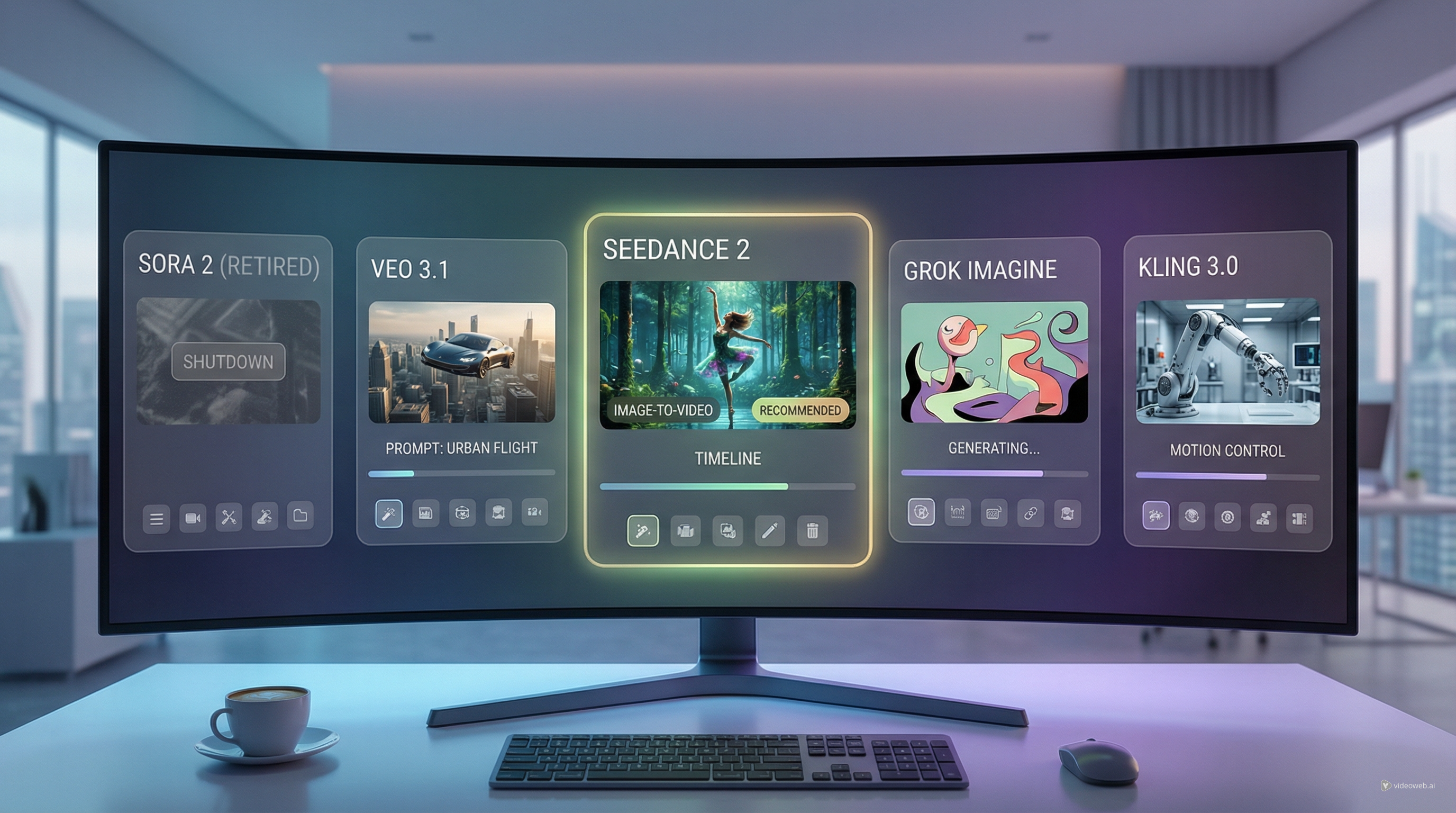
The easiest place to try the best video models in one workflow
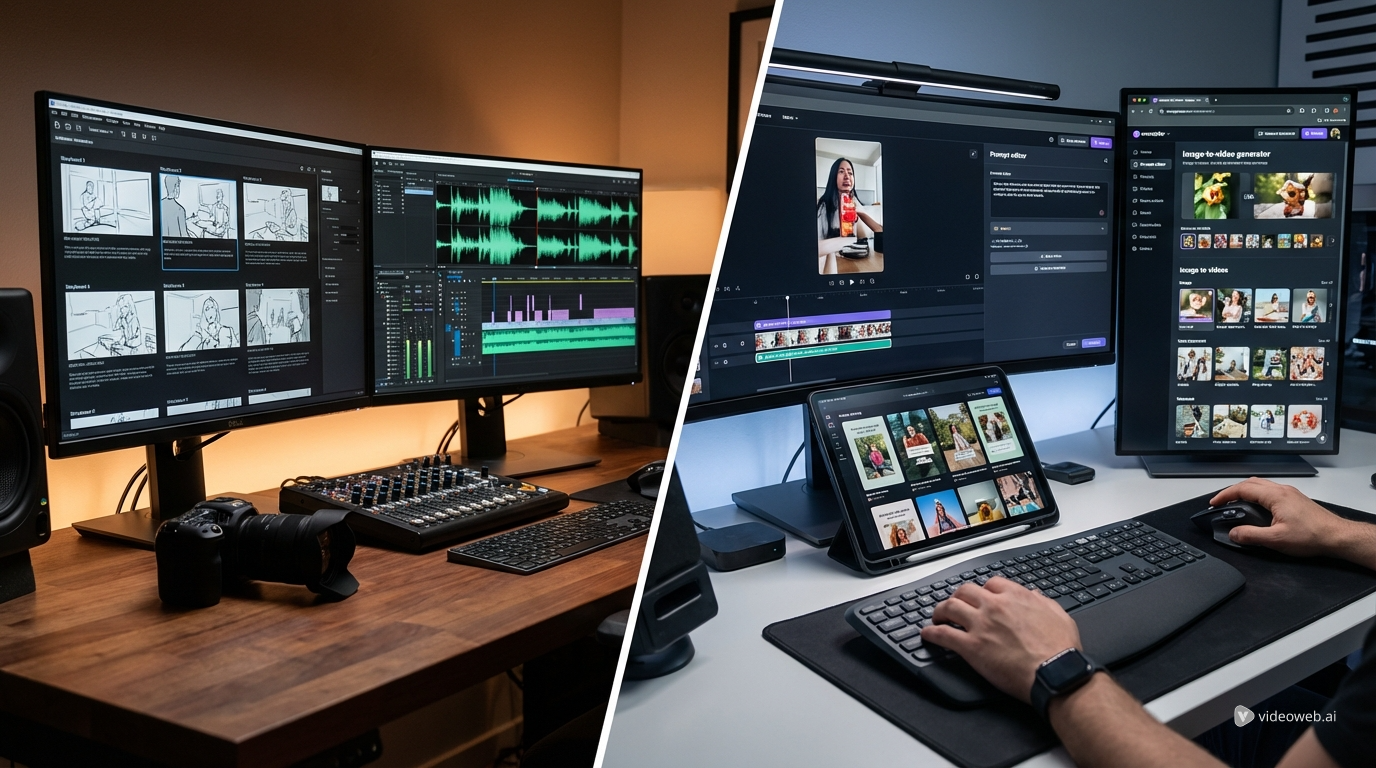
If you want to compare models without bouncing between different pages and settings, use the AIFacefy Photo-to-Video hub, which features top video models in one place:
👉 https://aifacefy.com/photo-to-video/
A simple way to use it:
- Run your first test with Wan 2.6 for speed
- Run your “best take” with Veo 3.1 for polish
- Keep your input image and prompt theme consistent so your comparison is fair
Final takeaway
If your priority is speed and iteration, go with wan 2.6 ai video generator. If your priority is cinematic quality, go with veo 3.1 ai video generator.
And if you want the fastest path to a real answer, test both inside AIFacefy Photo-to-Video and let the results decide.