Introduction
AI video tools have been moving fast. Just a couple of years ago, generating a moving clip from a single image felt like magic — even if the results were shaky and short. Today, that “magic” is starting to look more like professional production.
The release of Kling 2.5 is a clear sign of how quickly this field is evolving. Compared to its earlier versions, Kling 2.5 doesn’t just animate; it understands style, motion, and storytelling with more precision. For creators, brands, and anyone experimenting with AI video, it’s a big upgrade.
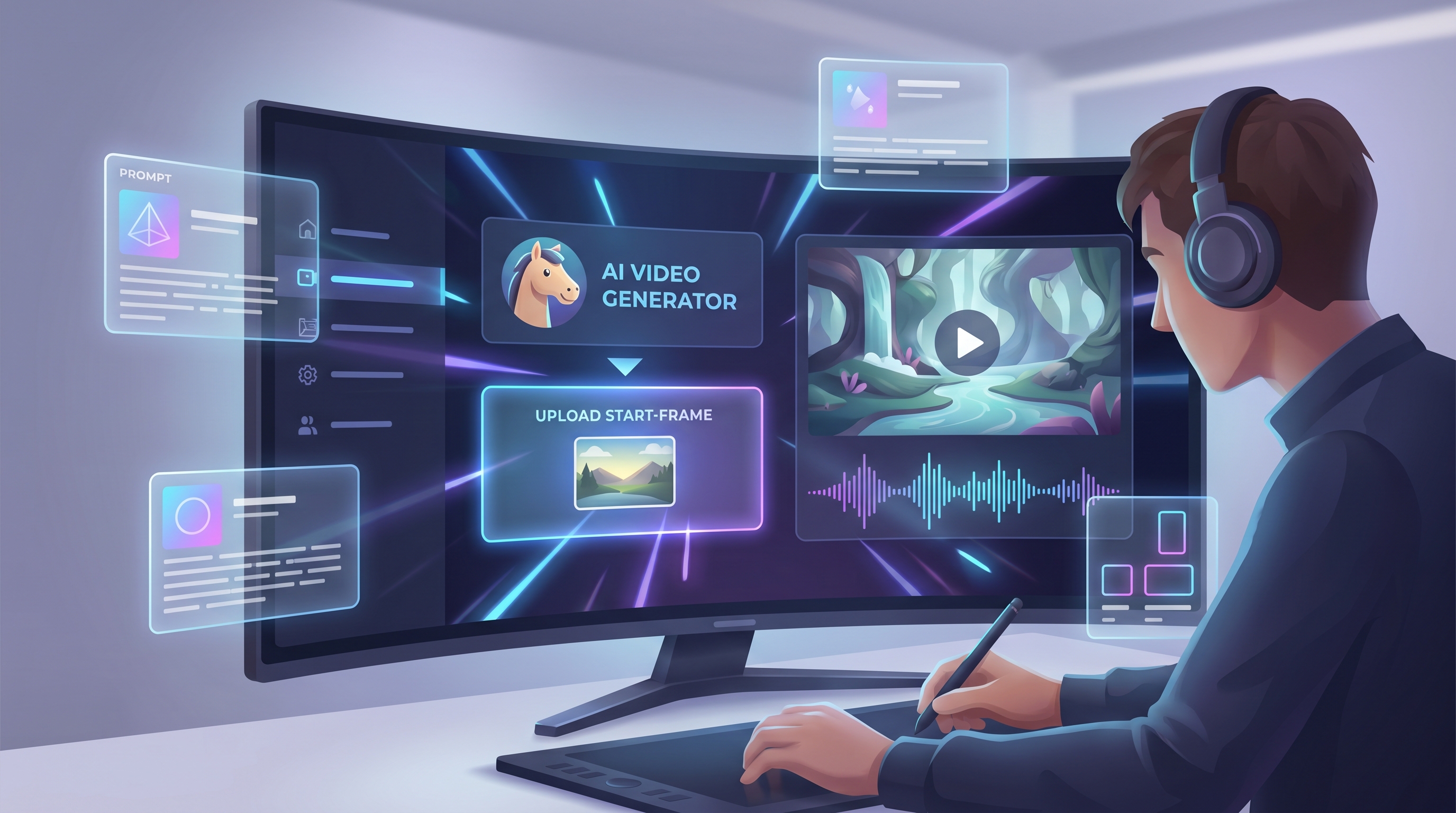
But here’s the best part: Kling 2.5 is available on AIFacefy, a platform that bundles the most advanced AI models under one roof. That means you don’t just get Kling 2.5 — you can also pair it with tools for editing, styling, and enhancing your videos. The result? A simple yet powerful creative workflow that anyone can tap into.
What Is Kling AI and AIFacefy?
Before diving into what makes Kling 2.5 special, it helps to understand where it comes from.
Kling AI is a project developed by Kuaishou, a major tech player in China. Its focus is video generation: turning text prompts, images, or even abstract ideas into short animated sequences. Think of it as an “AI director” that handles everything from camera moves to lighting.
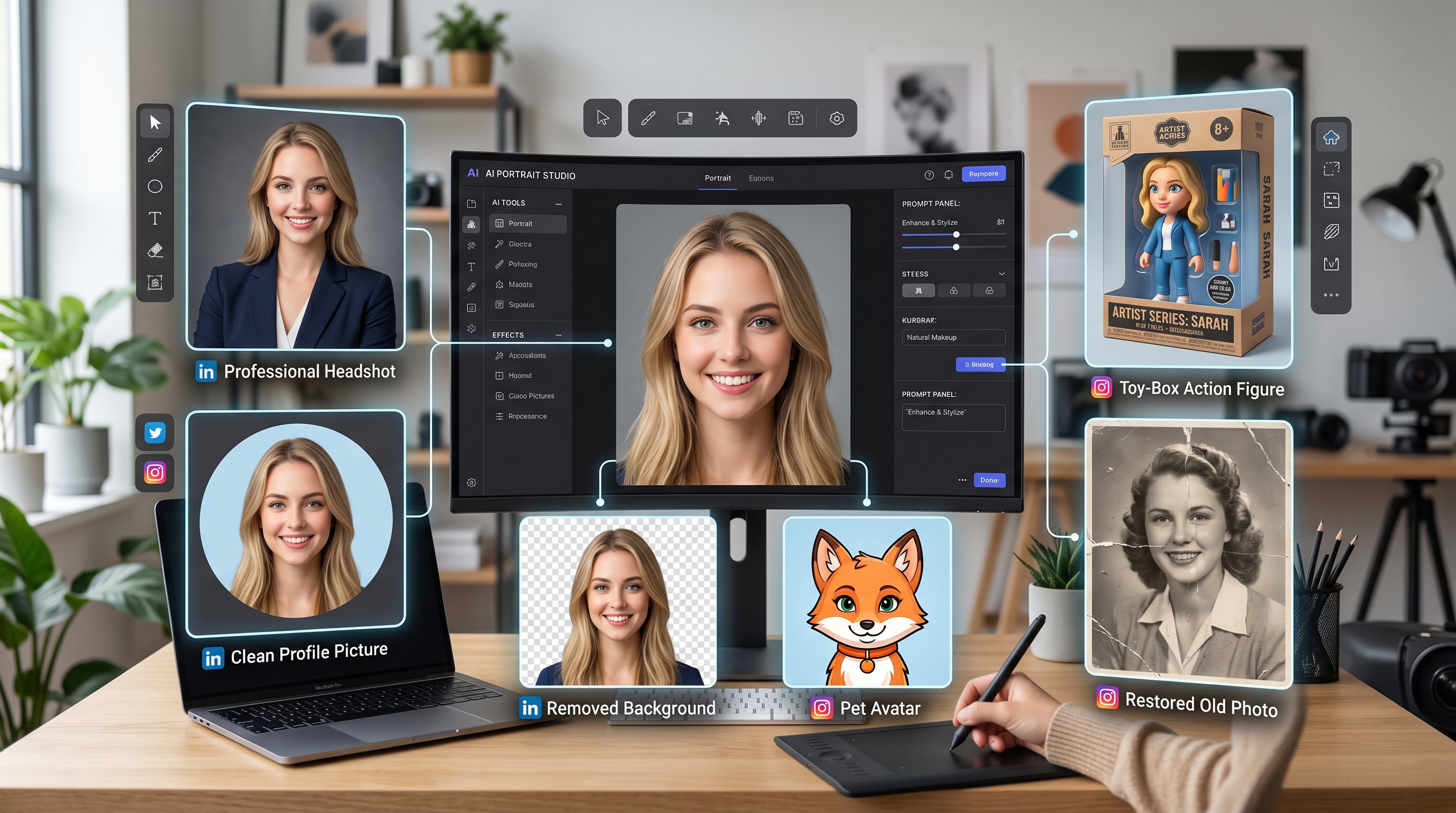
On the other side, you’ve got AIFacefy — an all-in-one platform that brings together different AI models for image, face, and video generation. It’s designed for creators who don’t want to mess around with code or complicated setups. With a few clicks, you can test multiple models, refine results, and create content ready for social media, marketing, or product showcases.
By adding Kling 2.5 to its suite, AIFacefy gives users immediate access to one of the most advanced video generation models available.
From Kling 2.1 to Kling 2.5: A Clear Evolution
What Kling 2.1 Brought to the Table
Kling 2.1, which you can still find on AIFacefy, was already a step forward in making AI video usable. Its “Standard” model focused on image-to-video conversion, creating short clips of about 3–6 seconds.
Key strengths of Kling 2.1 included:
- Cinematic camera logic: pans, tilts, and smooth tracking shots.
- Pose-based motion: characters moved based on skeletal learning, so gestures felt structured rather than random.
- Consistent lighting: environments held together even as the subject moved.
- Stable environments: fewer weird distortions in the background.
For its time, Kling 2.1 was reliable. If you uploaded a product shot or character design, you could get a neat little animation that looked polished enough for social posts or quick marketing assets.
What Kling 2.5 Adds
Kling 2.5 takes all of those foundations and builds something far more impressive. The upgrades aren’t just small tweaks — they tackle some of the biggest pain points in AI video.
Here’s what’s new:
- Better motion quality: Characters and objects move more naturally, with less “stutter.”
- Sharper visuals: Textures and details hold up at higher resolutions, including 1080p and beyond.
- Improved scene stability: Backgrounds stay consistent instead of melting or flickering.
- Smarter prompt understanding: Complex prompts and abstract ideas are translated into believable visuals.
- Advanced style handling: From hyper-realistic footage to stylized animation, Kling 2.5 maintains the look without drifting.
- Cinematic framing: Camera angles, transitions, and lighting feel closer to real filmmaking.
In short, Kling 2.5 feels like moving from a phone camera to a mid-range cinema rig. It’s not Hollywood yet, but it’s good enough for creative projects, brand campaigns, and design previews.
Side-by-Side: Kling 2.1 vs. Kling 2.5
| Feature | Kling 2.1 Standard | Kling 2.5 |
|---|---|---|
| Resolution | Up to 720p (some modes in 1080p) | Sharper detail, 1080p+ more stable |
| Clip Duration | 3–6 seconds typical | Longer sequences, less drift |
| Motion | Basic, sometimes stiff | Smooth, natural, fewer glitches |
| Prompt Understanding | Good for literal prompts | Handles complex or abstract input |
| Lighting / Stability | Consistent but limited | Stronger hold, realistic shadows |
| Style Control | Prone to drift in long clips | Holds style consistently |
| Camera Moves | Simple pans, tilts | Cinematic transitions and framing |
This table shows why Kling 2.5 feels like such a leap. It doesn’t just make things prettier — it makes them more usable.
Why Use Kling 2.5 on AIFacefy?
Plenty of sites and tools let you experiment with AI models, but AIFacefy offers something unique: a connected ecosystem. Instead of bouncing between apps, you can generate, edit, and finalize content in one place.
Here’s why pairing Kling 2.5 with AIFacefy makes sense:
- Easy access to the latest model: Kling 2.5 is right there alongside Kling 2.1, so you can directly compare outputs.
- All-in-one workflow: Use Kling 2.5 for motion, then refine with AIFacefy’s face tools, background removal, or style filters.
- Commerce-ready outputs: Better quality means clips are actually usable for ads, e-commerce, or social posts.
- Lower production costs: Skip photo shoots or reshoots; let Kling 2.5 create multiple versions quickly.
- Experiment freely: No coding or setup required. The interface makes it easy to try variations.
For creators and businesses alike, this isn’t just about playing with AI — it’s about streamlining content creation.
How to Get Started with Kling 2.5 on AIFacefy
Getting hands-on is straightforward:
- Go to AIFacefy – log in or create a free account at aifacefy.com.
- Pick Kling 2.5 – choose it in the video generation section.
- Upload or prompt – either upload an image to animate or type out your vision.
- Set your preferences – adjust clip length, resolution, or style.
- Generate – let Kling 2.5 process your input.
- Refine with other tools – try background editing, face tuning, or style filters to polish the result.
- Download & share – use it in your campaign, portfolio, or product showcase.
In under 10 minutes, you can go from a flat image to a polished, moving video clip.
Creative Use Cases
So, what can you actually do with Kling 2.5 on AIFacefy? The options are surprisingly broad:
- Fashion brands: Animate clothing to show how fabrics move.
- E-commerce stores: Create product videos from static shots.
- Influencers: Produce quick, stylish clips for TikTok or Instagram.
- Designers: Visualize prototypes in motion before they’re manufactured.
- Marketers: Generate unique ad visuals without a studio budget.
- Artists: Explore abstract or stylized animations for storytelling.
Kling 2.5 lowers the barrier to entry. Even if you’re not a professional editor, you can create content that feels professional.
Other Models on AIFacefy
[Kling 2.5}(https://aifacefy.com/model/kling-2-5/) is a star, but it’s not alone. AIFacefy offers a toolkit of other AI models you can mix and match:
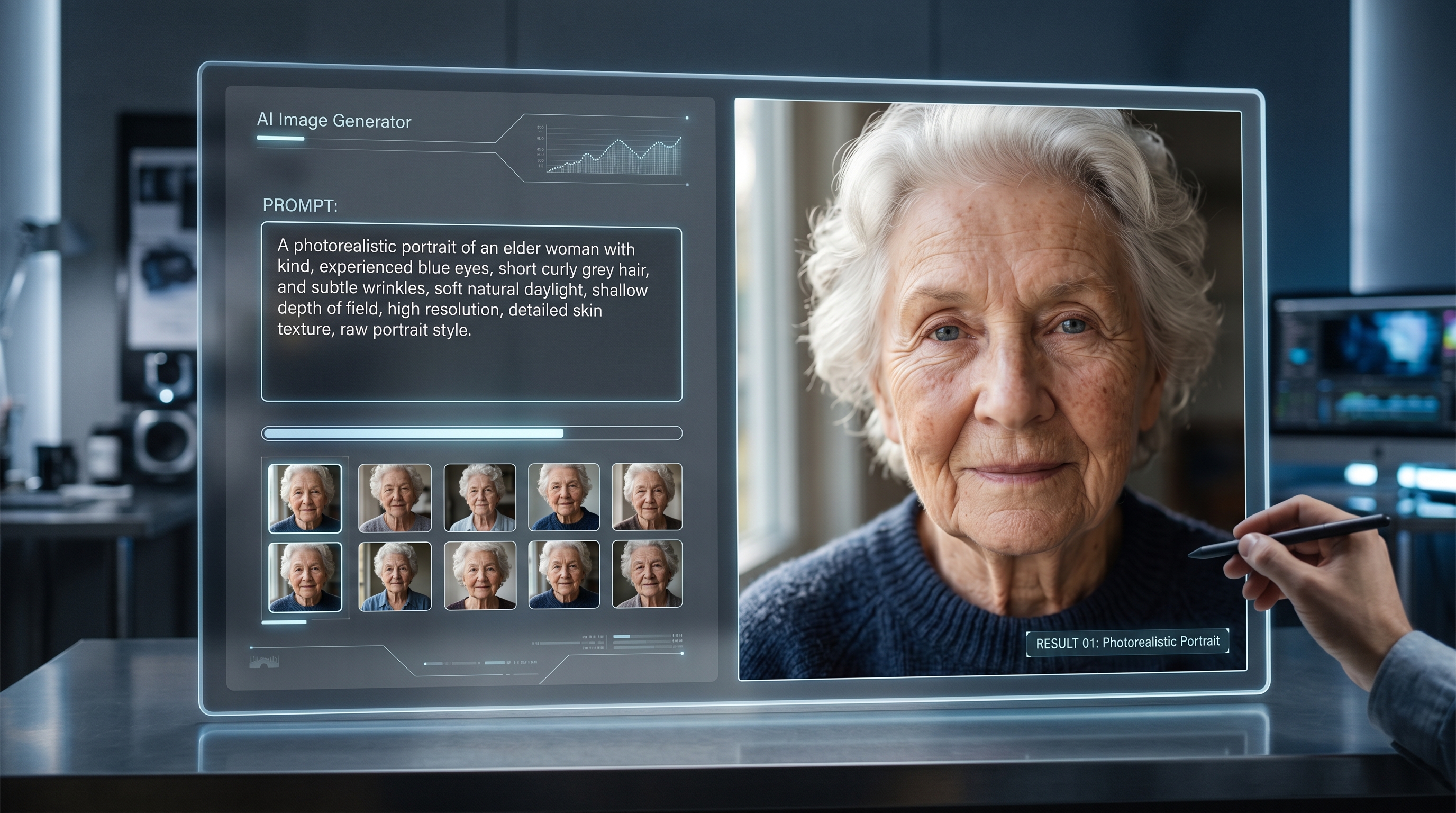
- Seedream – perfect for high-quality still images and photorealistic renders.
- Nano Banana AI – focused on character and figure animation.
- Flux models – excellent for image-to-image transformations.
This means you’re not locked into one model. You can start with Seedream for a crisp product render, pass it into Kling 2.5 for animation, and then fine-tune details with editing tools — all on the same site.
Things to Keep in Mind
Even with all its improvements, Kling 2.5 isn’t perfect. A few things to remember:
- Video length is still limited. These tools are ideal for short-form content, not feature films.
- GPU power matters. On high demand, rendering might take longer, especially for HD outputs.
- Prompts need practice. The better you describe what you want, the better the model performs.
- Costs vary. Depending on how many generations you need, there may be subscription or per-use fees.
Still, compared to traditional production, these are minor trade-offs.
Looking Ahead
Kling 2.5 already feels like a big step forward, but the pace of AI development suggests Kling 3.0 (and beyond) will be even more powerful. Longer sequences, multi-character interactions, and real-time generation may be closer than we think.
In the meantime, pairing Kling 2.5 with AIFacefy offers one of the smoothest workflows available today. It’s practical, accessible, and designed for creators who want results without heavy technical barriers.
Conclusion
Kling 2.5 is more than just an incremental update — it’s a game-changer for AI video. With sharper visuals, smoother motion, and stronger prompt comprehension, it transforms AI-generated clips into content you can actually use.
And when you use it on AIFacefy, it becomes even more valuable. The platform’s ecosystem of tools lets you go from static image to polished, shareable video in minutes — with options to refine, edit, and experiment along the way.
For creators, brands, and businesses, Kling 2.5 is an opportunity to get ahead of the curve. Whether you’re showcasing fashion, promoting products, or exploring new forms of storytelling, this model — paired