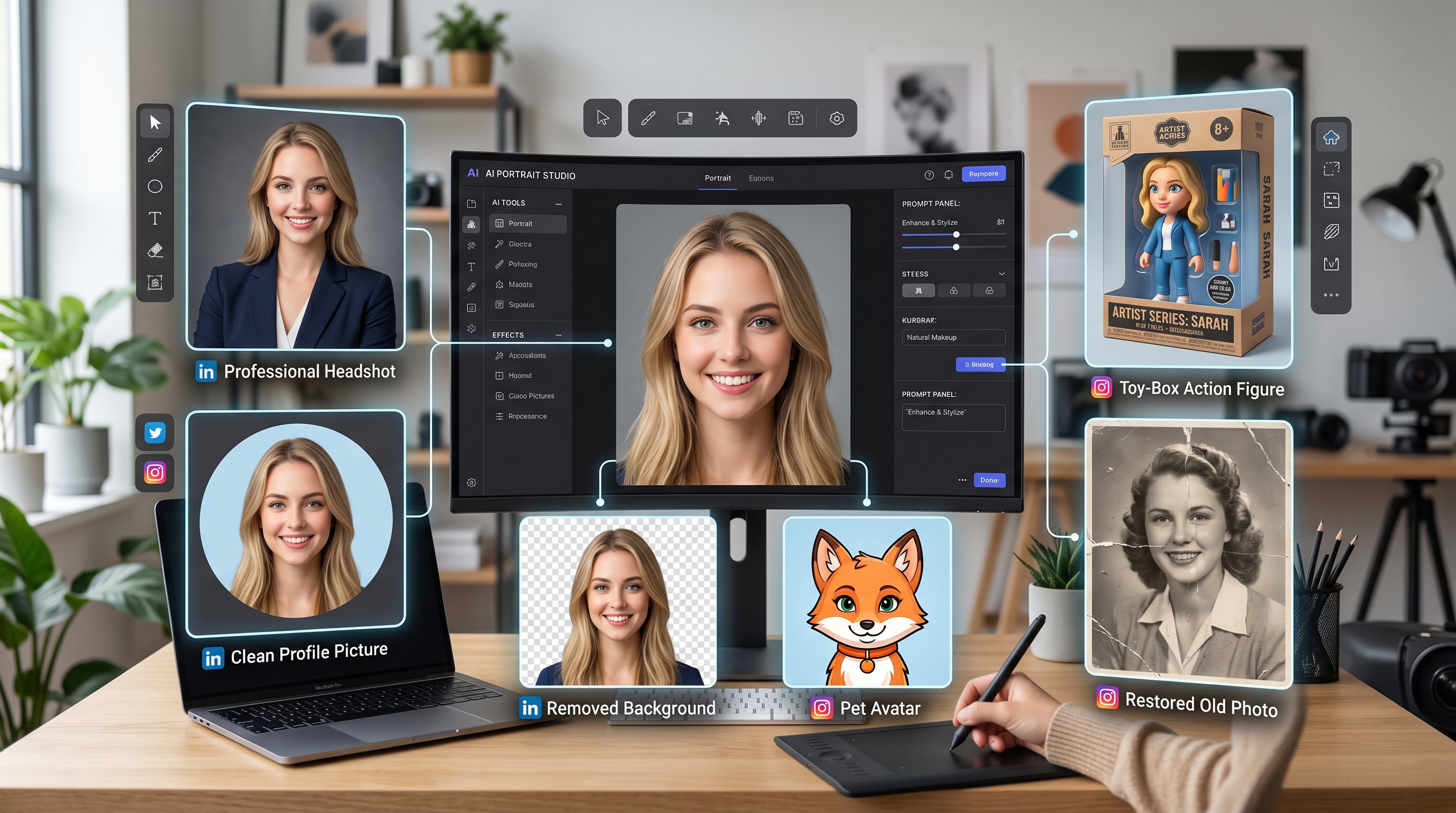
If you’ve been trying to enhance portraits, clean up selfies, or retouch face photos with AI, you’ve probably noticed something: most tools either make faces look too smooth or too fake. The magic “in-between”—natural, polished, and identity-accurate—has been hard to find.
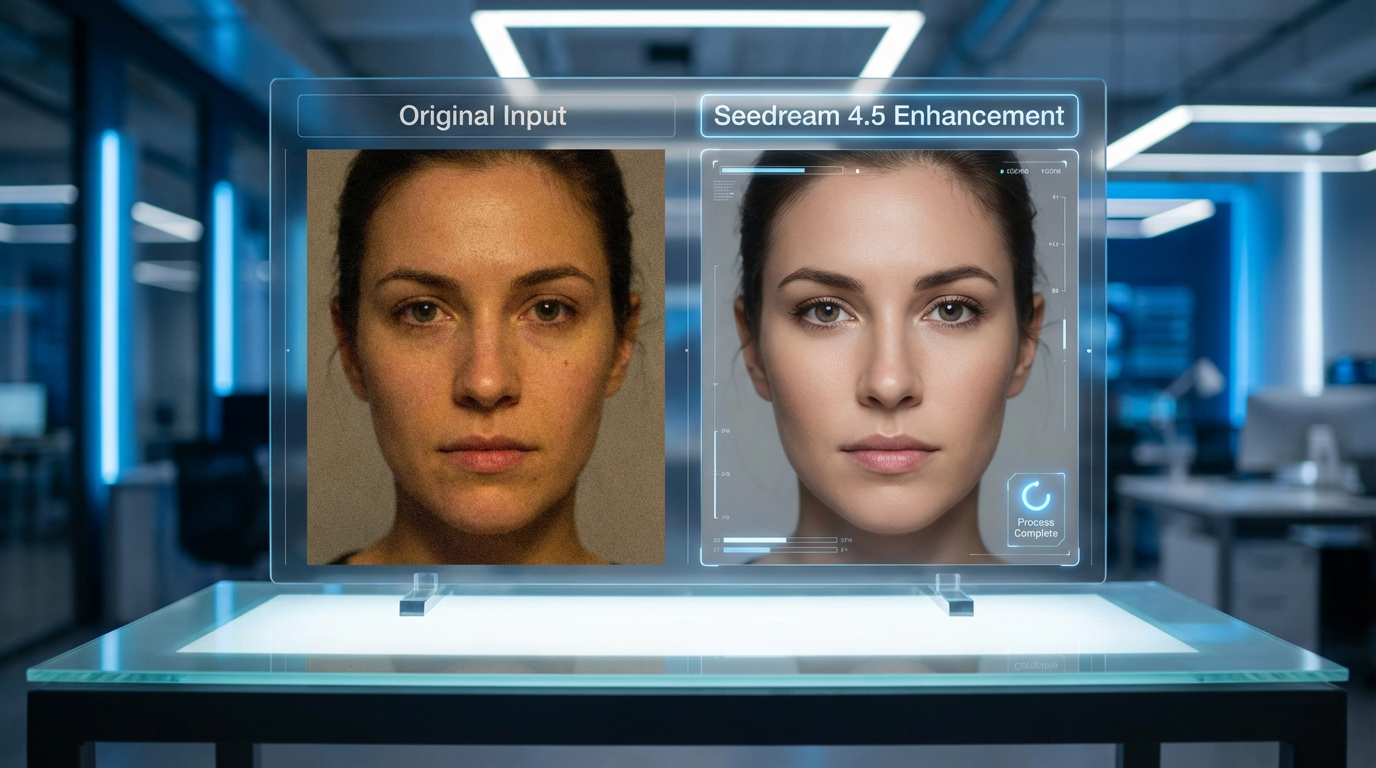
That’s exactly why the new Seedream 4.5 for AI face photo enhancer is getting so much attention. It feels like the first version of Seedream that truly understands human faces. It sharpens details without breaking them, brightens skin without plasticizing it, and enhances portraits without distorting identity.
If you’re a creator, influencer, photographer, or anyone who wants studio-quality face enhancement with zero Photoshop skills, this tutorial is your guide. I’ll show you exactly how to use Seedream 4.5 face enhancer, step by step, with the insider tips that get the best results every time.
You can try it here anytime:
👉 https://aifacefy.com/seedream-4-0/
1. Why Seedream 4.5 Is Turning Heads in the AI Editing World
Most AI retouching tools are either too aggressive or too weak. You get:
- blurry details
- over-smoothed skin
- unnatural eyes
- weird lighting
- identity distortion
- uncanny-valley results
Seedream 4.5 changes the game.
This version was trained heavily on face-detail reconstruction, identity preservation, and lighting balance, making it one of the most reliable tools for realistic enhancements.
With it, you can:
- clean up a portrait
- brighten skin tone
- sharpen eyes
- restore detail in low-quality photos
- fix lighting imbalances
- enhance selfies without making them look edited
And because this tool is part of the Seedream 4.x lineup, it’s powered by the same high-level image understanding that makes their creative models so strong.
In short: Seedream 4.5 now matches (and sometimes beats) traditional portrait editing—without needing editing skills.
2. What Makes Seedream 4.5 So Good for Face Enhancement?
Seedream 4.5 didn’t just add one or two upgrades—it leveled up across the board. Here’s what’s now possible.
2.1 Ultra-Clean Facial Detail Reconstruction
With the seedream 4.5 face enhancer, you get crisp texture without the AI “plastic skin” problem. Skin looks cleaned, not erased.
It can enhance:
- pores
- eyebrows
- lashes
- hair strands
- natural texture
Everything looks real—just… better.
2.2 Natural Retouching With Smart Identity Preservation
The seedream 4.5 face retouch ai can remove blemishes but keeps your face looking like your face. Freckles stay. Features stay. Personality stays.
It’s retouching that feels human, not robotic.
2.3 Professional-Level Portrait Enhancement
If you’ve ever spent hours adjusting lighting or color tone on a portrait, the seedream 4.5 portrait enhancer eliminates that pain.
It can instantly fix:
- highlight/shadow balance
- contrast
- color saturation
- lighting direction
- complexion glow
It feels like it understands portrait photography.
2.4 Strong Stability for AI-Powered Edits
The seedream 4.5 ai face enhancer is noticeably more stable in terms of:
- not warping faces
- not shifting eyes
- not changing identity
- not altering expressions unintentionally
If you’ve struggled with previous models that “redesigned” your face, Seedream 4.5 is the cure.
3. How to Use Seedream 4.5 for AI Face Photo Enhancement (Step-by-Step)
This is what most users want—a simple workflow that always works.
Here’s the insider-approved 4-step method.
Step 1 — Upload Your Image
Visit the tool:
👉 https://aifacefy.com/seedream-4-0/
Choose a clear photo where the face is visible.
Insider tip:
The better the input lighting, the better the enhancement.
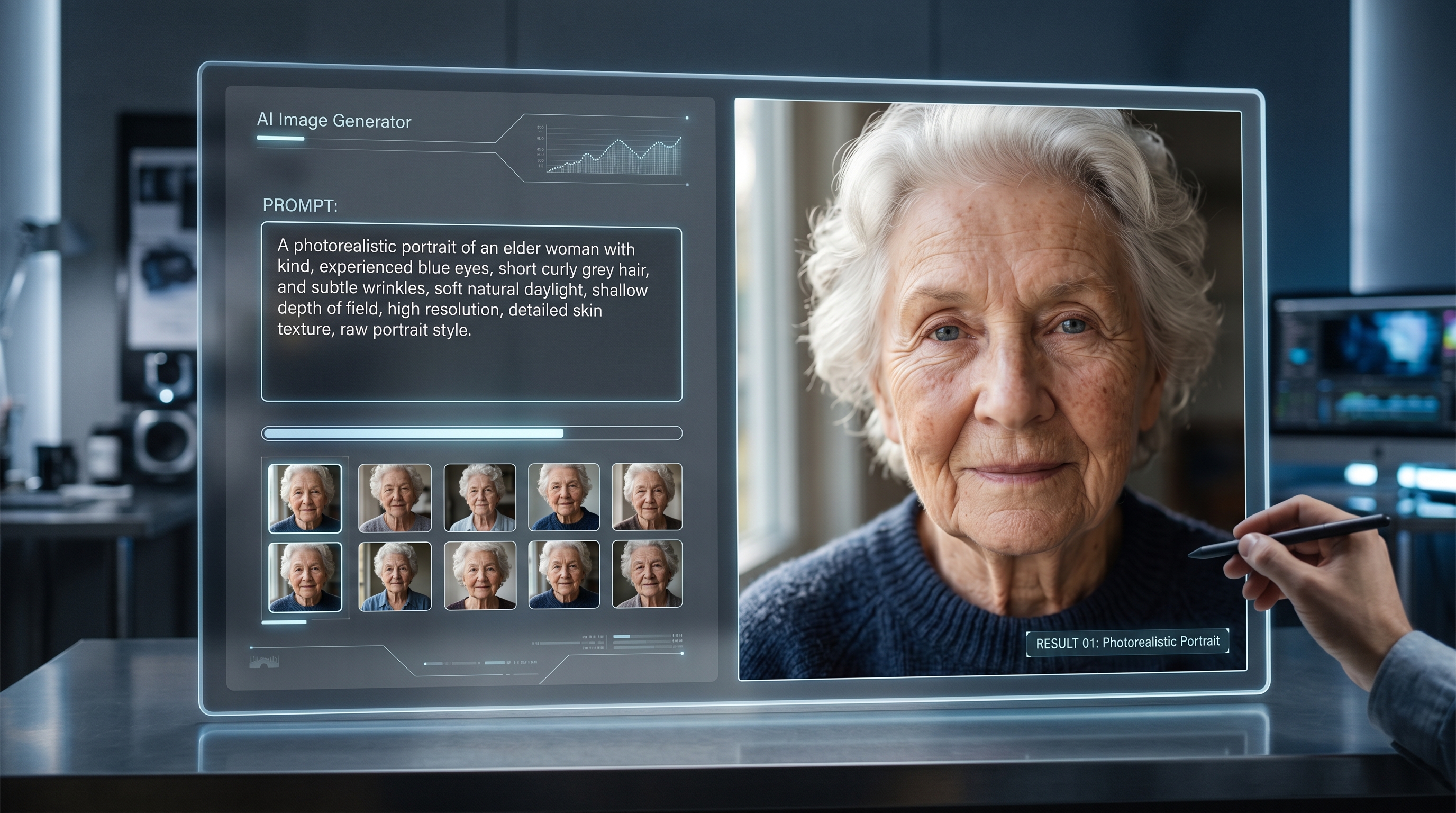
Step 2 — Write or Paste Prompts (Ready Prompts Included)
This is where the magic happens.
Seedream 4.5 responds incredibly well to specific enhancement prompts.
Ready-to-use prompts:
Natural portrait enhancement:
- “Natural portrait enhancement, clean skin texture, sharp eyes, realistic lighting, preserved identity.”
Beauty retouch:
- “Soft beauty retouch, even skin tone, cinematic glow, enhanced eyelashes, natural face smoothing.”
Dramatic portrait style:
- “High-detail portrait enhancement, intensified lighting contrast, sharp facial features, crisp texture.”
Photo restoration:
- “Ultra-clear detail reconstruction, noise removal, color correction, natural skin restoration.”
Copy/paste any of these—or modify them for your specific style.
Step 3 — Set Ratio and Resolution
Here’s how to choose your settings:
Recommended aspect ratios:
- 1:1 – best for profile photos and socials
- 4:5 – portrait-friendly
- 3:4 – classic headshot composition
Resolution tips:
Use higher resolution for:
- professional headshots
- printed materials
- brand photography
Use lower resolution for:
- quick previews
- social posts
The seedream 4.5 face photo enhancer handles both well, but higher-res gives maximum clarity.
Step 4 — Click Generate
Let Seedream 4.5 do its thing.
In a few moments, you’ll get:
- sharper features
- cleaner skin
- balanced lighting
- improved clarity
- enhanced detail
Insider tip:
Always generate 2–3 variations.
Seedream 4.5 tends to offer subtle differences that help you pick the best output.
4. Best Practices for Stunning Results
Here’s how to get pro-level results every time:
✔ Use a well-lit photo
Seedream enhances—it doesn’t invent missing light.
✔ Keep prompts simple
One or two focused descriptions outperform long paragraphs.
✔ Use lighting-specific prompts
Try:
- “Soft cinematic lighting”
- “Warm studio portrait light”
✔ Use the portrait enhancer for photography-like retouching
The seedream 4.5 portrait enhancer excels in mood, color, and lighting adjustments.
✔ Add identity-preservation cues
Such as:
- “Preserve identity”
- “Keep natural features”
5. Real Examples of What Seedream 4.5 Can Do
Here are realistic use cases where the tool shines:
• Fix blurry or low-quality selfies
The seedream 4.5 ai face enhancer recovers crisp detail.
• Upgrade professional headshots
The seedream 4.5 portrait enhancer delivers studio-grade clarity.
• Enhance dating profile photos
The seedream 4.5 face retouch ai creates confident, natural edits.
• Restore old portraits
The seedream 4.5 face photo enhancer rebuilds texture and corrects complexion.
• Improve creator portraits for branding
The seedream 4.5 face enhancer excels at clean, modern aesthetics.
6. Who Should Use Seedream 4.5 for Face Enhancement?
This tool is perfect for:
- Influencers
- Beauty/fashion creators
- Photographers
- Social media users
- Dating profiles
- YouTubers and streamers
- E-commerce model photos
- Family portrait restoration
- Anyone wanting effortless, high-end face edits
Try the tool here:
👉 https://aifacefy.com/seedream-4-0/
7. Final Thoughts: Seedream 4.5 Sets a New Standard for AI Portrait Editing
The seedream 4.5 for ai face photo enhancer is more than a model update—it’s a rethinking of how AI handles human faces. With natural retouching, realistic texture recovery, and strong identity preservation, it brings professional portrait quality to everyday users.
Whether you're fixing selfies, restoring old photos, or producing portrait content, Seedream 4.5 makes the process effortless and incredibly effective.
This is the future of portrait editing—and it's already here.