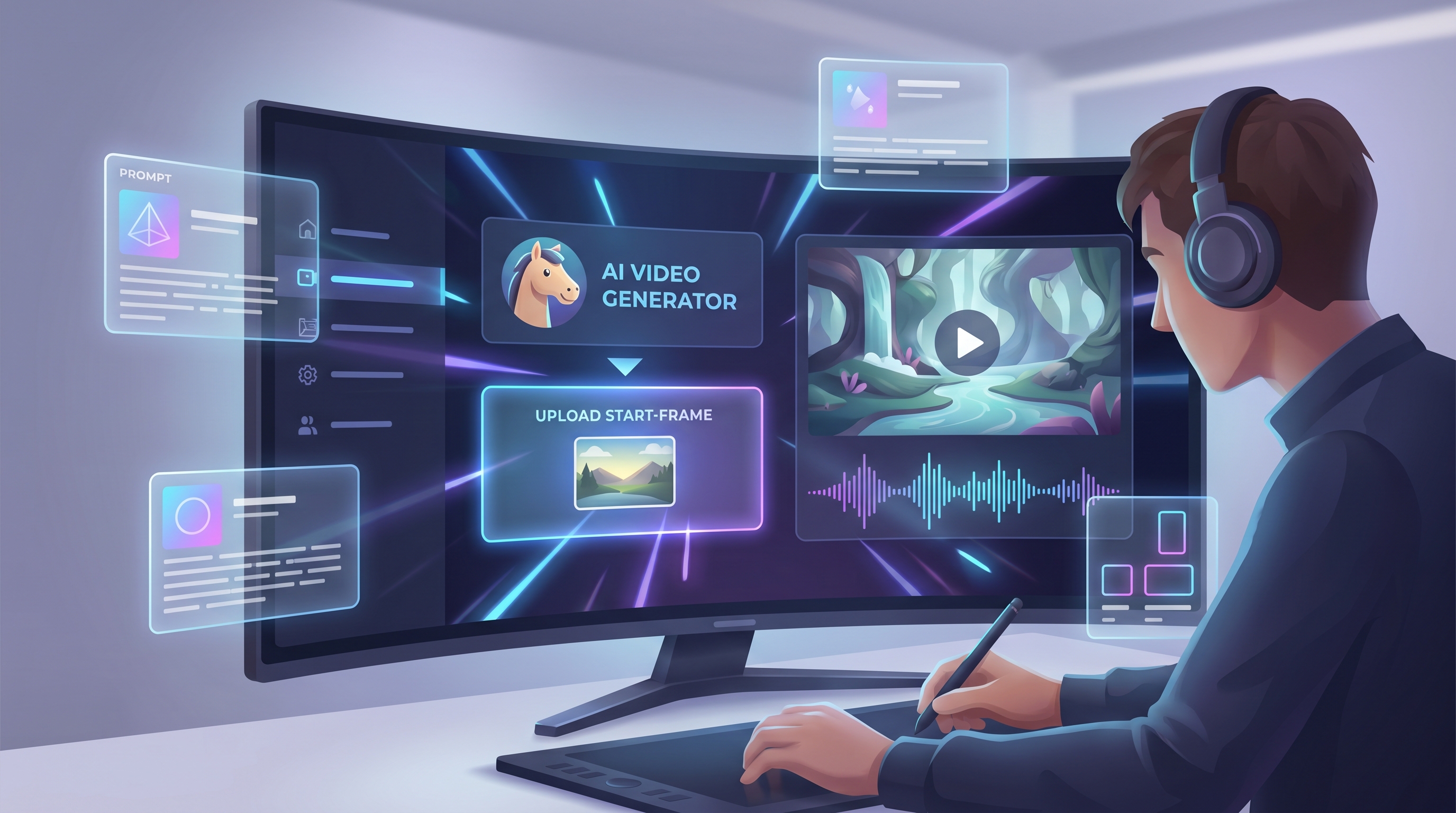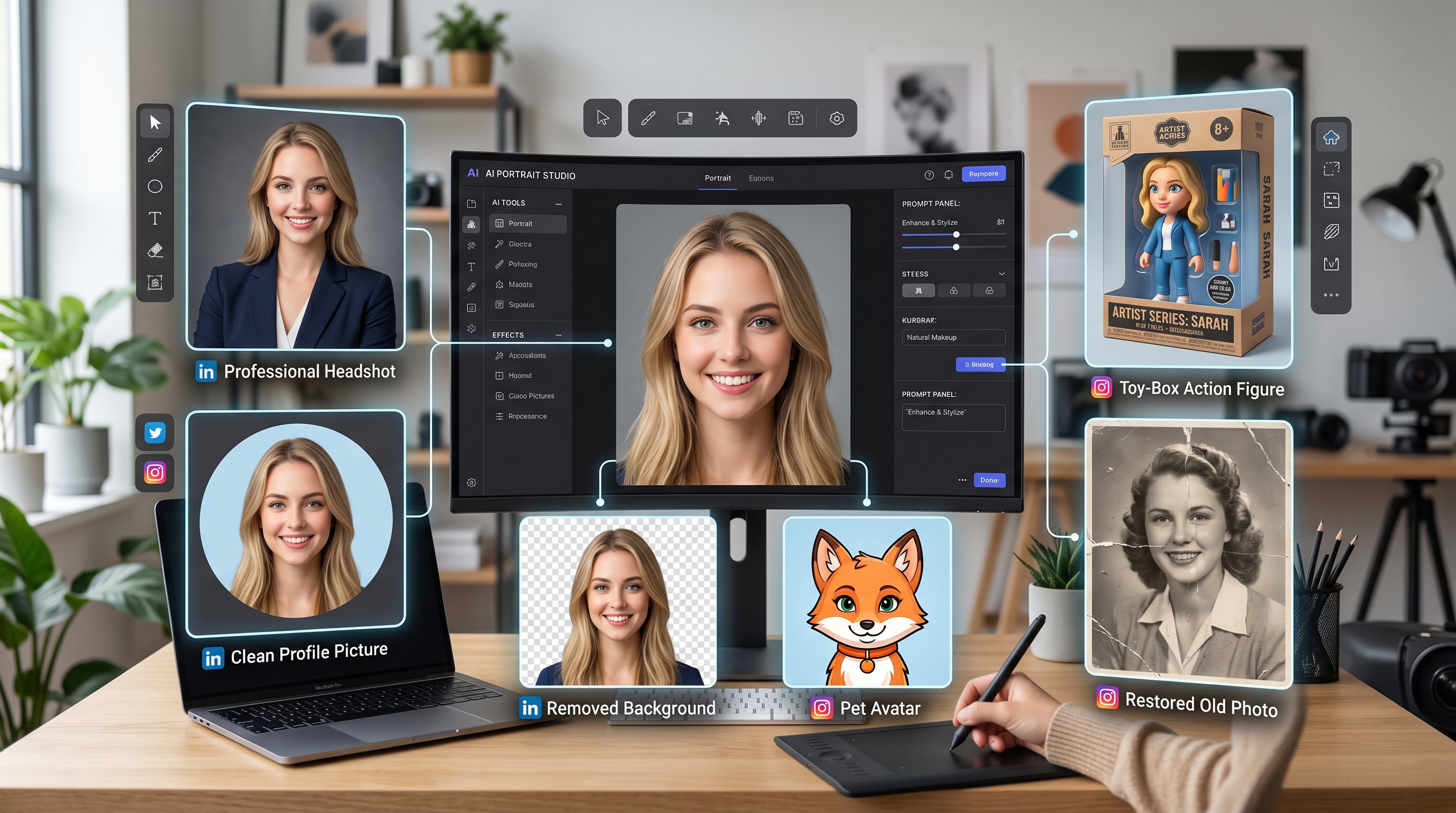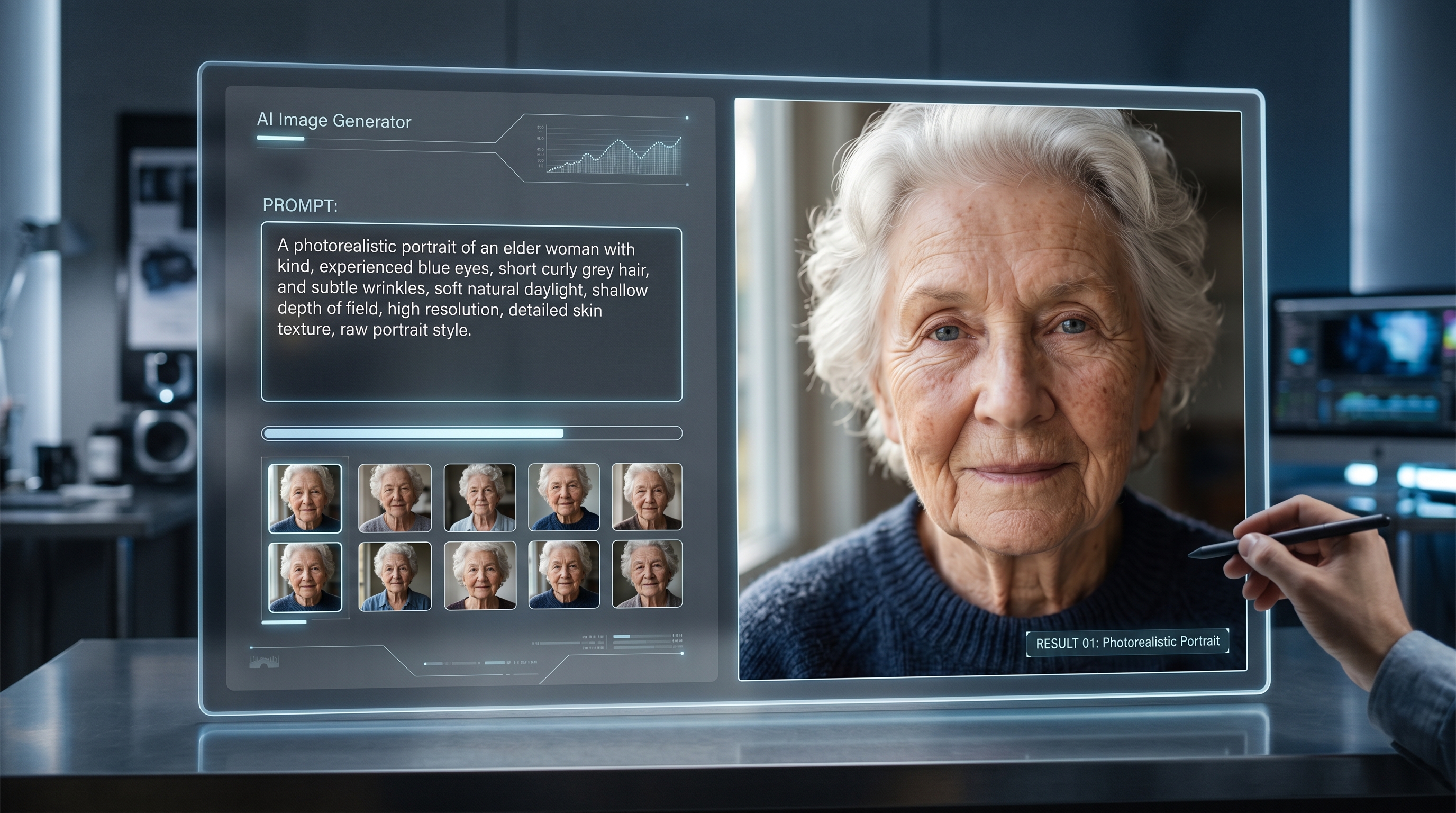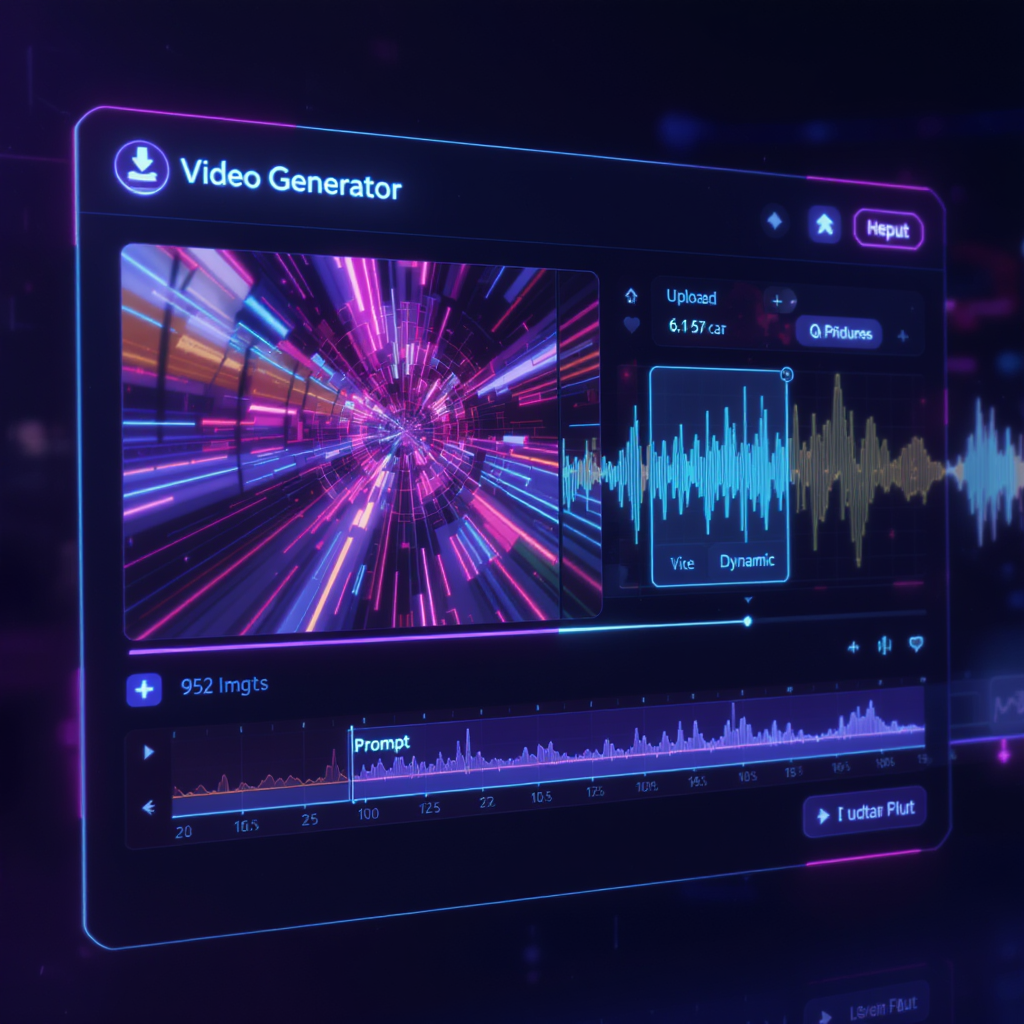
In today’s digital age, creating engaging content that stands out is more important than ever. With the explosive growth of social media, online marketing, and digital storytelling, creators need fast and creative tools to keep up. One of the most exciting recent innovations is the ability to turn static images into stunning videos—complete with audio—using artificial intelligence. Leading this revolution is the Veo 3 AI video generator, which makes it incredibly easy to produce professional-grade image to video with audio by Veo3 in just a few clicks.
What is the Veo 3 AI Video Generator?
The Veo 3 AI Video Generator is a state-of-the-art AI tool designed to help anyone transform images into lively, animated videos. Unlike traditional video editing software, Veo 3 leverages advanced AI to animate images, add smooth transitions, and even synchronize audio—automatically. Whether you’re a marketer, educator, content creator, or simply looking to make your stories more dynamic, Veo 3’s capabilities make it the ultimate solution for next-level video content.
Why choose Veo 3?
- Simple, intuitive interface—no editing experience required.
- Multiple models (including STD 1.6 and VEO3 Fast Audio) for customized results.
- AI-powered prompt optimization for effortless creativity.
- Integrated audio to bring your visuals to life.
Main Benefits of Image to Video with Audio by Veo3
Switching from static images to animated, audio-rich videos unlocks a world of possibilities:
- Effortless Content Creation: With just one image and a prompt, Veo 3 generates a complete video—saving hours of manual work.
- Social Media Ready: Instantly create eye-catching, shareable videos for Instagram, TikTok, YouTube Shorts, and more.
- Storytelling Power: Combine your visuals with perfectly-matched audio for marketing, e-learning, or entertainment.
- Accessibility: The user-friendly platform ensures everyone, from beginners to pros, can create stunning videos in minutes.
Step-by-Step Guide: How to Use Veo 3 AI Video Generator on AIFacefy
Ready to create your own AI-powered video? Follow these simple steps with AIFacefy’s image to video tool:
1. Access the Veo 3 Image to Video Page
Go to the image to video with audio by Veo3 tool.
2. Choose Your Video Model
Select from options like STD 1.6 (5s) or VEO3 Fast (8s) Audio. The STD model offers quick, punchy results, while the VEO3 Fast Audio model enables richer video and built-in sound.
3. Enter Your Prompt
In the prompt box, describe what you want your video to depict. For example:
- “A futuristic city at night with neon lights and rain sounds.”
- “A cozy campfire in the forest, crackling audio.”
4. Enable Translation (Optional)
If you want to use prompts in different languages, simply toggle the Translate option.
5. Upload Your Image
Click the upload box or drag and drop your image. This image will serve as the foundation of your animated video.
6. Set Privacy
Toggle Public or Private mode depending on your sharing preference.
7. Generate Your Video
Click Generate (cost: 200 credits). In seconds, your video—complete with audio—will be ready to preview, download, or share.
Interface Note: The tool’s sleek interface, as shown above, makes the entire process smooth and beginner-friendly.
Tips for Creating the Best Image to Video Results
To make your videos even more compelling, consider these expert tips:
- Write Specific Prompts: The more detailed your prompt, the better the AI can understand and animate your vision.
- Use High-Quality Images: Start with clear, visually interesting photos for best animation effects.
- Leverage Audio: Choose VEO3 Fast Audio mode when sound is essential to your story or message.
- Experiment with Models: Try different models to see which animation style suits your project best.
Frequently Asked Questions
Q: What image formats are supported? A: Common formats like JPG, PNG, and WebP are supported.
Q: How long does video generation take? A: Usually just seconds, but times may vary based on server load.
Q: Can I edit the audio afterward? A: The tool currently integrates AI-selected audio. For custom edits, you can download the video and use third-party editors.
Q: Is the service free? A: There’s a credit system—new users often get free credits to try the tool.
Why Use AIFacefy’s Image to Video with Audio by Veo3?
Compared to other AI video tools, Veo 3 stands out for its:
- Ease of Use: Simple upload and prompt, no steep learning curve.
- Speed: Generate videos faster than with most traditional editors.
- Quality: AI-powered transitions and realistic audio.
- Flexibility: Ideal for marketing, storytelling, social content, and more.
- Community Support: AIFacefy provides regular updates and a supportive user community.
Conclusion
AI-powered video creation is here to stay—and image to video with audio by Veo3 is leading the charge. Whether you’re a social media creator, a business owner, or just love exploring new creative tools, Veo 3 AI video generator offers everything you need to turn your ideas into stunning, shareable videos—no technical skills required.
Ready to upgrade your content? Try AIFacefy’s Veo 3 AI Video Generator now!