Artificial intelligence has revolutionized the way we think about creative content, and nowhere is this more evident than in the fashion world. Social media platforms, online shops, and digital runways are increasingly filled with AI-generated models, cinematic showcases, and dynamic brand videos. The beauty of this new wave is accessibility—anyone can now produce professional-grade fashion content with nothing more than a laptop, an internet connection, and the right AI tool.
One of the leading technologies in this space is Veo3, a state-of-the-art video generation model available directly through AI Facefy. If you’ve been curious about how to create fashion model video with audio by Veo3 in AI Facefy, you’re in the right place. This guide will walk you through everything—from understanding why Veo3 is such a powerful choice, to step-by-step instructions, to practical fashion industry use cases.
You can access the tool directly here: Veo3 in AI Facefy.
Why Choose Veo3 in AI Facefy for Fashion Model Videos
When it comes to creating fashion content, style and presentation matter as much as the clothes themselves. Traditional fashion films require teams of models, stylists, videographers, and editors. Veo3 in AI Facefy changes that by compressing all of those steps into an AI workflow that’s both fast and accessible.
Here’s why Veo3 is such a game-changer:
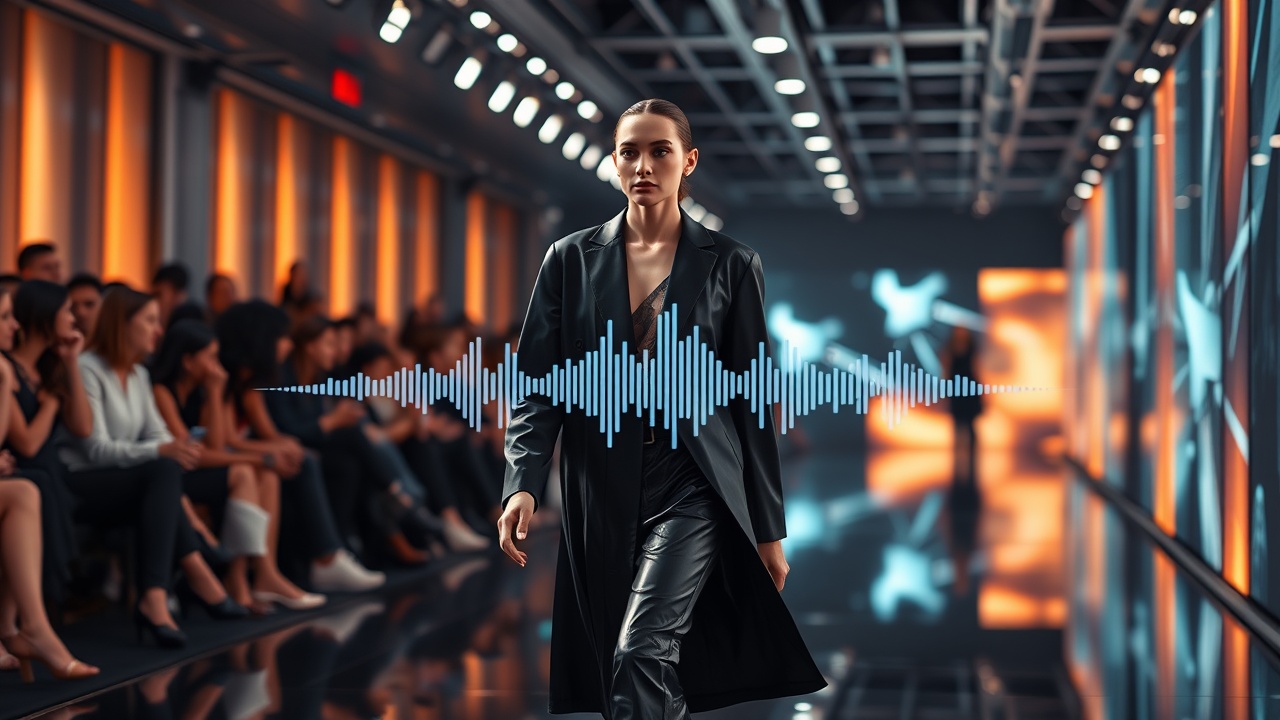
- Cinematic quality output: Veo3 is designed to generate video that feels polished, with smooth motion, natural lighting, and a professional look. For fashion, this means catwalk struts, turns, and poses can appear believable rather than robotic.
- Audio synchronization: Unlike older AI video generators, Veo3 allows you to add audio—music, voiceovers, or even narration—directly to your video. This is vital for runway clips, fashion ads, and brand showcases.
- Adaptability to fashion prompts: Veo3 responds well to descriptive fashion cues, whether you want a “runway model in high couture under studio lights” or a “streetwear influencer walking on a neon-lit urban runway.”
- Accessibility in AI Facefy: Because it’s integrated into AI Facefy’s easy-to-navigate interface, even beginners can generate professional results without coding or technical expertise.
Simply put, if you want to produce fashion model videos that look like they came from a professional production studio, Veo3 in AI Facefy is the right tool.
Getting Started: Accessing the Veo3 Video Tool
Before you create your first AI fashion video, you need to access the tool. Luckily, AI Facefy makes this simple.
- Go to Veo3 in AI Facefy.
- Sign in with your account or create a free one if you’re new.
- From the model menu, choose Veo3 Video Generator.
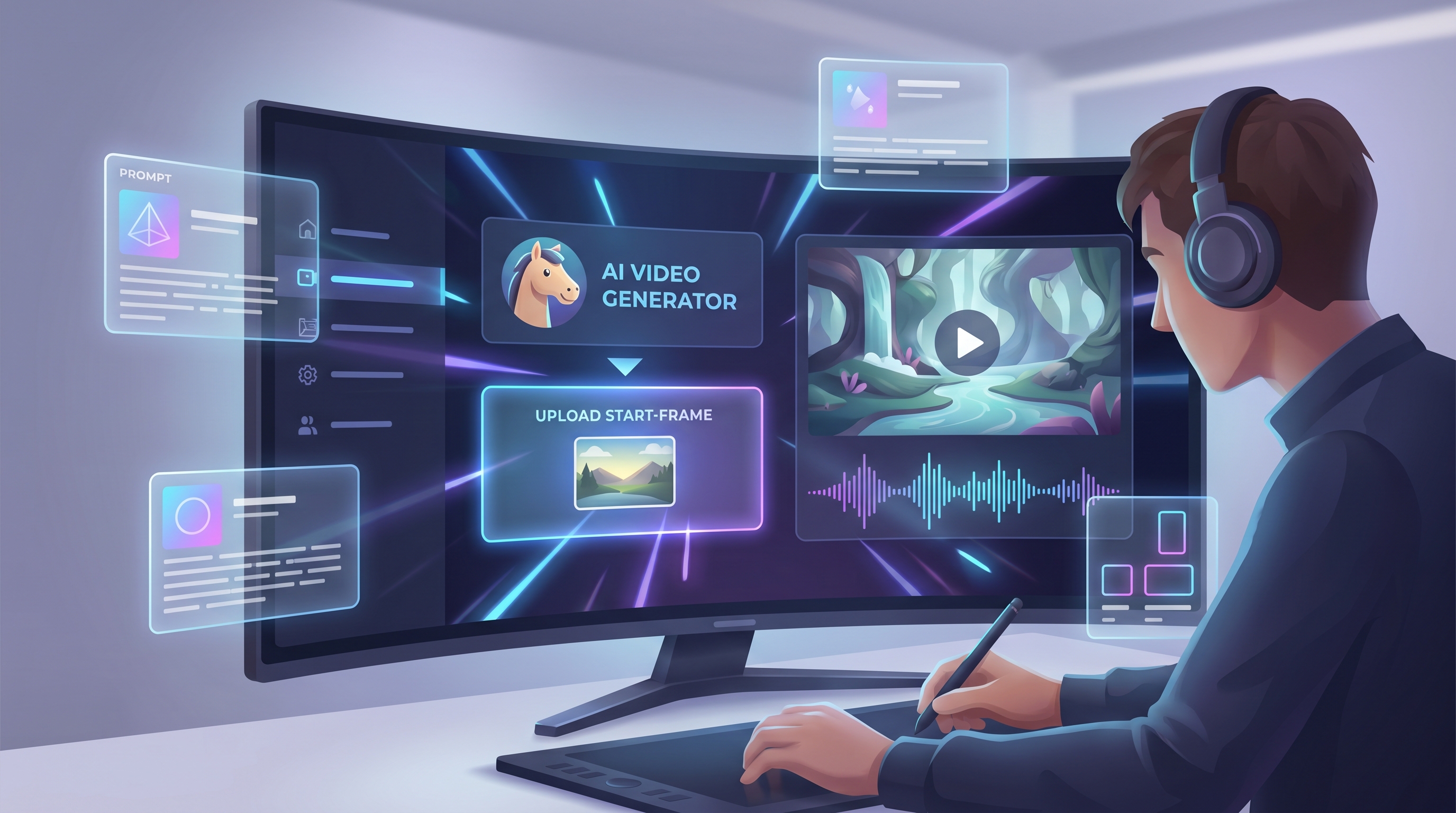
The interface is designed to be intuitive. On the left side you’ll see a text box for your prompts, along with options to upload images or add audio. On the right side, there’s a preview area where results will appear after rendering.
Uploading Your Prompt and Media
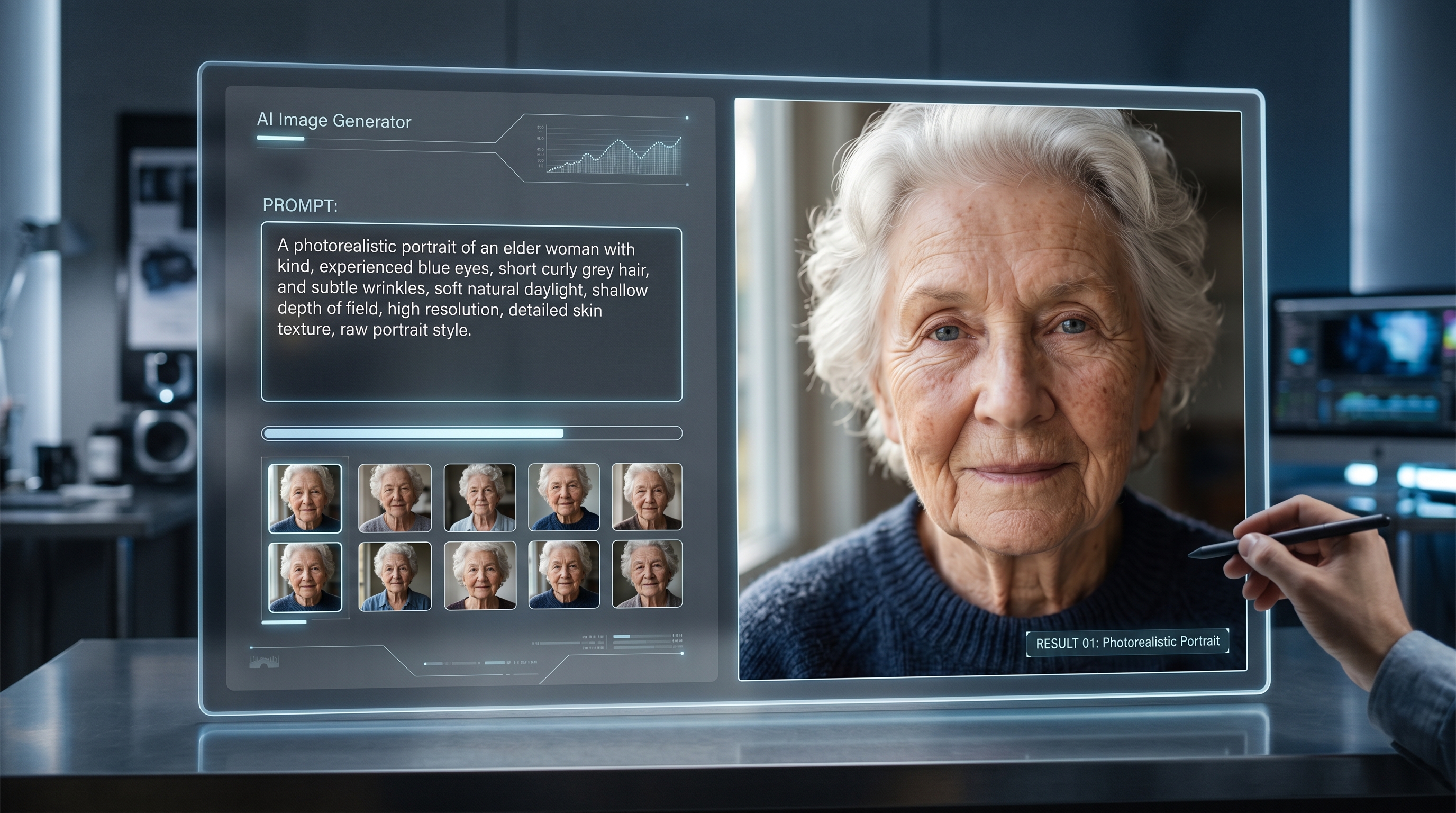
Prompts are the language of AI. They tell Veo3 what kind of fashion model, styling, and movement to create. For fashion, descriptive detail is key.
Writing Prompts for Fashion Models
A weak prompt like “model video” will give you generic results. Instead, think like a fashion director:
- “A tall runway model in a flowing red silk gown, walking down a modern catwalk with flashing cameras, cinematic lighting, and stylish audience in the background.”
- “Streetwear model in oversized hoodie and sneakers, strutting confidently in an urban rooftop fashion shoot, evening city skyline glowing behind.”
- “High fashion couture photoshoot, elegant female model posing against a white cyclorama wall, soft spotlight and editorial magazine vibe.”
The more specific you are about style, setting, lighting, and motion, the closer the output will be to your creative vision.
Adding Reference Images
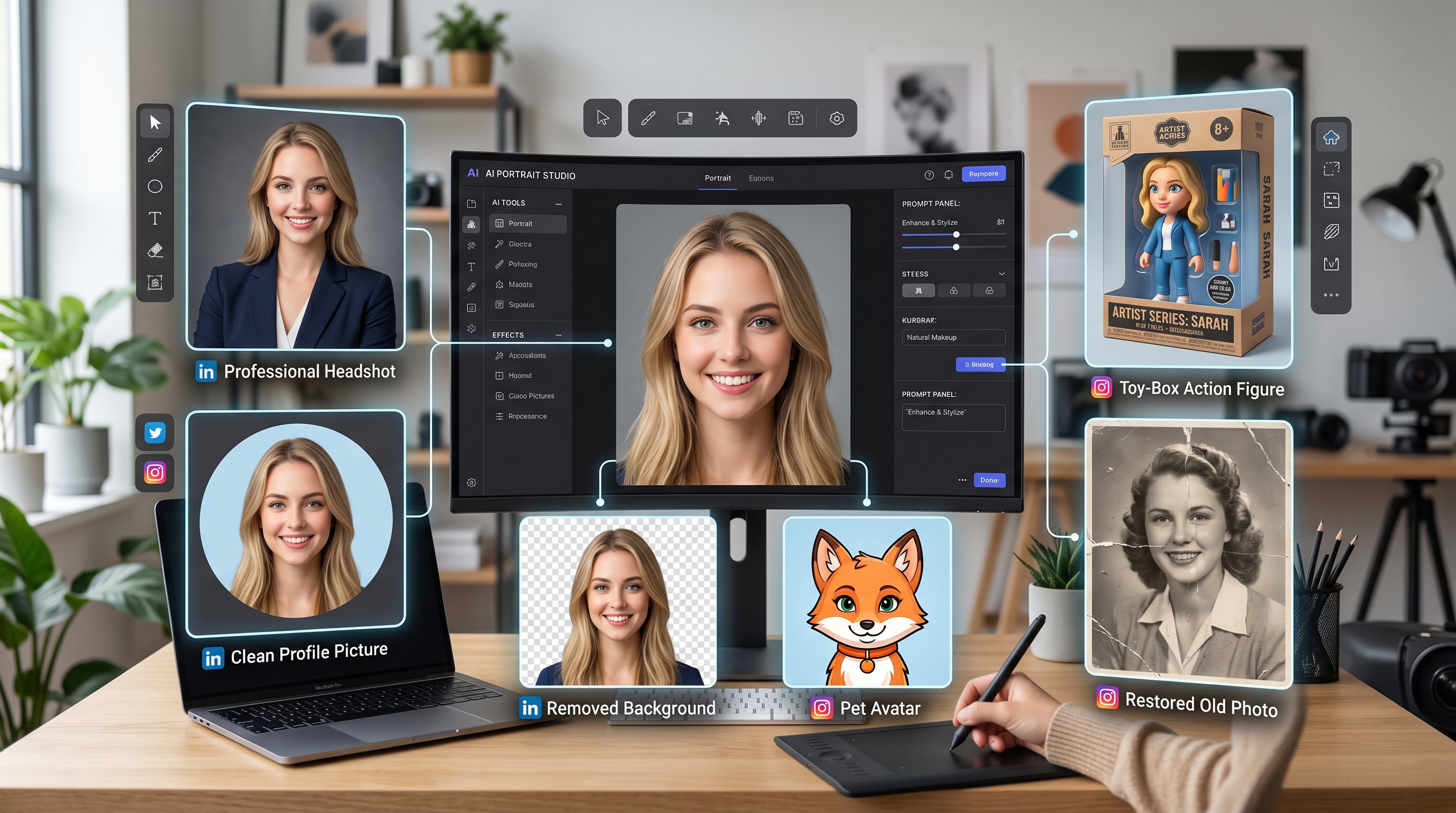
Fashion thrives on visual consistency. AI Facefy lets you upload:
- Model faces: To keep identity consistent across multiple videos.
- Outfit designs: If you want your figure to wear a specific garment.
- Backgrounds: To match runway or studio settings.
By combining text prompts with reference images, you can fine-tune the aesthetic to align with your brand or personal style.
Adding and Syncing Audio
One of the highlights of how to create fashion model video with audio by Veo3 in AI Facefy is the ability to attach soundtracks directly inside the platform. Fashion is rarely silent—music sets the tone, narration explains the concept, and voiceovers reinforce branding.
Options for Audio Integration
- Music: Upload an MP3 or select from AI Facefy’s audio library. Perfect for runway clips or cinematic ads.
- Voiceovers: Record or upload a script narration to describe the outfit or brand story.
- Spoken slogans: Add short, punchy brand phrases that sync to the model’s pose or movement.
Ensuring Sync Accuracy
Veo3 is designed to align video timing with audio length. That means if you upload a 15-second track, the video will adjust to match. For lip-sync or talking models, you may need to test and refine prompts like: “model speaking brand slogan clearly to camera with soft smile.”
Generating the Fashion Model Video
Now comes the exciting part—rendering your video.
- Finalize your prompt with details about the model, clothing, and scene.
- Upload audio or background track.
- Choose video settings: duration (10s, 30s, or longer), aspect ratio (portrait for TikTok/Instagram Reels, landscape for YouTube), and resolution.
- Click Generate.
Veo3 will process your request in seconds to minutes, depending on video length and complexity. Once complete, you’ll see the preview in the right panel.
Refining Results
Not every generation will be perfect on the first try. Here are tips for refining:
- If the model’s outfit doesn’t render properly, specify fabric type, color, or fit.
- If movement feels stiff, add phrases like “natural strut,” “confident runway walk,” or “dynamic posing.”
- For audio mismatches, adjust phrasing like “lip-sync to narration” or “background music only.”
With iterative prompts, you can quickly achieve professional results.
Practical Examples and Use Cases
Fashion model videos generated with Veo3 in AI Facefy have broad applications. Here are some practical ideas:
- Social Media Showcases: Post daily looks or outfit inspirations without needing new photoshoots.
- Digital Lookbooks: Replace static catalogs with dynamic video pages that show models walking, posing, and twirling in outfits.
- Brand Launch Videos: Create cinematic teasers for new clothing lines with audio narration or theme music.
- Influencer Content: Generate consistent personal avatars wearing trending outfits to maintain daily engagement.
- E-commerce Integration: Replace still product shots with looping model videos that show clothing movement in real time.
For small fashion houses or independent creators, these AI videos can dramatically reduce costs while raising professional quality.
Expanding Creativity with AI Facefy Tools
Veo3 is powerful, but it’s just one model in the AI Facefy ecosystem. To push creativity further, explore other complementary tools:
- Face Swap Models: Apply celebrity or influencer likenesses to your generated videos for collaboration simulations.
- Style Transfer Filters: Transform standard fashion clips into artistic runway edits, from oil-paint effects to futuristic hologram aesthetics.
- Background Replacement: Place your AI fashion model on global stages—from Paris Fashion Week catwalks to futuristic neon streets.
Combining these with Veo3 creates a workflow where you can not only generate fashion model videos but also customize, remix, and expand them into a full campaign.
Conclusion & Call to Action
The fashion industry has always thrived on innovation, and AI is simply the newest runway. With Veo3 integrated into AI Facefy, you no longer need a studio, professional models, or expensive equipment to create cinematic, audio-backed fashion content.
By now, you’ve learned step by step how to create fashion model video with audio by Veo3 in AI Facefy: from writing prompts and uploading reference images, to adding music or narration, to rendering polished outputs.
If you’re ready to explore the next wave of digital fashion, start today with Veo3 in AI Facefy. Upload your concept, add your soundtrack, and bring your fashion vision to life.
The runway is no longer just in Paris, Milan, or New York—it’s on your screen, powered by AI.