If you’re shopping for an AI video model right now, you’re probably feeling two things at the same time:
- Excited, because text-to-video is finally getting good.
- Annoyed, because different models behave wildly differently—and you don’t want to burn credits just to find out what works.
This guide compares Grok Imagine and Wan 2.6 in a practical, creator-first way. We’ll talk about what each one is best at, how they differ for text-to-video vs image-to-video, and which model you should use for cinematic shots, anime clips, product ads, UGC-style content, and short-form social videos.
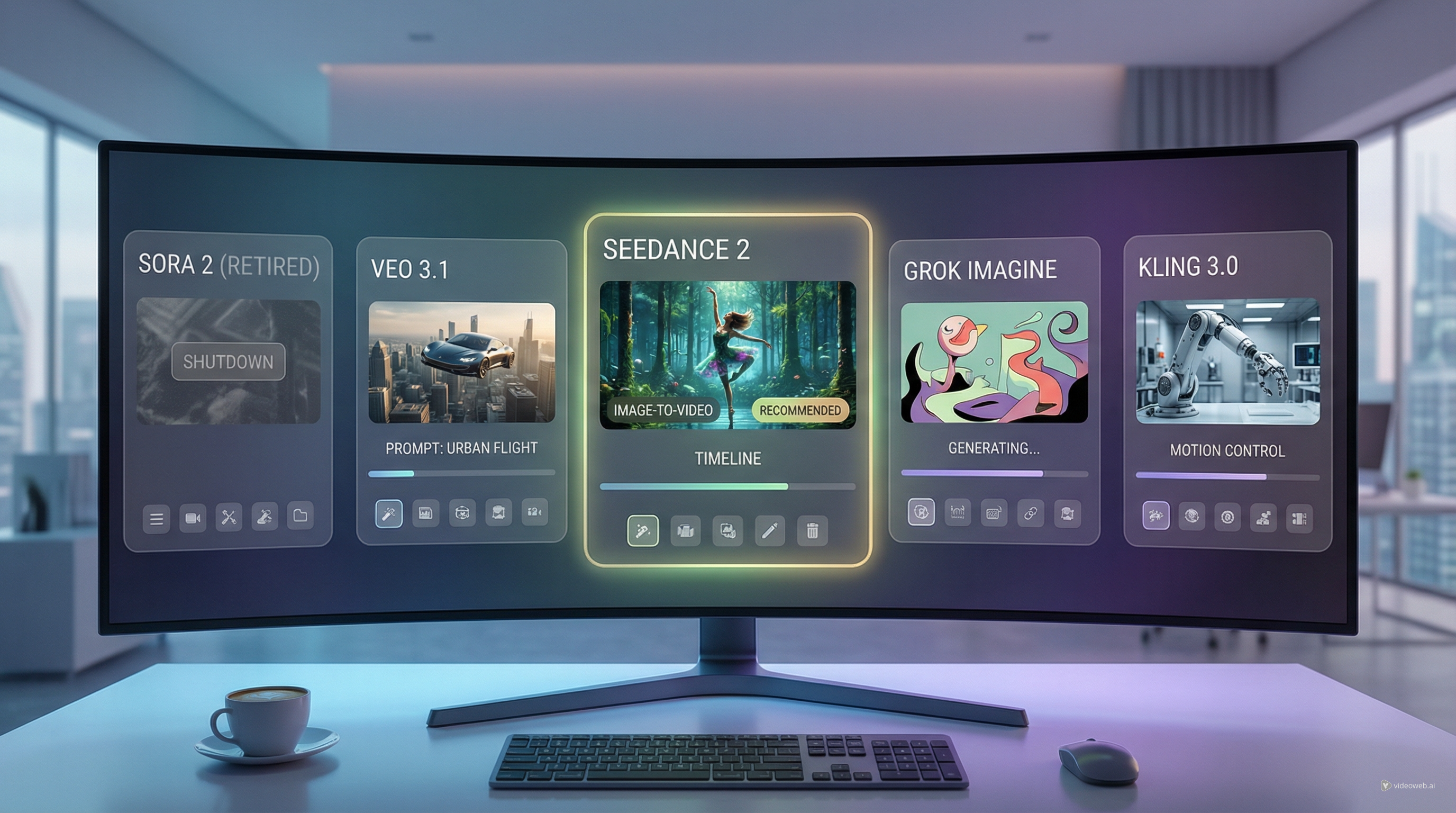
If you want a quick answer: Grok Imagine is often great for ideas and concept exploration, while Wan 2.6 is built for repeatable short-form production. But let’s make that decision real and actionable.
What This Comparison Helps You Decide
By the end of this article, you’ll know:
- When grok imagine video makes more sense than Wan 2.6
- When grok imagine AI video is the fastest path to a usable draft
- When grok imagine text to video is the right starting point (especially if you have no assets yet)
- When you should lean on Wan 2.6 AI video for stability and control
- Which tool fits your workflow: ideation, ads, UGC, or volume short-form
Quick Summary (1-Minute Verdict)
Pick Grok Imagine if you want…
- Text-first creation: you’re starting from pure imagination and want a quick concept
- Fast experimentation: you’re testing story beats, styles, and mood directions
- A “prompt-led” workflow where you iterate on writing more than assets
In short: grok imagine AI video is often your ideation engine.
Pick Wan 2.6 if you want…
- Repeatable outputs that feel more “production-ready” for short clips
- A cleaner pipeline for ads, UGC, and controlled shots
- Both Wan 2.6 text to video and Wan 2.6 image to video workflows, with a stable generator interface
In short: Wan 2.6 is the reliable Wan 2.6 video generator you use when you care about consistency.
What Each Model Is (In Plain English)
What Grok Imagine is for
When people say “grok imagine video,” they usually mean a tool that’s good at turning a strong written idea into a quick visual clip. If you’re a prompt-heavy creator—someone who can describe a scene clearly—Grok Imagine can be a fast way to explore concepts.
Where Grok Imagine tends to feel strong:
- Early-stage creative exploration
- Turning abstract ideas into something watchable
- Finding a style direction before you commit
Where it can feel frustrating:
- Character consistency across multiple clips
- Product accuracy (logos, exact shapes, fine details)
- Repeatable branded shots that need to match a template
What Wan 2.6 is for
Wan 2.6 is best understood as a short-form generator optimized for controlled output. The Wan 2.6 video model is built for the type of clips creators actually use: 5–10 seconds, clean framing, manageable camera moves, and iteration.
It’s basically a Wan 2.6 short video generator you can run in a production loop:
- Draft quickly
- Fix the prompt
- Lock the motion
- Output a clean clip
That’s exactly what you want for ads, UGC, and social.
Feature Breakdown: Text-to-Video vs Image-to-Video
Text-to-video: who wins and when
If your starting point is a written idea, both tools can work—but they “reward” different behavior.
- grok imagine text to video is often great when you’re exploring a concept and you want to move fast.
- Wan 2.6 text to video is great when you already know what you want and you’re ready to direct it: clear subject, clear action, clear camera.
A simple way to decide:
- If you’re still asking, “What should this look like?” start with Grok Imagine.
- If you’re asking, “How do I get this to look consistent every time?” switch to Wan 2.6.
Image-to-video: Wan 2.6’s practical advantage
For brand work, image-to-video is usually the biggest cheat code. It’s far easier to keep a subject consistent if you start with the subject.
That’s why Wan 2.6 image to video is such a strong option for:
- products
- characters
- specific outfits
- consistent backgrounds
- repeatable ad templates
If you need “this exact thing, animated,” Wan 2.6 is often the easier path.
Best Use Cases: What to Use for What
This is the section most people actually care about—so here’s the practical breakdown.
Cinematic shots
If you want mood-first scenes (fog, light rays, dramatic lighting), Grok Imagine can be a quick ideation tool.
But when you want a short cinematic clip you can actually use, stability matters. That’s where Wan 2.6 cinematic video tends to shine:
- slow pans
- gentle push-ins
- stable framing
- fewer random artifacts
If the shot needs to be “clean enough to publish,” Wan usually wins.
Anime / stylized clips
Anime output depends heavily on consistency.
-
Grok Imagine can be great for bold stylized concepts.
-
Wan 2.6 anime video can be a better pick when you need:
- consistent outlines
- stable faces
- simpler motion without melting details
If you’re making a single cool clip, either can work. If you’re building a series, Wan’s workflow is typically easier.
Product ads
Product ads don’t need chaos. They need clarity.
A good AI ad clip is usually:
- one product
- clean background
- slow, premium camera move
- controlled reflections
That’s why Wan 2.6 product ad video is a strong fit. It naturally supports the short, controlled movements that make product footage look expensive.
UGC-style content
UGC is weirdly hard. It has to feel casual without looking broken.
To make an AI video feel like UGC, you often want:
- slight handheld cues
- natural lighting
- believable movement
- not-too-perfect pacing
Wan 2.6 UGC video can be prompted specifically for that “phone-shot realism.” It’s also easier to run through a repeatable template if you’re creating multiple variations.
Short-form social videos
Short-form is where you win by volume.
The model that fits best here is the one you can iterate quickly and reliably. That’s why creators often lean on Wan as a Wan 2.6 short video generator:
- generate multiple 5-second drafts
- pick the strongest
- tighten the prompt
- publish or stitch into a longer edit
Output Quality: What You’ll Notice in Real Use
You don’t need a lab test to tell models apart. In real usage, you’ll notice differences in four places:
- Motion stability
- flicker, jitter, frame-to-frame wobble
- Subject consistency
- faces, product shapes, clothing details
- Prompt sensitivity
- how easily the model breaks when your prompt gets too long
- Scene drift
- does it “forget” what the main subject is halfway through?
This is why a production-friendly tool matters. Even a model that can create “wow” moments isn’t always the one you want for consistent output.
Prompting Guide (Practical, Not Theory)
Here’s a prompt formula that works for both models:
Subject + setting + action + camera + lighting + style + constraints
If you’re not sure what to write, start here and keep it simple.
Example: a Grok Imagine text-to-video prompt
Use this kind of structure for grok imagine video:
Prompt: A lone traveler walks through a foggy pine forest at dawn, slow and cinematic. Medium shot, gentle tracking forward, soft sunrise light through mist, film-like realism, natural colors. No text, no logos, no flicker.
Example: Wan 2.6 text-to-video prompt
For Wan 2.6 text to video, add a bit more directorial camera language:
Prompt: A single subject: a traveler in a foggy pine forest at dawn, walking slowly forward. Camera: medium shot, slow dolly-in, stable framing, subtle handheld realism. Lighting: soft sunrise through mist. Style: cinematic, realistic. Avoid: text, logos, flicker, warped faces, extra limbs.
Example: Wan 2.6 image-to-video prompt
For Wan 2.6 image to video, focus on controlled motion:
Prompt: Animate the same subject with a slow cinematic camera push-in, subtle head movement and blinking, gentle hair sway, smooth motion. Keep identity consistent. Avoid warping, extra objects, text, logos, flicker.
Recommended Workflows (So You Waste Fewer Attempts)
Here are three realistic workflows creators use.
Workflow A: Idea → storyboard → polish
- Use grok imagine text to video to explore your concept quickly
- Pick the best direction
- Rebuild it as a controlled shot in Wan using Wan 2.6 AI video
This gives you the best of both worlds: ideation speed + production stability.
Workflow B: Brand/product pipeline
- Start with an image reference
- Use Wan 2.6 image to video to create multiple ad angles
- Keep a prompt template so every variation matches your brand look
This is where Wan’s consistency pays off.
Workflow C: Short-form volume pipeline
- Generate 6–12 drafts at 5 seconds
- Pick the strongest two
- Refine prompt and constraints
- Output final clips and stitch them into a sequence
Wan 2.6 is especially useful here as a Wan 2.6 video generator for repeatable production.
Troubleshooting: Fix Common Problems Fast
Flicker / jitter
- Reduce camera movement
- Use: “stable shot, smooth motion, no flicker”
Face / hand distortion
- Avoid extreme close-ups
- Reduce motion intensity
- Add: “stable facial features, natural expression”
Scene drift
- Restate the main subject once
- Remove extra descriptors that introduce new objects
Product warping
- Keep motion slow and simple
- Ask for: “clean background, stable geometry, premium studio lighting”
Most fixes are just “simplify and stabilize.”
Final Verdict (and What I’d Recommend)
If you want one simple rule:
- Use Grok Imagine when you’re still in the creative exploration stage.
- Use Wan 2.6 when you’re in the production stage and you want consistent short-form output.
A lot of creators end up using both:
- Grok Imagine to discover the best visual direction quickly
- Wan 2.6 to generate the publishable clips for ads, UGC, anime snippets, and cinematic short shots
If you’re ready to build a repeatable workflow, start here with Wan:
And if you’re still searching for the right concept, start with grok imagine text to video, then bring your best idea over to Wan 2.6 to polish it.