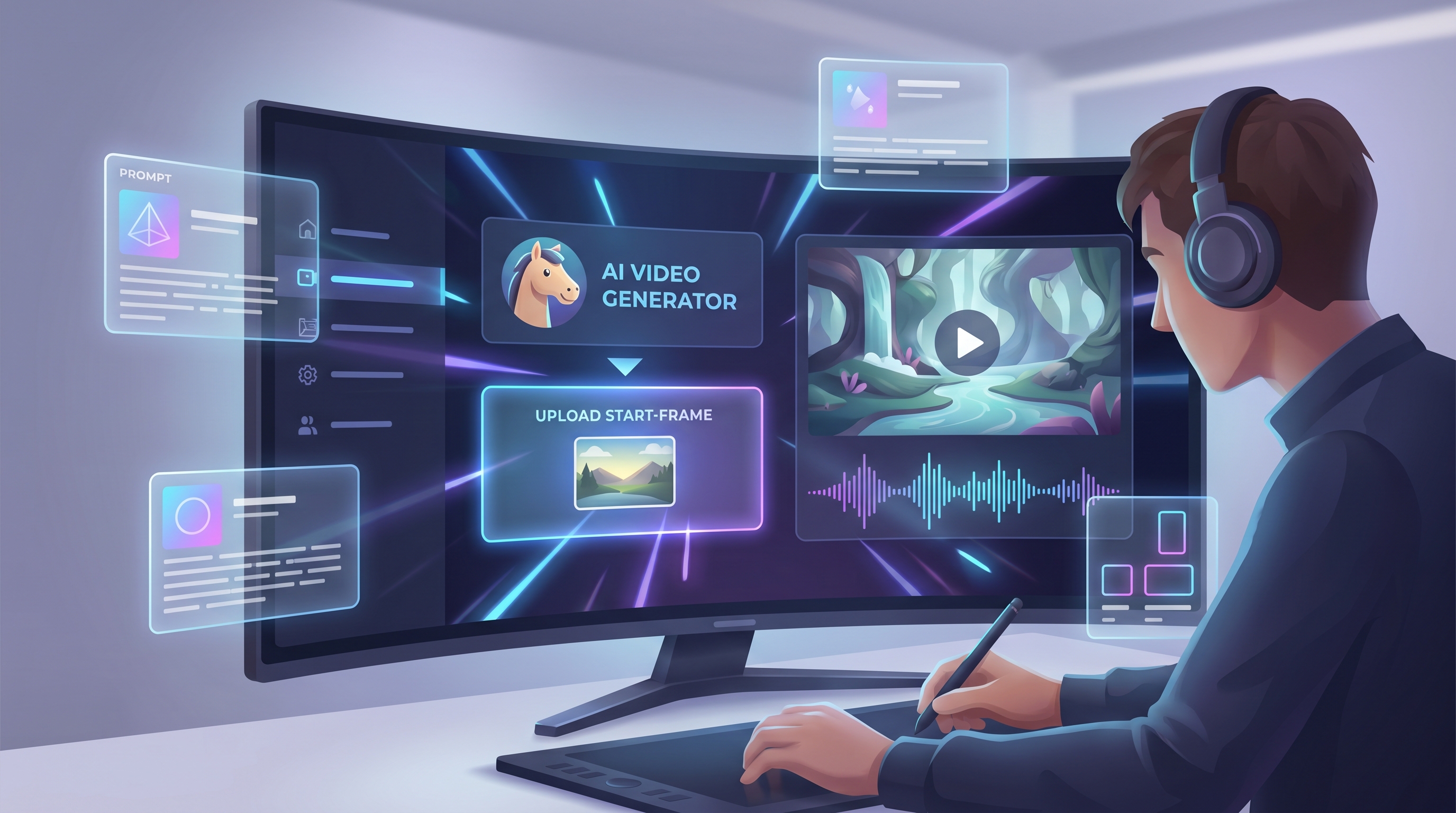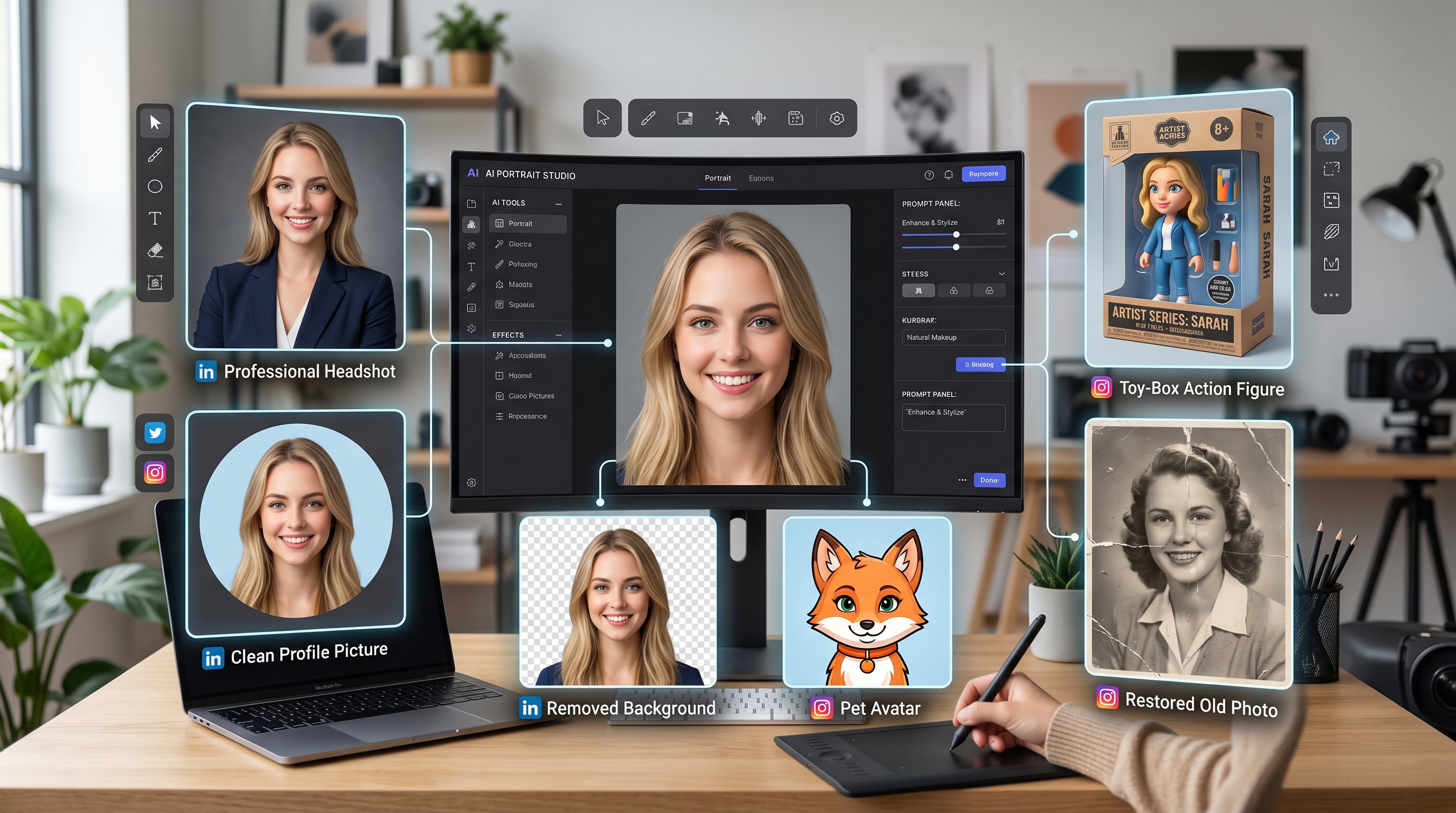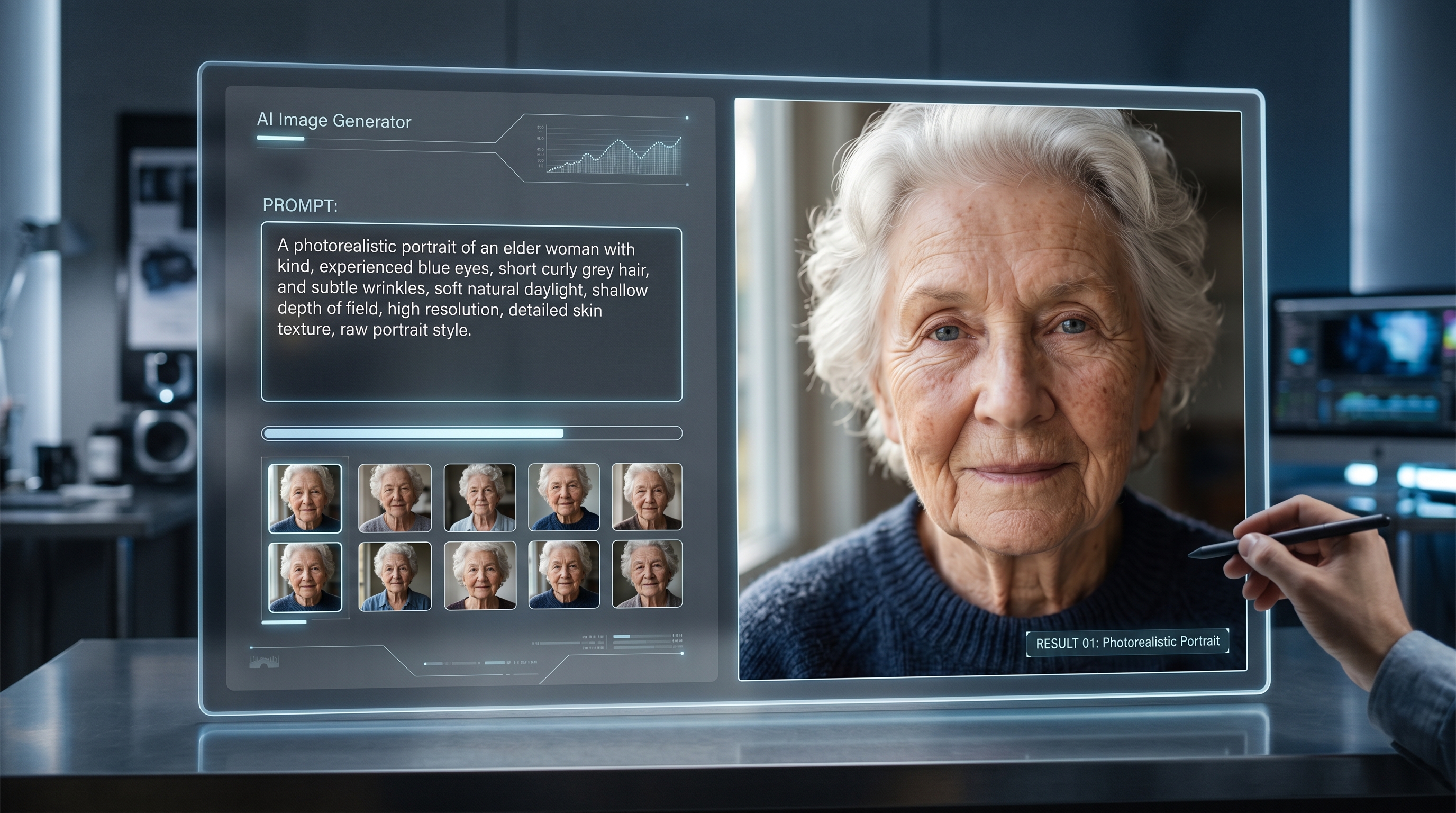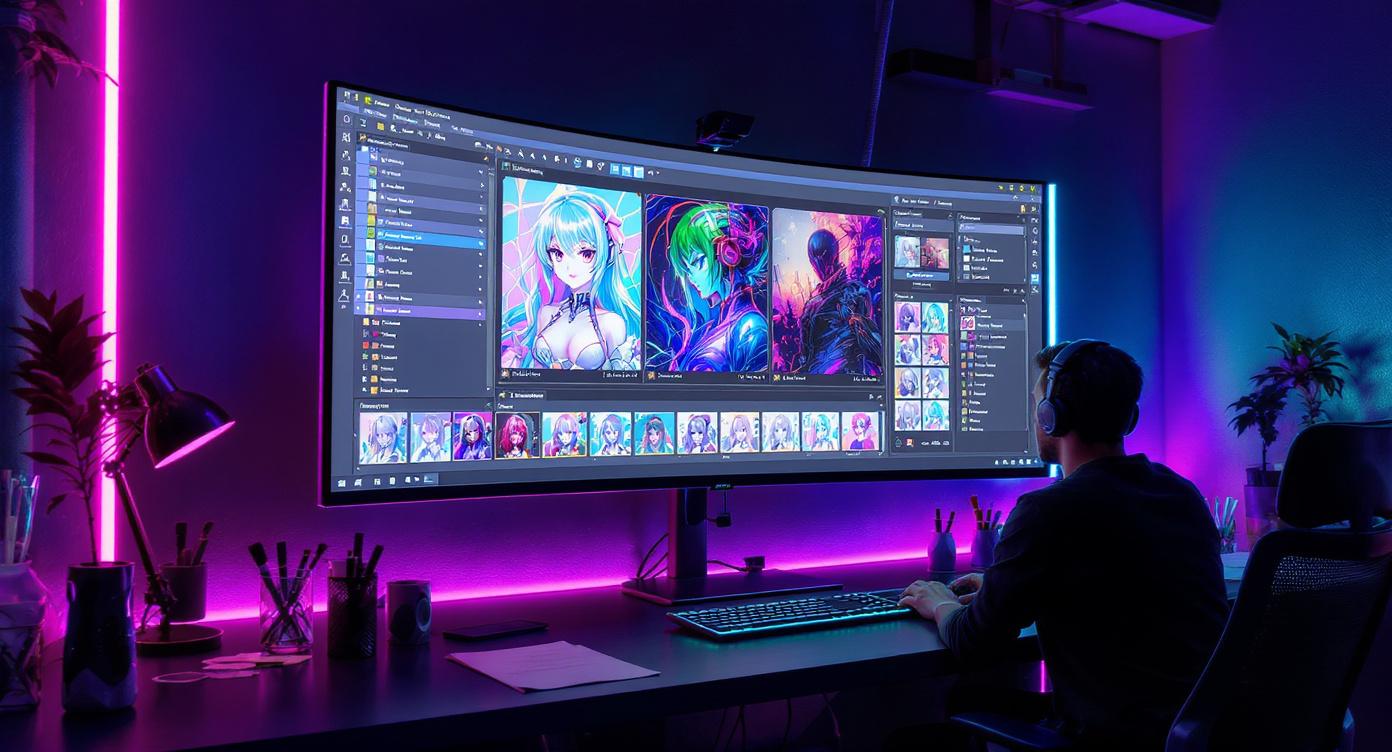
In the ever-expanding world of AI-powered creative tools, one platform that has drawn attention is Artguru AI. Geared toward artists, content creators, and social-media visual makers, it promises fast, stylized imagery from text prompts or photo uploads, along with tools for photo enhancement and avatars. This review examines whether Artguru AI delivers in real-world creator workflows — and when you might want to consider an alternative such as AIFacefy.
I. Introduction
Visual content remains a core driver for creators—whether generating high-impact social media posts, brand visuals, concept art, or avatars. AI art tools now make this easier, but not all platforms provide the right balance of quality, control, speed, and commercial readiness.
This review covers:
- What Artguru AI offers
- Features tailored to creators
- Output quality & user experience
- Licenses, pricing, pros & cons
- Who Artguru AI is best for
- And when AIFacefy might be the better choice
II. What Is Artguru AI?
Artguru AI is an online and mobile (iOS) platform that generates AI-based art from written prompts or uploaded photos, and also offers photo enhancement tools such as upscaling, background removal, and clarity restoration.
It is designed for:
- Hobby artists and creative explorers
- Social media creators and influencers
- Small brands and independent marketers
- Anyone needing fast, stylized visuals without design skills
Unlike advanced design platforms, Artguru AI focuses more on speed, style variety, and ease of use — not professional-grade compositing.
III. Key Features for Creators
🎨 1. Text-to-Image Art Generation
Users can enter a prompt, choose a visual style (anime, cyberpunk, sketch, oil painting, etc.), and generate images in seconds. This is useful for concept art, social posts, and visual storytelling when inspiration or quick drafts are needed.
🧑🎨 2. Photo-to-Art Filters & AI Avatars
A popular feature for social creators — upload a selfie and instantly transform it into stylized portraits or multiple avatar concepts. This helps with personal branding, profile images, or themed content.
🔧 3. Photo Enhancement & Editing Tools
Artguru includes:
- Image upscaling (to 3K–4K+ depending on plan)
- Background removal
- Face enhancement
- Magic object removal
These tools are helpful when repurposing older or low-resolution photos for content use.
⚡ 4. Quick & Batch Creation for Social Media
Creators can generate multiple outputs at once, making it easy to produce variations of content for A/B testing, carousels, or multi-post themes. This significantly speeds up social content pipelines.
IV. Output Quality & User Experience
🖼️ Image Quality
Artguru produces visually appealing results for stylized art, portraits, and filters — especially for casual or mid-tier creator use. It performs best when prompts are clear and style-specific.
However, image consistency can vary. Complex prompts, realistic human anatomy, hands, or multi-person compositions may lead to inconsistent results. Faces are often stylized rather than photorealistic, which may not suit all needs.
📱 Ease of Use
The interface is intuitive and beginner-friendly. Even non-artists can navigate the workflow quickly. The mobile app provides the same simplicity, making it convenient for creators who build content on the go.
Advanced users may find it lacking in deeper control — no layers, limited customization, and minimal detailed editing beyond filters and enhancements.
V. Commercial Use, Licensing & Limitations
Artguru AI offers paid plans that remove watermarks and allow commercial usage of generated content. This is suitable for influencers, small businesses, and creators who monetize their visuals.
However, creators should note:
- Free plan images may not be licensed for commercial use
- Not suitable for reselling as professional art prints without further editing
- AI-generated art raises ongoing ethical and originality considerations
For brand campaigns or commercial assets requiring originality guarantees, additional editing or alternative tools may still be required.
VI. Pricing & Value
Artguru AI offers:
- A free plan with limited credits for testing
- Monthly subscription plans with larger credit allowances, HD output, and commercial rights
For creators who publish content regularly, the pricing is affordable compared to hiring a designer or illustrator. For occasional use or high-end professional needs, value becomes more subjective.
VII. Pros & Cons Summary
✅ Pros
- Beginner-friendly and fast to use
- Multiple art styles, avatar options, and enhancement tools
- Great for social visuals, branding, and artistic content
- Affordable compared to hiring designers
❌ Cons
- Output can be inconsistent with detailed or realistic requests
- Limited editing depth for serious digital artists
- Not ideal for print-grade or agency-level creative projects
- Some users report mixed quality results and occasional support issues
VIII. Who Will Benefit Most from Artguru AI?
Best For:
- Social media creators needing fast, aesthetic visuals
- Influencers wanting avatars, stylized portraits, or themed content
- Small brands that need basic graphics without hiring a designer
- Hobby artists experimenting with AI-generated art
Not Ideal For:
- Professional illustrators needing precise artistic control
- Agencies requiring brand-consistent, original assets
- Users producing detailed anatomical or realistic human art
- High-resolution printing or commercial merchandise without refinement
Tips for Best Results
- Use specific prompts and include style keywords
- Treat AI output as a draft and refine in external tools if needed
- Use Artguru’s enhancements to polish low-quality images for posting
IX. Alternative Recommendation: AIFacefy
If your creative needs lean more toward realistic, accurate, high-quality AI portraits, avatars, or face-based content, AIFacefy may be a better fit:
Why Choose AIFacefy?
- Strong focus on AI avatars, face modeling, and transformation
- More accurate facial rendering than stylized art tools
- Ideal for influencers, TikTok users, and personal-brand creators
- Supports AI face-swap, avatar videos, and realistic media output
When to Use Each
| Need | Artguru AI | AIFacefy |
|---|---|---|
| Stylized art, creative visuals | ✅ Yes | |
| Profile avatars & social filters | ✅ Good | ✅ Better |
| Realistic face content & AI video | ✅ Best | |
| Brand-ready or personal branding portraits | ⚠️ Limited | ✅ Strong |
X. Conclusion
Artguru AI is an excellent tool for creators seeking fast, stylish, and beginner-friendly visuals without needing design expertise. Its mix of art generation, enhancement, and avatar tools makes it a practical choice for social media-driven content.
But it has limitations. If you need face-accurate content, advanced avatar creation, or AI video-based portrait tools, AIFacefy is a stronger alternative.
Final Verdict:
If your goal is to produce creative, stylized visuals quickly — start with Artguru AI.
If your goal is high-quality AI portraits, avatars, and face-centric media — choose AIFacefy.