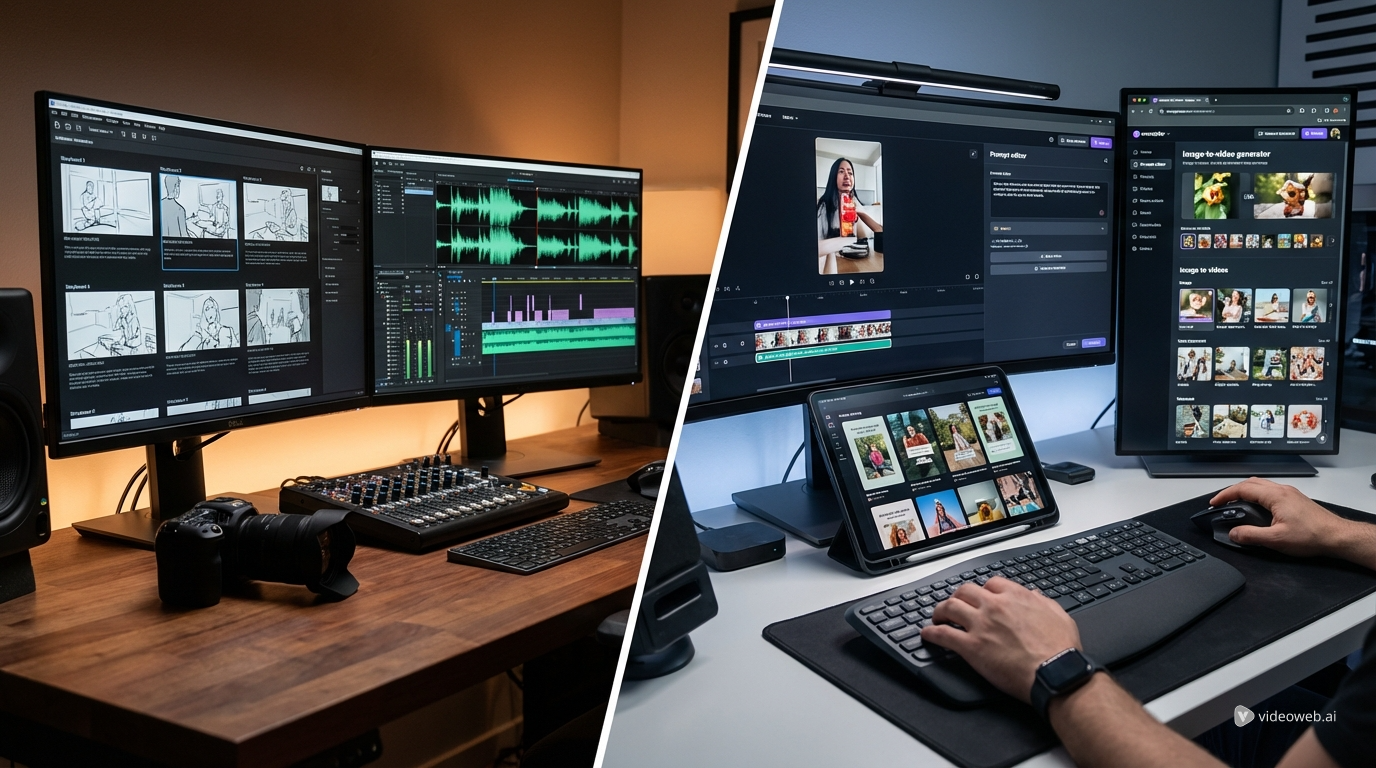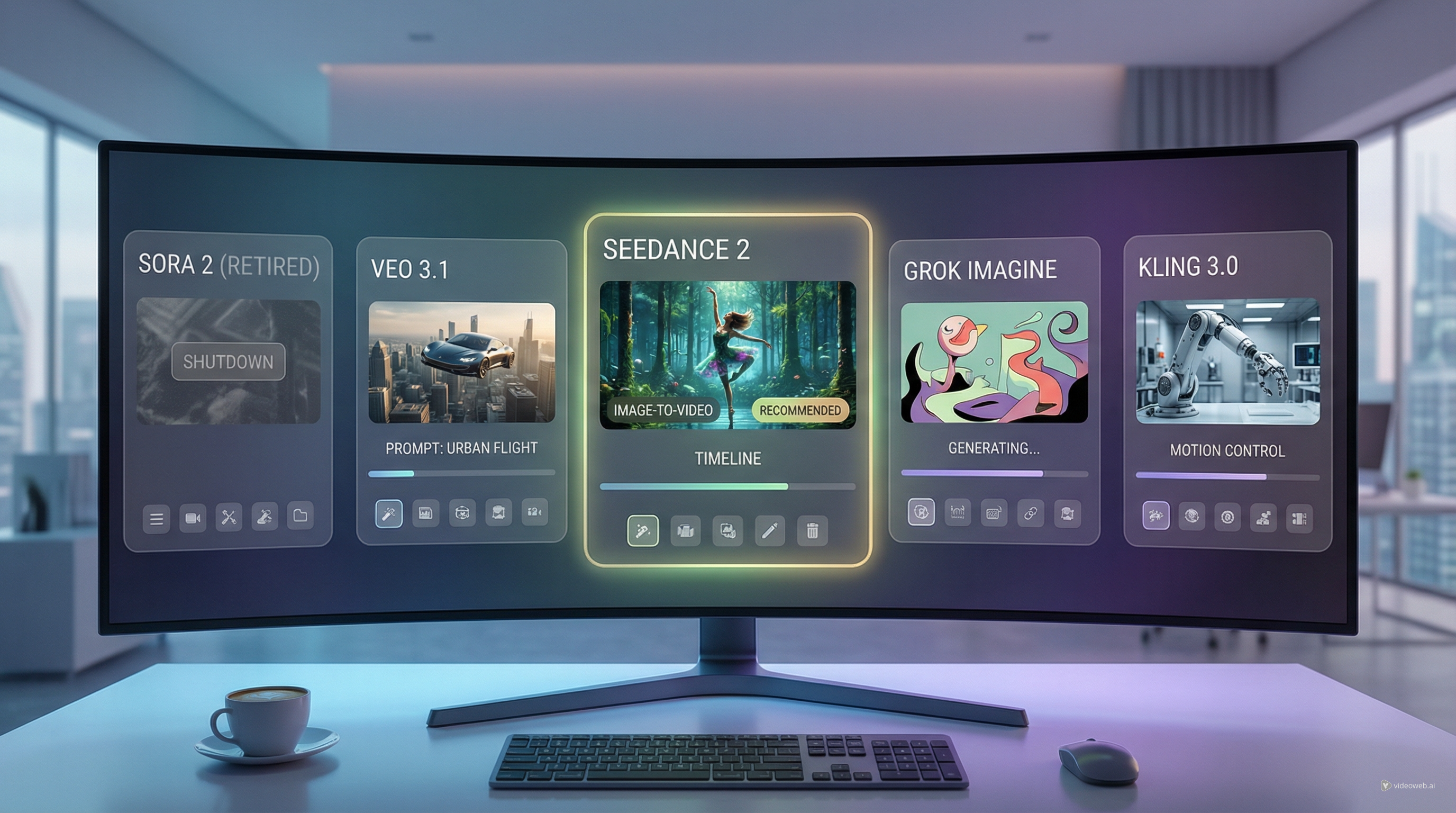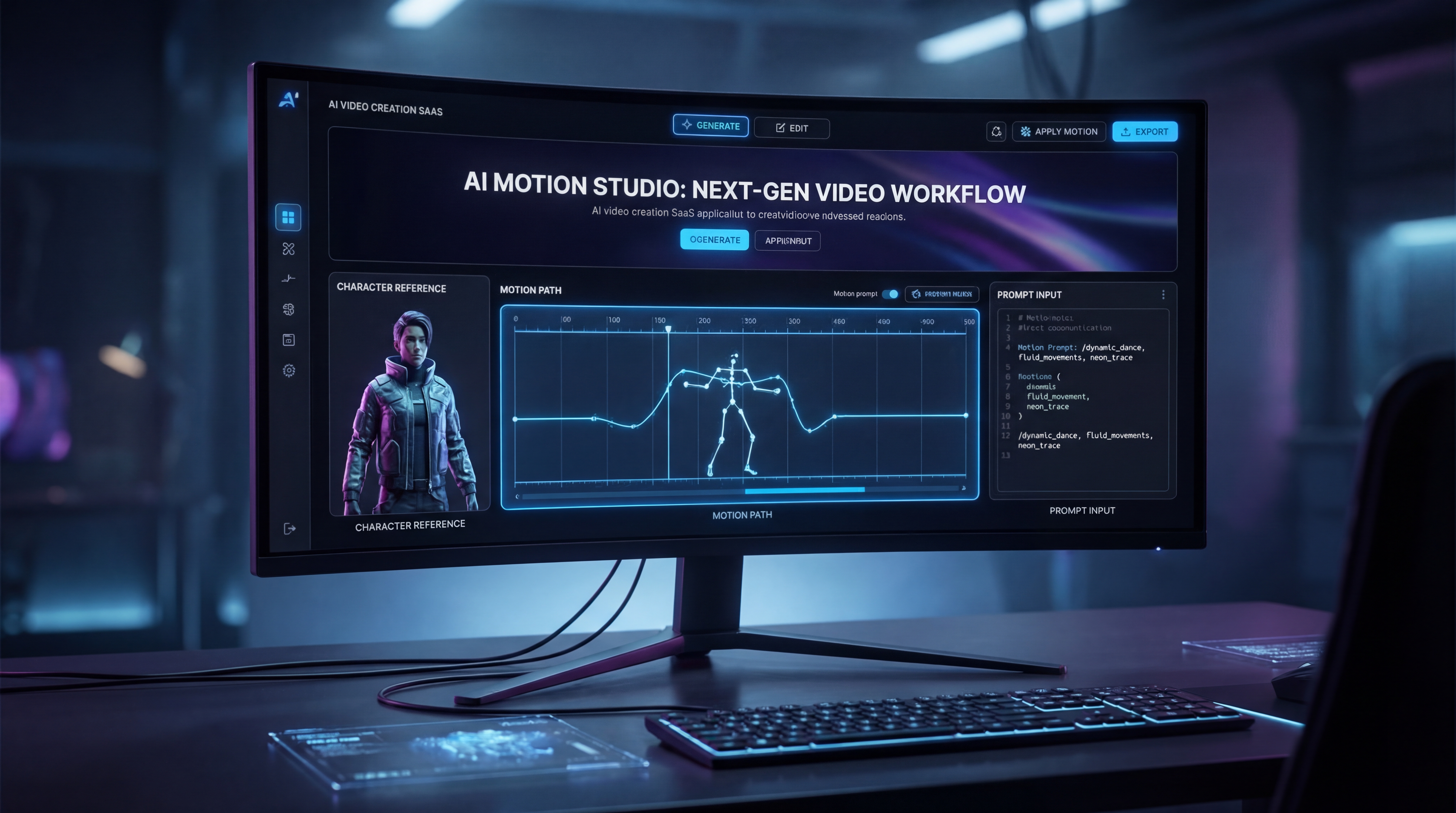
People looking up Higgsfield motion control are usually after one thing: more control. They do not just want an AI video that looks flashy for a few seconds. They want movement that feels intentional, character motion that stays believable, and results that do not drift too far away from the original idea.
That is where a good motion control video generator becomes useful. On AIFacefy, the workflow is built around Kling Motion Control, which lets you combine a subject image with a motion reference video so the final result follows a clearer performance path. Instead of hoping a text prompt gets everything right, you give the model stronger guidance from the start.
In this guide, we will walk through what motion control actually means, why it matters, how to use it well, and which other AIFacefy tools can help you get better results from the same creative workflow.
What Is Higgsfield Motion Control, Really?
In simple terms, motion control is an AI video method that uses a reference motion clip to guide how a character or subject moves. That makes it very different from ordinary prompt-only generation. With prompt-only tools, you describe the action and hope the model interprets it well. With Kling Motion Control AI, the movement is grounded by a real motion source, so the output tends to feel more directed and more consistent.
This is why many creators prefer an AI motion control video workflow for content that depends on body language, gestures, expression, or repeatable action. If you are animating a character, creating an ad mockup, or building a stylized performance clip, stronger motion guidance can save a lot of frustration.
Another way to think about it is this: prompt-only video is often better for quick ideation, while controlled AI video generation is better when continuity matters.
Why Motion Control Matters for Real Creators
The biggest problem with many AI videos is not that they are ugly. It is that they are unstable. A pose changes too much between moments. A face loses consistency. A gesture starts strong and then drifts into something awkward. For creators, that means more retries, more wasted credits, and more time fixing outputs that never quite land.
A good character motion control tool solves a lot of that by giving the model a physical performance pattern to follow. That matters for several kinds of creators.
For social media creators, it helps produce cleaner short-form clips with stronger movement. For marketers, it can improve ad concepts where a subject needs to perform a specific action. For storytellers, it makes animated scenes feel less random. For character artists, it helps preserve identity while transferring motion from one source to another.
That is why motion control is becoming such an attractive middle ground. It offers more direction than pure text-to-video, but it is still much faster than building a fully animated scene manually.
How the AIFacefy Workflow Works
The AIFacefy process is fairly intuitive, which is part of its appeal. You start by uploading a motion reference clip. Then you upload the subject image you want the system to animate. After that, you add your prompt and generate the result.
In practice, the motion reference tells the model how the subject should move, while the image tells it what the subject should look like. Your prompt then helps shape the style, mood, environment, and finishing details.
That balance matters. The motion clip is there for movement. The prompt is there to support the movement, not fight it. If you try to force too many conflicting actions through text, you usually weaken the output.
This is also why many users pair the workflow with Image to Prompt. If you already have a strong visual reference but do not know how to describe it clearly, that tool can help turn visual ideas into reusable prompt language.
A Simple Step-by-Step Way to Use It Well
The first step is choosing a clean motion reference. A short clip with readable body movement is usually better than a chaotic clip full of overlapping action. If the motion is too complex, the result may become less stable.
The second step is using a strong subject image. The clearer the image, the better the model can preserve the subject during animation. This is where AI Image Generator can help if you need to create a cleaner starting point before you animate anything.
The third step is writing a supportive prompt. Focus on visual style, clothing, lighting, mood, camera feel, and scene context. Let the motion reference carry the action. A short, focused prompt often works better than a long one packed with contradictory instructions.
The fourth step is refinement. If your first result feels close but not fully right, do not immediately throw out the whole idea. Sometimes improving the source image or simplifying the prompt produces a much better second pass.
For creators who want stronger source-image polish before animation, Flux Kontext AI is a useful companion. It can help refine the visual input so the animation starts from a more stable and attractive image.
Prompting Tips That Actually Help
A lot of beginners make the same mistake: they use the motion clip for action and then write a prompt that demands completely different action. That confuses the model.
A better approach is to write prompts around style and scene support. Describe the subject, the overall mood, the clothing, the lighting, the background atmosphere, and the type of shot you want. For example, instead of saying “the character jumps, spins, turns, and waves dramatically,” let the reference clip provide the gesture sequence and use your prompt to say something like “cinematic neon city backdrop, soft blue lighting, stylish streetwear, energetic commercial vibe.”
When you think of prompts this way, the workflow becomes much more intuitive. The motion reference handles performance. The prompt handles presentation.
If you need to prepare especially polished visuals first, tools like Seedream 4.5 AI and Nano Banana Pro AI are worth considering. They are useful for generating or refining source images that look clean enough to animate well.
When to Use Motion Control Instead of Other Video Models
Not every project needs motion control. Sometimes a broader video model is enough. The trick is knowing what kind of control you actually need.
Choose Kling Motion Control AI when pose accuracy, gesture transfer, and subject-driven performance are your priorities. It is especially useful when you already know how you want the subject to move.
Choose Kling 3.0 AI video generator when you want a more general video generation workflow and do not need the same level of motion guidance.
Choose Seedance 2.0 video generator when you want a stronger multimodal video workflow that can benefit from broader reference-driven consistency.
Choose Hailuo 2.3 AI video when your priority is detailed physical motion, facial nuance, or expressive scene rendering.
Choose Veo 3 AI video generator when you want to explore a more cinematic AI video route, especially if audio-aware creation is part of your interest.
In other words, motion control is not the answer to everything. It is the answer to projects where movement itself is one of the main creative goals.
The Best Companion Tools on AIFacefy
One of the strengths of AIFacefy is that you do not have to treat motion control as an isolated tool. You can build a fuller pipeline around it.
If you want a simpler starting point, Photo to Video AI generator is a good bridge. It is easier for beginners who want to animate still images without jumping straight into a more controlled workflow.
If you are still building the visual identity of your subject, GPT Image 1.5 can help with flexible image generation and editing before you move into video.
If your main goal is creating polished source art, AI Image Generator, Seedream 4.5 AI, and Nano Banana Pro AI are all useful places to start, depending on the style and level of refinement you want.
And if you struggle to describe visuals in words, Image to Prompt remains one of the most practical support tools in the whole process.
Common Mistakes to Avoid
The first mistake is using a weak subject image. If the image is blurry, inconsistent, or poorly composed, the animation has less to work with.
The second mistake is choosing a motion reference that is too messy. Clear movement usually transfers better than complicated action.
The third mistake is overprompting. A prompt should guide style, not overwhelm the system with extra actions that compete with the motion clip.
The fourth mistake is skipping prep. Sometimes the difference between a mediocre result and a strong one is not the generation itself. It is the quality of the visual prep work beforehand.
That is why combining motion control video generator workflows with image-prep tools often leads to better outputs overall.
Final Thoughts
If you have been searching for Higgsfield motion control because you want more reliable movement in AI video, AIFacefy’s Kling Motion Control workflow is a practical place to start. It is useful because it gives you a clearer creative structure: motion reference for action, subject image for identity, and prompt for style.
That structure makes AI video feel less random and much more usable.
For many creators, the smartest approach is to treat it as part of a larger pipeline. Start with a strong source image, refine it if needed, animate it with motion control, and then explore adjacent tools like Kling 3.0 AI video generator, Seedance 2.0 video generator, Photo to Video AI generator, or GPT Image 1.5 depending on your project.
If your goal is better control, better consistency, and a more predictable creative workflow, motion control is not just a trend. It is one of the most useful upgrades AI video creators can make right now.